Most enterprises know when a contractor enters their facility. The bigger security challenge is knowing whether that contractor had the right approval, accessed only authorized areas, and had their permissions removed when the work was completed.
As organizations rely on vendors, maintenance teams, and third-party partners across multiple locations, managing contractor access through structured contractor management processes has become essential. Without proper controls, contractor access can create security gaps:
- Contractor identities may not be properly verified before entry
- Temporary access may remain active beyond the approved period
- Security teams may lack visibility into contractor activity
- Audit teams may struggle to prove access compliance
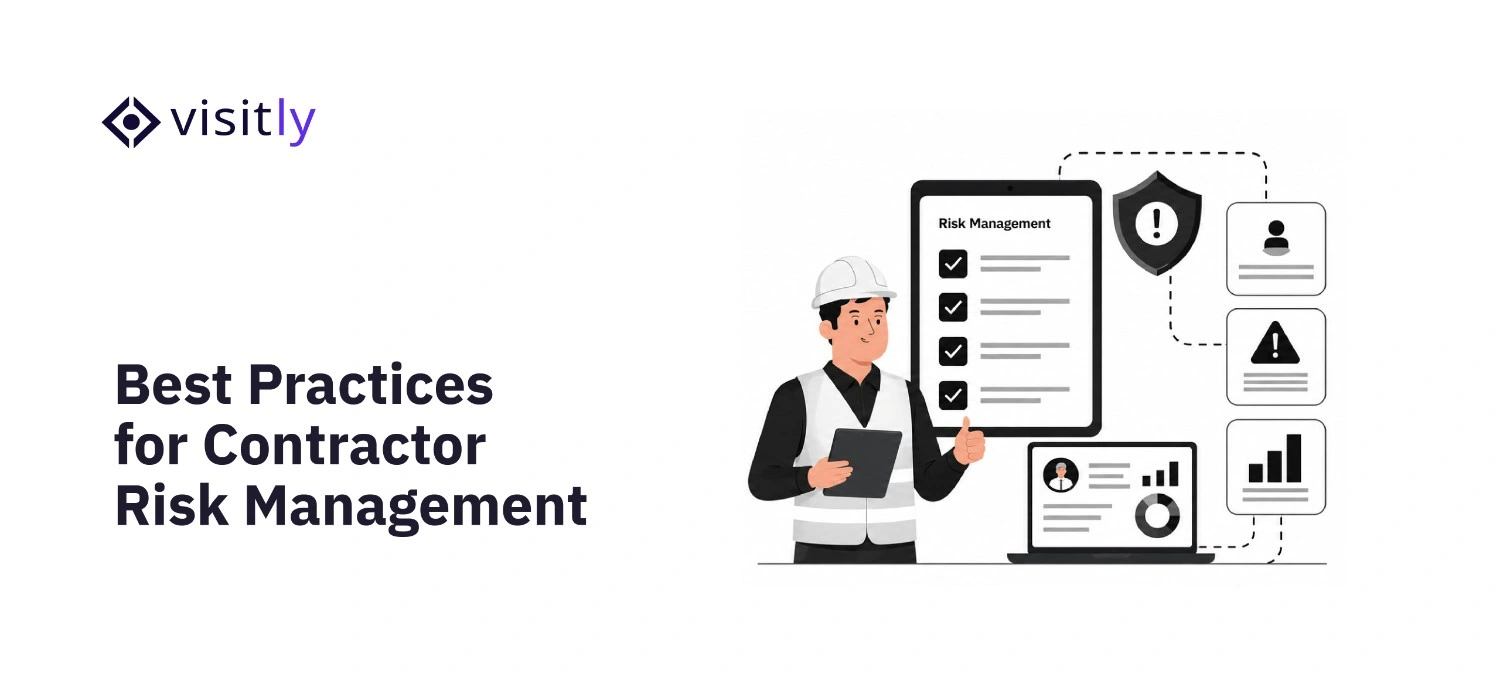
A strong contractor risk management process connects identity verification, an access control system, monitoring, and digital records throughout the contractor lifecycle.
This blog explores the best practices enterprises can follow to secure contractor access, reduce third-party risks, and create more controlled workplace security workflows.
What Are the Best Practices for Contractor Risk Management in 2027?
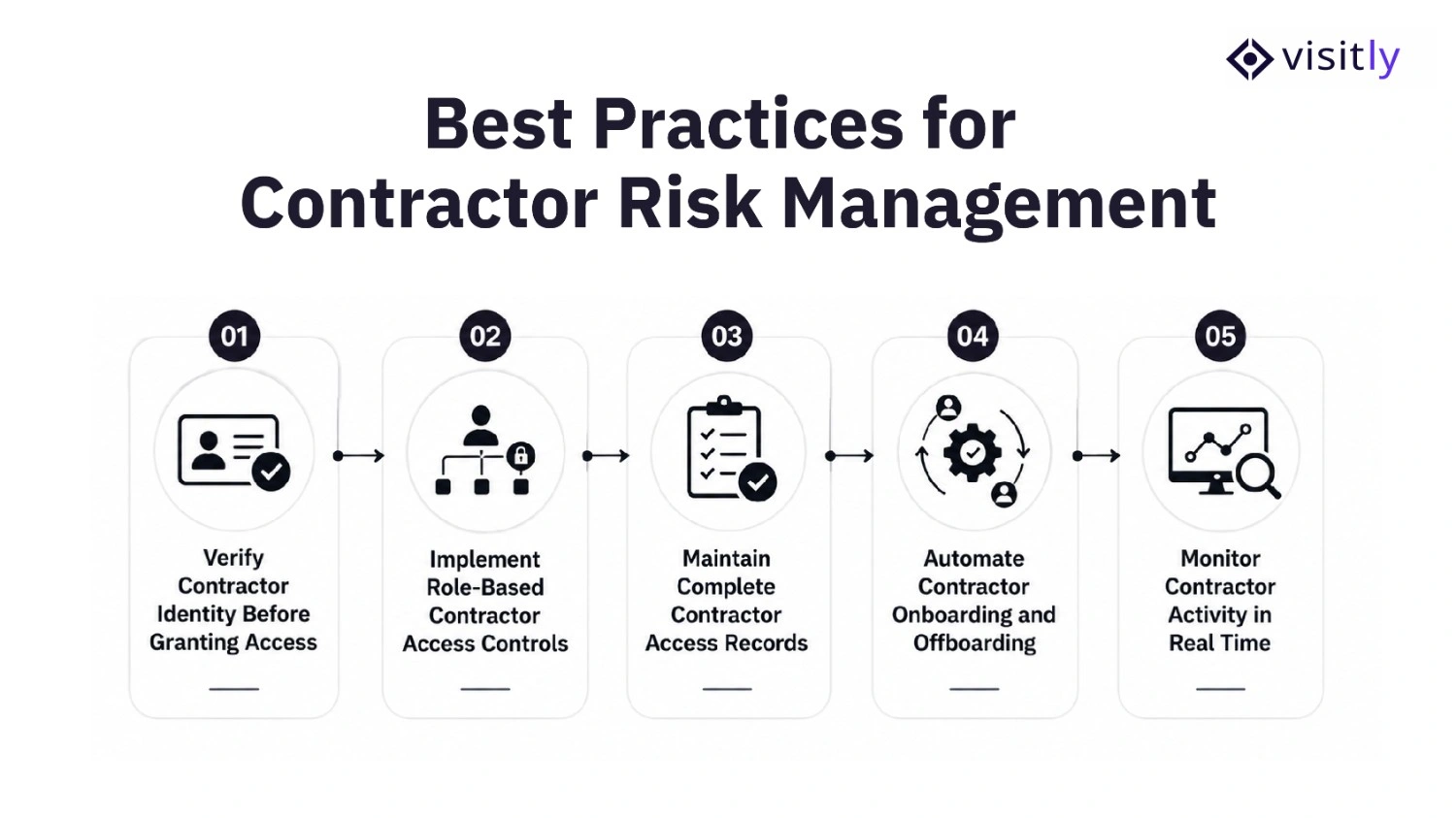
The best practices for contractor risk management in 2027 are the following:
1. Verify Contractor Identity Before Granting Access
2. Implement Role-Based Contractor Access Controls
3. Maintain Complete Contractor Access Records
4. Automate Contractor Onboarding and Offboarding
5. Monitor Contractor Activity in Real Time
Effective contractor risk management starts before a contractor enters your facility. Enterprises need a structured approach to verify identities, control access, monitor activities, and maintain visibility throughout the contractor lifecycle.
By replacing manual processes with secure digital workflows, organizations can reduce security gaps while enabling faster collaboration with external teams.
1. Verify Contractor Identity Before Granting Access
Identity verification is the first layer of contractor security. Before allowing contractors, vendors, or third-party workers into an enterprise facility, organizations must confirm who they are and ensure they have legitimate reasons for access.
Relying on manual verification methods such as paper registers, verbal confirmations, or outdated records creates visibility gaps. Digital contractor check-in systems help security teams capture accurate information, verify identities, and maintain reliable access records from the moment a contractor arrives.
Key practices include the following:
- ID scanning: Capture and verify contractor identification details before granting entry.
- Contractor information capture: Maintain accurate records including name, company details, purpose of visit, and host information.
- Screening questions: Collect additional information based on contractor type, access requirements, or workplace policies.
- Pre-registration workflows: Allow approved contractors to complete required details before arriving onsite, reducing waiting time and improving access control.
2. Implement Role-Based Contractor Access Controls
Not every contractor requires the same level of access. Applying role-based access controls ensures external users only receive permissions necessary to complete their assigned tasks, reducing unnecessary exposure to sensitive areas and information.
Enterprises should follow the principle of least privilege by defining contractor access based on:
- Contractor role: Access should match the contractor’s responsibilities and expertise.
- Project requirements: Permissions should be limited to locations, systems, or resources required for specific tasks.
- Location: Physical access control should depend on where the contractor needs to work within the facility.
- Duration of engagement: Temporary access should have clear start and end dates.
For example, a maintenance contractor repairing office equipment may only need access to specific operational areas. A technology vendor managing enterprise systems may require different permissions but should still have access limited to approved resources.
3. Maintain Complete Contractor Access Records
Visibility is essential for managing contractor risk. Enterprises should always know who accessed their facilities, when they arrived, who approved their visit, and when they left.
Maintaining complete contractor management software records helps organizations:
- Investigate security incidents more effectively.
- Demonstrate compliance during audits.
- Improve workplace security and accountability.
- Understand contractor activity across multiple locations.
Traditional paper-based visitor logs often make it difficult to search historical information or identify access patterns. Digital visitor records provide centralized, searchable access histories that security teams can review whenever required.
Digital contractor management of Visitly ensures enterprises have accurate records of every external individual entering their workplace.
4. Automate Contractor Onboarding and Offboarding
Manual contractor onboarding and offboarding processes often create unnecessary security risks. Delayed approvals, missing documentation, and forgotten access removal can leave organizations exposed long after a contractor’s work is completed.
A stronger contractor management process should include:
- Pre-registering contractors before arrival: Reduce delays and ensure required information is collected in advance.
- Digital document collection: Maintain required records without relying on physical paperwork.
- Automated host notifications: Inform responsible employees when contractors arrive.
- Timely access removal: Ensure contractor access ends when the project or engagement is completed.
Automation helps security and workplace teams maintain consistent processes while reducing administrative effort and the possibility of human error.
5. Monitor Contractor Activity in Real Time
Contractor risk management does not stop once access is approved. Enterprises need continuous visibility into contractor activity to identify potential risks and respond quickly when situations change.
Real-time monitoring helps organizations maintain awareness through:
- Real-time notifications: Alert hosts and security teams when contractors arrive.
- Host alerts: Ensure employees know when external visitors are onsite.
- Active contractor tracking: Maintain visibility into current workplace occupancy.
- Emergency visibility: Quickly identify contractors present during workplace incidents or evacuations.
How to Build a Contractor Risk Management and Monitoring Program?
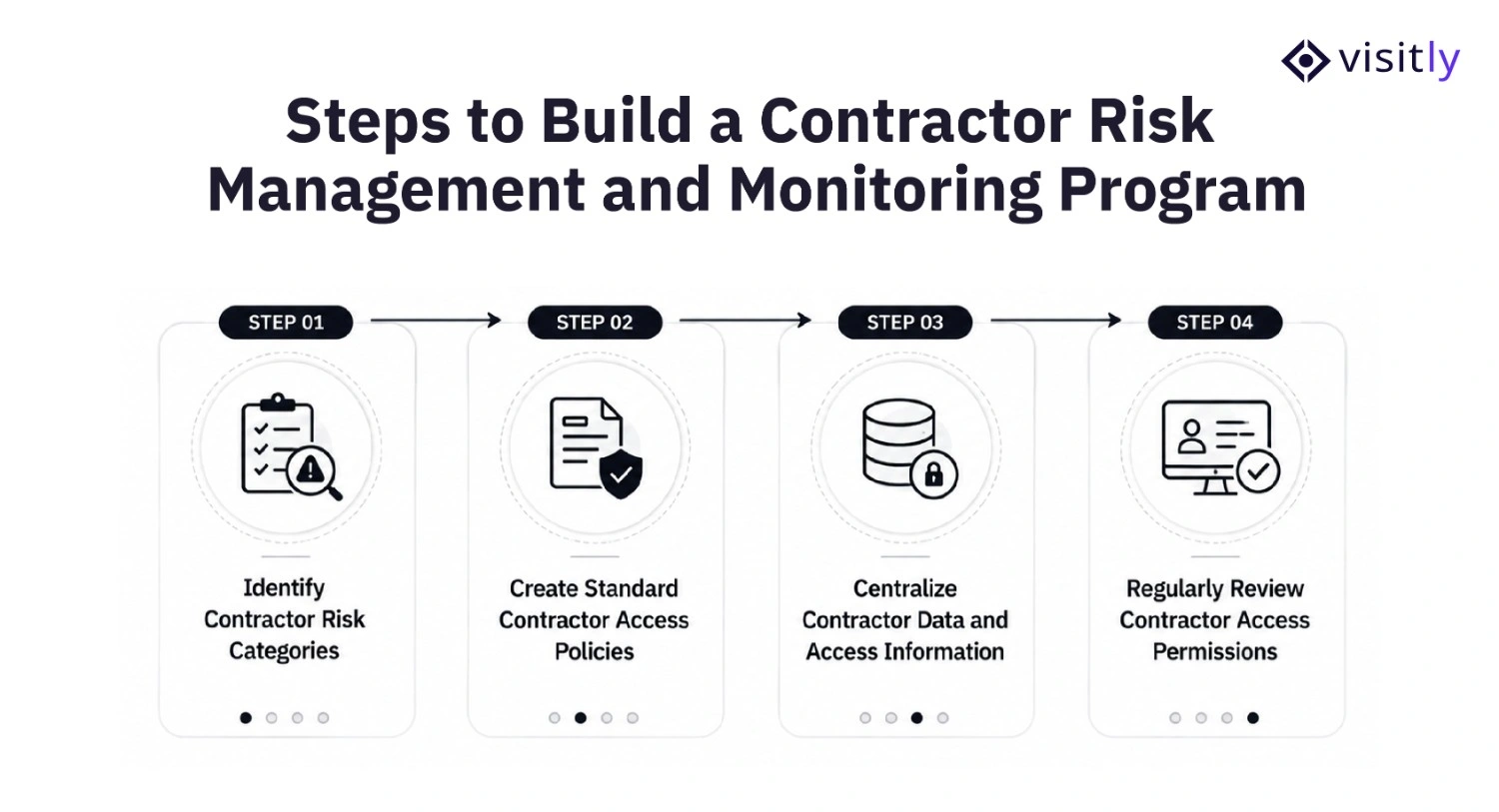
To build a contractor risk management and monitoring program, follow these steps:
- Step 1: Identify Contractor Risk Categories
- Step 2: Create Standard Contractor Access Policies
- Step 3: Centralize Contractor Data and Access Information
- Step 4: Regularly Review Contractor Access Permissions
A strong contractor risk management and monitoring program requires more than verifying contractors during entry. Enterprises need clear processes to classify risks, control access, centralize information, and regularly review permissions to maintain security and compliance.
Step 1: Identify Contractor Risk Categories
Not all contractor management platforms require the same level of oversight. Classifying contractors based on their responsibilities and access requirements helps organizations apply the right security controls.
Risk classification helps determine:
- Approval requirements
- Verification steps
- Documentation needed
- Monitoring level
Step 2: Create Standard Contractor Access Policies
Clear access policies ensure every contractor management tool follows the same security process.
Organizations should define:
- Who can approve contractor access
- Required identity verification steps
- Access duration and restrictions
- Required documentation
- Escalation process for additional access requests
Standard policies improve accountability and reduce inconsistent access decisions.
Step 3: Centralize Contractor Data and Access Information
Managing contractor details across emails, spreadsheets, and manual visitor logs creates visibility gaps.
A centralized contractor safety software helps teams maintain the following:
- Contractor profiles
- Visit history
- Required documents
- Compliance records
This gives security teams a complete view of contractor activity and simplifies audits.
Step 4: Regularly Review Contractor Access Permissions
Contractor access should be reviewed regularly to prevent outdated permissions from becoming security risks.
Periodic reviews help organizations:
- Remove access after project completion
- Identify inactive contractors
- Update permissions based on current needs
- Maintain compliance readiness
Contractor Risk Management Use Cases Across Industries
Different industries face different contractor access risks. The security controls required depend on the environment, access sensitivity, and compliance requirements.
1. Data Centers
Challenge:
Maintenance contractors require temporary access to sensitive infrastructure.
Risk:
Inactive credentials or unmanaged access can expose critical areas.
Required controls:
- Identity verification before entry
- Time-based access permissions
- Complete access history
2. Manufacturing Facilities
Challenge:
Multiple vendors and service teams enter production environments.
Risk:
Poor tracking can create safety and security issues.
Required controls:
- Contractor registration
- Restricted area access
- Real-time visitor visibility
3. Healthcare Facilities
Challenge:
External technicians and vendors access controlled environments.
Risk:
Unauthorized access can impact compliance requirements.
Required controls:
- Verified contractor identities
- Digital records
- Audit-ready documentation
What Should Enterprises Look For in Contractor Risk Management Software?
Before selecting a contractor management solution, security teams should evaluate whether it can support their access governance requirements.
How Does Visitly Help Enterprises Manage Contractor Access Securely?
Managing contractors across multiple locations becomes difficult when identity verification, approvals, and access records are handled through disconnected processes.
Visitly helps organizations create a more structured contractor access workflow by supporting:
- Digital contractor check-ins to capture contractor information before entry
- Identity verification workflows to improve confidence in visitor records
- Contractor screening questions based on workplace requirements
- Real-time notifications to keep hosts and security teams informed
- Digital visitor records for audits, reviews, and investigations
- Contractor pre-registration before arrival
- Digital document collection
- Approval workflows
- Access history for audits
- Integration with workplace security systems
Visitly gives enterprises a centralized way to verify contractors, capture critical information, monitor onsite activity, and maintain secure workplace access without slowing down operations.
Closing Thoughts
As enterprises continue working with contractors, vendors, and external partners, managing third-party access has become an essential part of workplace security. Effective contractor risk management requires organizations to maintain visibility, verify identities, control access, and monitor contractor activity throughout the engagement.
Relying on manual processes can create security gaps in 2027, making it difficult to track access history, maintain compliance records, and respond quickly to incidents. Digital contractor management solutions help enterprises build safer, more controlled, and compliant workplace environments.
Ready to improve your contractor access security? Book a demo with Visitly and discover how secure digital check-ins, real-time notifications, and smarter workplace visibility can simplify contractor management.
FAQs
1. How do enterprises manage contractor access securely?
Enterprises manage contractor access securely by verifying identities, controlling permissions, and monitoring contractor activity throughout the engagement.
Organizations should classify contractor risk levels, define access requirements, use approval workflows, and provide only the permissions required for specific tasks. Digital contractor management processes help security teams maintain visibility into who enters a facility, where they can access, and when their permissions should expire.
2. What information should organizations collect before allowing contractor access?
Organizations should collect contractor identity details, company information, visit purpose, approval details, and required documentation before granting access.
Important information may include government-issued ID details, contractor organization, host or sponsor information, work order details, required access areas, and visit duration. Capturing this information helps security teams verify contractors and maintain accurate access records.
3. How can companies prevent expired contractor access?
Companies can prevent expired contractor access by using time-based permissions, automated reviews, and structured offboarding processes.
Contractor access should have defined start and end dates based on project requirements. Regular access reviews and automated removal workflows help ensure contractors do not retain unnecessary permissions after their work is completed.
4. What role does visitor management software play in contractor security?
Visitor management software helps organizations verify contractors, manage access workflows, and maintain real-time visibility into third-party activity.
It allows security teams to capture contractor details, support pre-registration, manage digital check-ins, send host notifications, and maintain searchable visit records. This creates a more controlled process compared with manual sign-in sheets or disconnected records.
5. How does contractor management software support compliance audits?
Contractor management software supports compliance audits by maintaining organized records of contractor identities, approvals, access activity, and visit history.
Security teams can quickly retrieve documentation showing who accessed a facility, when the visit occurred, who approved access, and whether required security procedures were followed. These records help organizations demonstrate consistent access governance during internal and external audits.