According to Verizon's Data Breach Investigations Report, nearly 60% of data breaches still involve a human element, including social engineering and credential abuse.
Yet many organizations still allow visitors to enter after providing only a name, showing an ID, or completing a basic check-in. The problem is that recording visitor information is not the same as verifying identity.
Identity verification software adds stronger screening by helping organizations:
- Scan and validate government-issued IDs
- Verify visitor information before entry
- Run watchlist or restricted-person checks
- Route visitors through approval workflows
- Use biometric verification where appropriate
- Maintain verification and access records for audits
However, these capabilities vary significantly across visitor management platforms. Some tools focus mainly on ID capture, while others connect identity verification with screening, access control, approvals, and compliance records.
This guide compares five identity verification software tools for visitor screening based on their verification capabilities, security controls, integrations, compliance support, and suitability for different workplace environments.
What are the 5 Best Identity Verification Software for Visitor Screening?
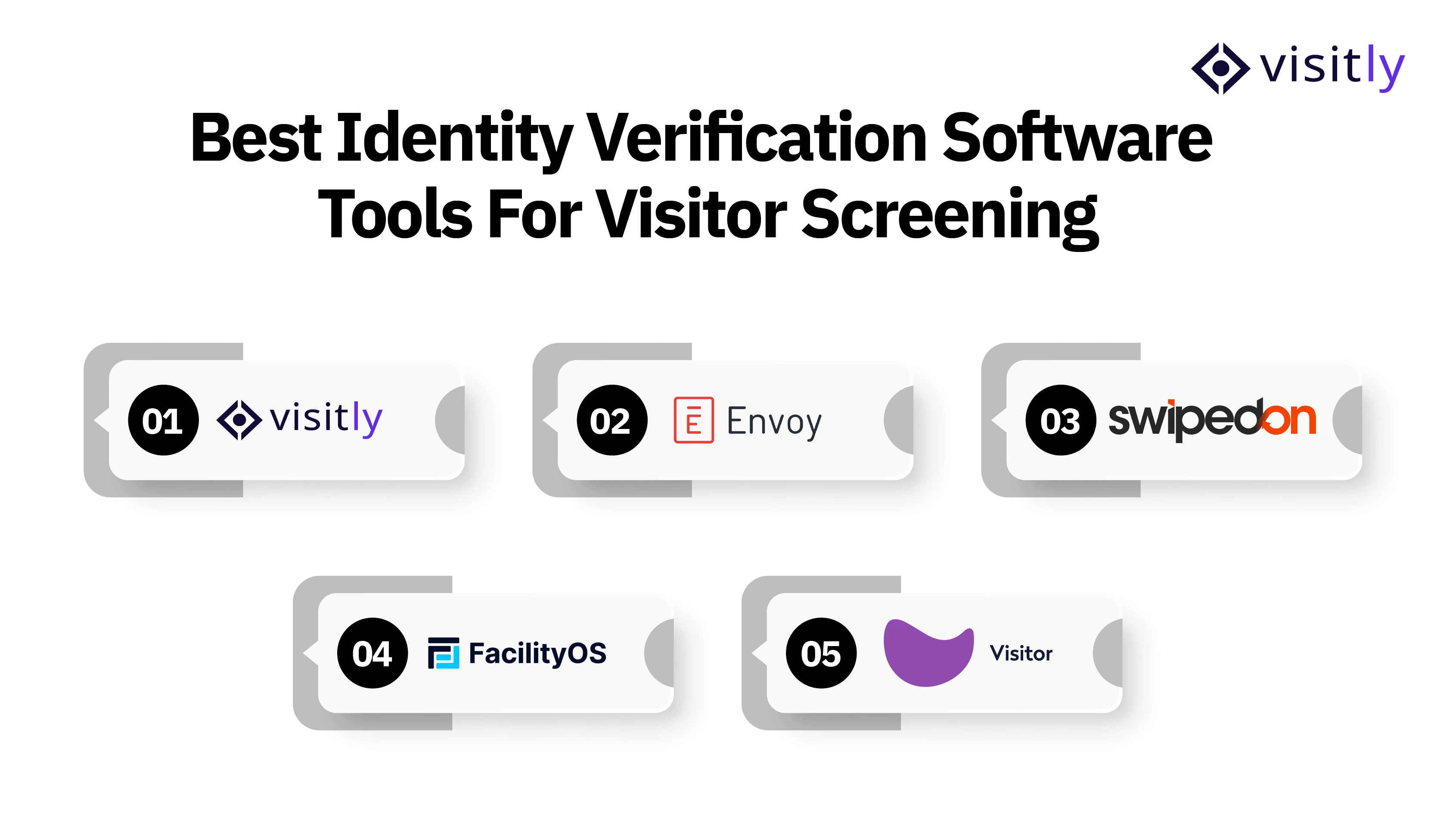
The 5 best identity verification software for visitor screening are:
1. Visitly
2. Envoy
3. SwipedOn
4. FacilityOS
5. Eptura Visitor
Best Identity Verification Software Solutions at a Glance
1. Visitly
Overview:
Visitly is a visitor management platform that combines identity verification with visitor screening, approval, and physical access workflows. Rather than treating ID capture as a standalone check, it can use verification results as part of the decision to approve, flag, or decline a visitor before access is granted.
Identity Verification and Screening Capabilities:
- Smart ID verification and government ID capture
- Photo capture and returning-visitor facial recognition
- ID validation outcomes, including valid, invalid, skipped, and unrecognized IDs
- Internal watchlist screening using visitor details or face pictures
- Offender registry screening
- Severity-based watchlist alerts
- Visitor approval and escort workflows
- Pre-registration and bulk visitor invitations
- Searchable and exportable visitor audit logs
- Access control integrations for connecting approved visitors with physical entry
Key Strength:
- Connects identity verification directly with visitor risk screening
- Uses ID validation results to support access decisions
- Screens visitors against internal watchlists and offender checks
- Uses visitor details and face data to identify potential watchlist matches
- Applies severity-based rules to prioritize higher-risk matches
- Routes flagged visitors to security teams for review and approval
- Helps teams decide whether to approve, decline, or further assess access before entry
Security and Compliance:
Visitly states that it is SOC 2 and ISO 27001 certified, with SSO and audit logs available across its plans. Its Enterprise offering adds controls for regulated environments, including ITAR-aware citizenship gating, SIEM event streaming, SCIM, and additional compliance capabilities.
Best For:
- Security-conscious organizations with strict visitor screening requirements
- Regulated workplaces that require stronger identity and access controls
- Multi-location enterprises that need consistent visitor screening across sites
- Facilities that need to connect identity verification, risk screening, and physical access
- Organizations requiring auditable visitor records for security and compliance purposes
2. Envoy
Overview:
Envoy Visitors is an enterprise visitor management solution with identity and security controls built into the check-in process. Organizations can require ID scanning, capture visitor photos, screen guests against blocklists or watchlists, and connect approved visits with physical access systems.
Identity Verification and Screening Capabilities:
- Government-issued ID scanning
- ID validity and expiration checks
- Visitor photo capture
- Internal blocklist screening
- Third-party watchlist screening
- Approval and denial workflows
- Pre-registration
- Visitor records and signed-document tracking
- Integrations with enterprise access control systems
Key Strength:
- Connects visitor identity screening with enterprise access control
- Links visitor approval status to physical entry permissions
- Integrates with established access control and workplace security systems
- Helps control access to buildings and restricted areas
- Fits into broader enterprise workplace technology ecosystems
- Supports organizations managing visitor security across multiple locations
Best For:
- Large enterprises with complex visitor security requirements
- Organizations operating across multiple offices or facilities
- Companies with established physical access control infrastructure
- Enterprises that need visitor screening integrated with existing workplace security systems
3. SwipedOn
Overview:
SwipedOn is a visitor management system focused on digitizing and controlling the visitor sign-in process. Its identity-related capabilities center more on collecting visitor information, photos, badges, and screening responses than on advanced identity-document authentication.
Visitor Identification and Screening Capabilities:
- Visitor photo capture
- Custom visitor sign-in fields
- Screening questions
- Conditional visitor workflows
- Visitor badges
- Host notifications
- Digital visitor records
- Pre-registration
- Multi-location visitor management
Key Strength:
- Provides a simple, structured visitor screening process
- Supports custom screening questions during visitor check-in
- Captures visitor details and photos for on-site identification
- Enables conditional sign-in workflows based on visitor responses
- Maintains digital visitor records for visibility and traceability
Best For:
- Organizations that need straightforward visitor identification and screening
- Workplaces using custom screening questions during check-in
- Businesses that rely on visitor photos and badges for on-site identification
- Teams that need centralized digital visitor records
4. FacilityOS
Overview:
FacilityOS approaches visitor identity as part of a wider physical identity and access management strategy. VisitorOS manages visitor registration and screening, while SecurityOS connects identity information with credentials, access permissions, and physical security policies.
Identity Verification and Screening Capabilities:
- Visitor identity and credential collection
- Visitor screening during registration and check-in
- Internal watchlist checks
- Third-party risk screening
- Automated visitor flagging
- Approval workflows
- Physical credential management
- Access permissions based on identity and visitor status
- Digital access and visitor audit trails
- Multi-site security management
Key Strength:
- Connects visitor identity verification with physical access authorization
- Controls where and when approved visitors can enter
- Links visitor screening results to access permissions and credentials
- Supports more granular access to restricted or sensitive areas
- Maintains digital audit trails of visitor and access activity
Best For:
- Highly controlled workplaces with strict visitor access requirements
- Industrial and manufacturing facilities managing restricted areas
- Enterprises that need visitor identity to determine physical access privileges
- Facilities managing different access levels, zones, or restricted areas
- Organizations seeking to connect visitor screening with broader physical identity and access management (PIAM)
5. Eptura Visitor
Overview:
Eptura Visitor combines visitor management with identity verification, screening, and access control for enterprise workplaces. Its identity capabilities include document-based visitor information and facial recognition designed to verify that the person arriving matches the identity provided during pre-registration.
Identity Verification and Screening Capabilities:
- ID verification
- Visitor document and identification uploads
- Facial recognition
- Matching pre-registered photo IDs with live face scans
- Internal and external watchlists
- Visitor approval workflows
- Pre-registration
- QR codes and access credentials
- Access control integrations
- Centralized multi-location visitor management
Key Strength:
- Connects visitor pre-registration with identity verification at check-in
- Supports facial recognition to help match arriving visitors with pre-registered identity information
- Screens visitors against internal and external watchlists
- Uses approval workflows to control visitor entry
- Connects approved visitors with access permissions and credentials
- Helps restrict visitor access to authorized areas
Best For:
- Large enterprises operating across multiple locations
- Workplaces that need facial identity verification during check-in
- Facilities that need visitor identity connected to physical access permissions
What to Look for in Identity Verification Software Solutions?
Before comparing vendors, it helps to know which questions actually separate a real identity verification system from a visitor log with a camera attached. Use this checklist to evaluate any tool, including the five above.
1. ID Authenticity Verification
Does it verify the ID or just capture it?
- Depending on your verification requirements, evaluate whether the platform can detect expired, invalid, altered, or unsupported IDs.
- If facial verification is used, check whether it includes liveness or anti-spoofing controls.
- Ask: "Does an expired ID block check-in or slide through?"
2. Visitor Screening and Watchlist Checks
Can it flag risks before access is granted?
- Internal + external (offender registry, denied-party) watchlists
- Screening rules by visitor type
- Real-time alerts, not after-the-fact logs
- Configurable match response: block, escalate, or log
3. Access Control Integration
Does verified identity actually open or restrict doors?
- Integration with your existing PACS or access control system (HID, Brivo, Genetec, etc.)
- Auto-revoked access at checkout
- Zone-based restriction by visitor type
4. Data Security and Compliance
Where does the ID data go, and who can see it?
- Clear ID image storage and retention policy
- Configurable retention per site/regulation (GDPR, HIPAA)
- SOC 2 Type II / ISO 27001 certified
- Signed DPA with breach-notification terms
5. Multi-Site Screening Policies
One standard, enforced everywhere, with local flexibility.
- Global admin sets baseline rules across all sites
- Sites can add local rules without breaking policy
- New sites onboard in days, not a re-implementation
6. Audit Trails and Reporting
Can you prove who was verified, approved, denied, or admitted?
- Immutable, append-only log
- Full chain: verification → decision → approver → timestamp
- Export in CSV/JSON/SIEM formats
- Cross-site search from one dashboard
Closing Thoughts
Identity verification shouldn't be judged as a standalone feature; it only works when it's part of the full visitor access workflow, from ID authenticity checks to watchlist screening to the door itself. The strongest solutions verify documents rather than just capture them, flag risks before entry, connect directly to access control, and leave an audit trail security teams can actually use across every site.
Of the five tools compared, the right fit depends on how deep your screening needs go. A small office may only need a photo and a badge, while a regulated, multi-site organization needs ID validation, watchlist gating, and access integration working together.
Visitly was built for that second scenario: verification, compliance, and access control in one system, not bolted-on add-ons.
Schedule a demo to see how Visitly handles visitor identity verification at your facilities.
FAQs
1. What is identity verification software for visitor screening?
Identity verification software helps organizations confirm a visitor’s identity before granting entry. Depending on the platform, it can support ID scanning, document validation, photo or facial matching, watchlist screening, approval workflows, and access control integration.
2. What is the best identity verification software for businesses?
The best identity verification software depends on the required level of security. Businesses should compare ID validation, watchlist screening, approval workflows, access control integrations, data protection, audit trails, and multi-location management before choosing a platform.
3. Can identity verification software detect fake or invalid IDs?
Some platforms can validate identity documents and identify conditions such as invalid, unsupported, or expired IDs. However, ID scanning does not automatically mean ID authenticity verification, so buyers should confirm exactly what checks a vendor performs.
4. How does identity verification software improve visitor security?
It helps organizations move beyond simply recording visitor information. Identity checks can be combined with watchlist screening and approval rules to identify potential risks before entry and determine whether physical access should be issued.
5. Does identity verification software integrate with access control systems?
Many enterprise visitor management platforms integrate with physical access control systems. This can allow an approved visitor to receive a badge, QR code, or other credential only after required screening and approval steps are completed.