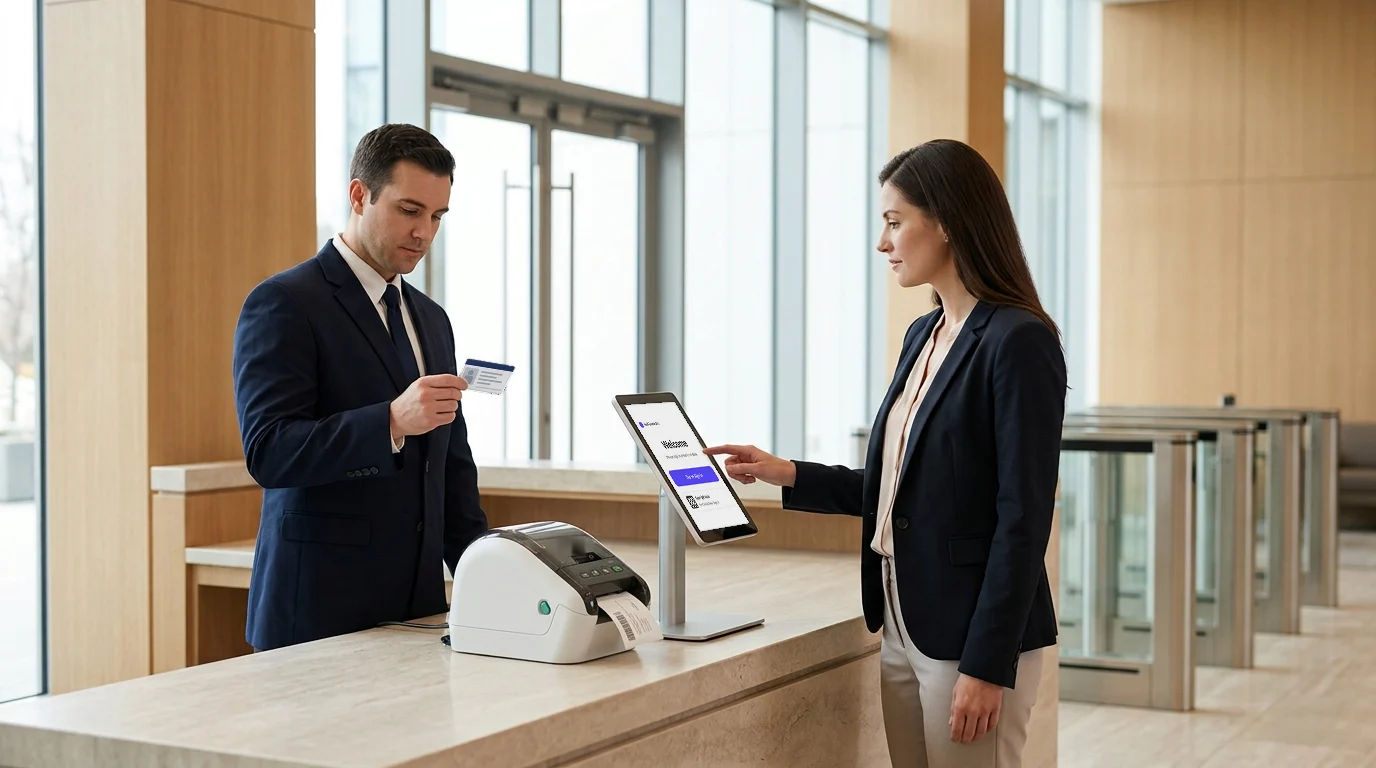
The front desk is the one point every visitor passes. It is where a site decides who comes in, who they are with, where they may go and when they must leave. Front desk security is the set of checks that make that decision reliable, whether a trained officer or a receptionist on a busy morning is at the desk.
This guide covers what to check before a visitor walks in, what to do when someone should not, and how to keep the same rules at every site.
What does front desk security cover?
Front desk security covers everything that happens between a visitor arriving and a visitor being allowed past reception:
- Confirming the visitor is who they say they are
- Checking them against the people the site has decided should not enter
- Giving them a badge that shows where they may go and when it expires
- Telling their host, and knowing when they leave
- Raising the alarm, and accounting for everyone, in an emergency
It is not the same as information security. The questions at the desk are physical: who is in the building, who let them in, and could the desk have stopped them.
Check identity before the badge prints
A name typed on a tablet is a claim, not an identity. Check a government ID for every visitor who will go past the lobby, and capture a photo that matches the person standing at the desk.
ID validation goes further than looking at a card. It checks that the document is genuine and current, and that the person holding it is present. Visitly validates government-issued IDs at check-in, including liveness, forgery detection and expiry, and prints the visitor's photo on the badge so staff inside can compare the face with the badge.
Pre-registration helps here. When a host invites a visitor in advance, the details and the checks can run before arrival, and the desk confirms the person rather than starting from nothing.
Screen visitors against watchlists, sanctions lists and offender databases
Identity tells you who the visitor is. Screening tells you whether they should come in. A front desk usually needs three kinds of list:
- Your own watchlist. Former employees, people with a restraining order against a staff member, people banned after an incident.
- Sanctions and denied-party lists. For sites with export-controlled work or government contracts, lists such as OFAC's.
- Offender and criminal databases. For schools, healthcare and sites with vulnerable people.
Visitly screens visitors against your watchlist at check-in, and facial recognition matches visitors against it too. It also offers offender registry screening, background checks and criminal database searches, and sanctions and OFAC screening, either natively or through the screening platform you already use, such as Visual Compliance or First Advantage. For export-controlled sites, see our guide to ITAR visitor requirements.
Screening is only useful if a match stops the check-in. In Visitly, a possible match holds the check-in, notifies security, and leaves the decision to an officer: deny entry, require an escort, or clear a false match. Read more about automated watchlist screening.
Badge every visitor with a photo, permitted areas and an expiry
A badge turns the desk's decision into something everyone on site can see. It should show the visitor's photo and name, their host, the areas they may enter and when the badge expires. Staff can then challenge anyone without a badge, with an expired one, or in an area the badge does not cover.
Visitly prints photo badges with the host, the permitted areas and the expiry, and sends an overstay alert when a visitor stays past their expected time. Check-in takes under 15 seconds, and under 30 seconds through to a printed badge, so the checks do not build a queue.
What to do when a visitor should not come in
Every desk will turn someone away eventually. Decide in advance how it happens, so the person at the desk is not improvising:
- Keep the visitor in the lobby while the desk calls security; do not explain the reason for the hold at the counter.
- Let a trained officer, not the receptionist, decide whether to deny entry, require an escort or clear a false match.
- Record the decision and who made it.
- Tell the host their visitor will not be coming up.
The record matters. If the same person tries another site next week, the next desk should see what happened.
Keep the same rules at every site
A multi-site organization is only as secure as its weakest desk. If one site checks ID and another waves people through, the second site is the way in.
Set the screening rules, badge design and visitor types once, and apply them at every site from one console. Let sites add local rules, such as a safety briefing for a plant floor, without removing the shared ones. Then review the reports by site, so a desk that skips steps shows up.
Raise an emergency alert from the front desk
The front desk often hears about an incident first. It should be able to raise an alert without leaving the desk, and the people receiving it should include visitors as well as staff.
Visitly sends emergency alerts by SMS, email and voice call, and the live list of who is checked in becomes the roster for the evacuation, so security knows which visitors are still inside.
Front desk security checklist
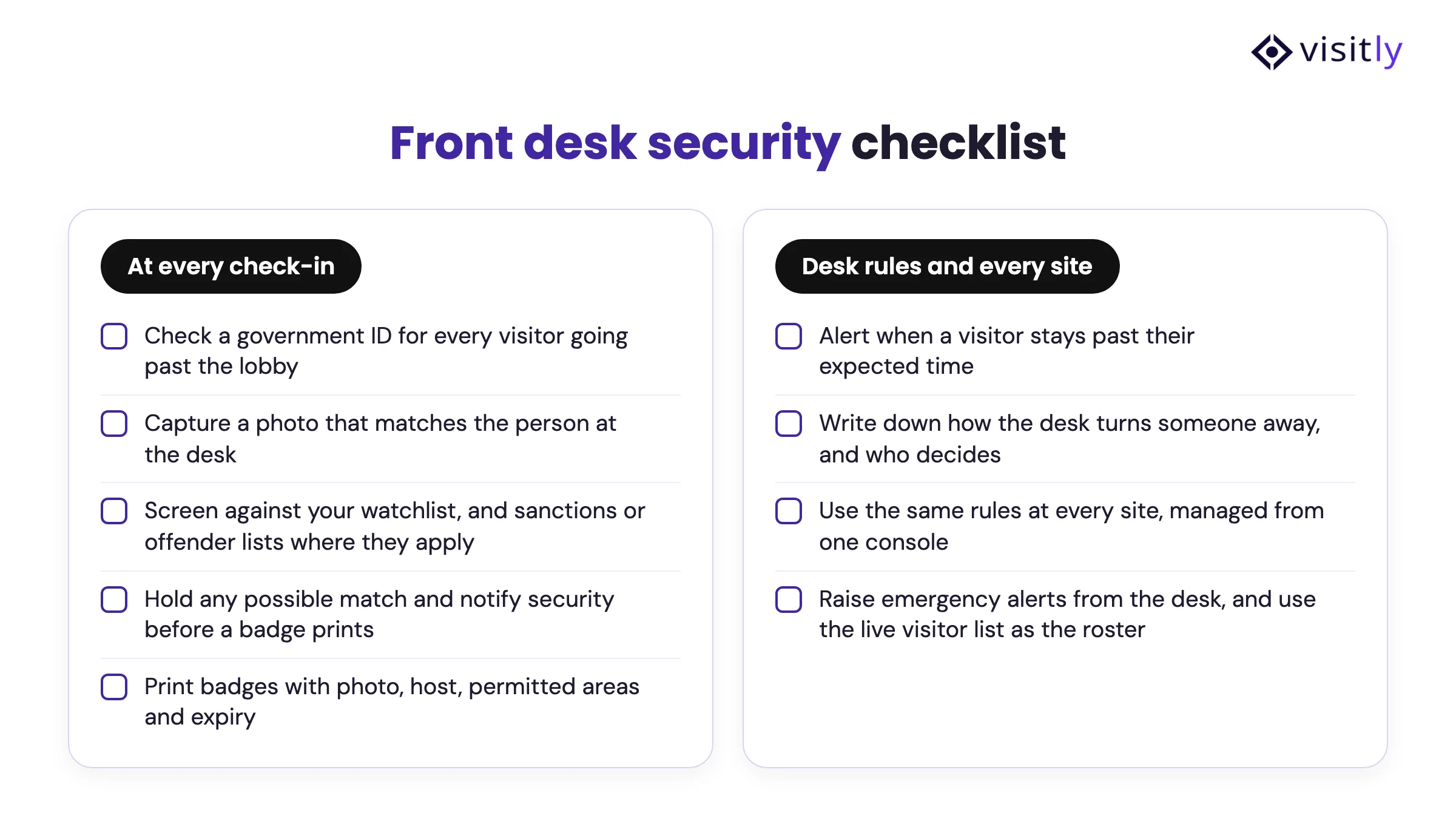
- Check a government ID for every visitor going past the lobby
- Capture a photo that matches the person at the desk
- Screen against your watchlist, and sanctions or offender lists where they apply
- Hold any possible match and notify security before a badge prints
- Print badges with photo, host, permitted areas and expiry
- Alert when a visitor stays past their expected time
- Write down how the desk turns someone away, and who decides
- Use the same rules at every site, managed from one console
- Raise emergency alerts from the desk, and use the live visitor list as the roster
See how Visitly supports security teams, or talk to our team about front desk security at your sites.
FAQs
What is front desk security?
Front desk security is the set of checks a site runs at reception before a visitor is allowed in: confirming identity, screening against watchlists and other lists, issuing a badge with permitted areas and an expiry, notifying the host, and accounting for visitors in an emergency.
What should front desk staff check for every visitor?
Check a government ID, capture a photo, screen the visitor against your watchlist and any sanctions or offender lists that apply to your site, confirm the host, and print a badge with the visitor's photo, host, permitted areas and expiry. Record the time out when they leave.
How do you screen visitors at the front desk?
Screen each visitor at check-in against your own watchlist, and against sanctions lists such as OFAC or offender databases where your site needs them. A possible match should hold the check-in and notify security, so an officer decides whether to deny entry, require an escort or clear a false match.
What should the front desk do if a visitor is on a watchlist?
Keep the visitor in the lobby, do not explain the hold at the counter, and call security. A trained officer decides whether to deny entry, require an escort or clear a false match. Record the decision and tell the host.
How do you keep front desk security consistent across multiple sites?
Set screening rules, badge design and visitor types once and apply them at every site from one console. Let sites add local rules without removing shared ones, and review reports by site so any desk that skips steps is visible.
Can the front desk send emergency alerts?
Yes. Visitly sends emergency alerts by SMS, email and voice call, and the live list of checked-in visitors becomes the evacuation roster, so security knows which visitors are still inside.