An efficient visitor management system is vital to preventing security breaches and maintaining workplace safety.
73% of businesses see improved security after adopting a digital visitor management system.
Yet many still rely on manual processes, creating security gaps and inefficiencies.
This blog discovers the 10 must-know visitor management guidelines for every front desk team to ensure smooth operations, safeguard sensitive areas, and comply with industry standards.
Whether you are in a corporate office, manufacturing plant, or healthcare facility, these guidelines will help you boost security, maintain compliance, and maximize operational efficiency in your visitor management process.
Let’s get started.
Why is Visitor Management Important for Every Front Desk?
An effective visitor management process is essential for enhancing security and compliance, streamlining operations, and ensuring regulatory compliance.
Here’s why proper visitor management solutions should be a core component of every front desk’s daily operations:
1. Security Enhancement
Automated visitor management systems track and control visitor access, ensuring only authorized people enter restricted areas and maintaining a safe workplace.
2. Compliance with Industry Regulations
Many industries, including healthcare, manufacturing, and education, have strict legal requirements for tracking visitors. A contactless technology system ensures you meet these requirements by capturing the necessary data and generating audit trails to demonstrate compliance during inspections.
3. Improved Operational Efficiency
By automating the visitor check-in process, businesses can eliminate manual entry and reduce bottlenecks at the front desk. An office visitor management system accelerates guest flow, ensuring faster entry, reducing wait times, and providing a more professional experience.
4. Visitor Tracking for Emergencies
In emergency situations, knowing exactly who is on-site is crucial to ensuring everyone’s safety. Visitor tracking can help account for all individuals during evacuations and security incidents, minimizing the risk of workplace threats.
5. Data Protection
Collecting and managing visitor information comes with a responsibility to protect sensitive data. An automated reception system ensures that all personal information is stored securely and in compliance with data privacy laws, including the CCPA and GDPR.
What are the Best Visitor Management Guidelines for the Front Desk?
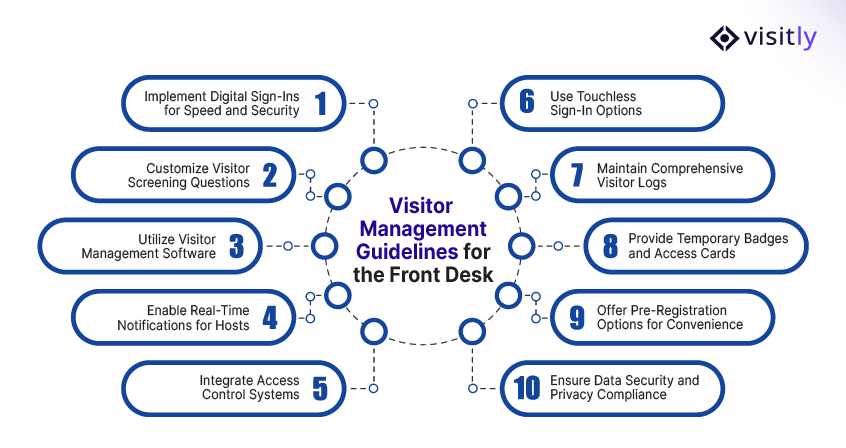
The best visitor management system guidelines that every front desk should follow are:
1. Implement Digital Sign-Ins for Speed and Security
2. Customize Visitor Screening Questions
3. Utilize Visitor Management Software
4. Enable Real-Time Notifications for Hosts
5. Integrate Access Control Systems
6. Use Touchless Sign-In Options
7. Maintain Comprehensive Visitor Logs
8. Provide Temporary Badges and Access Cards
9. Offer Pre-Registration Options for Convenience
10. Ensure Data Security and Privacy Compliance
Managing visitors at the front desk enhances security, improves operational efficiency, and ensures reliable regulatory compliance for your business.
Here are 10 must-know visitor management guidelines that every front desk should follow to streamline the visitor registration system, improve security, and ensure a smooth experience for everyone involved.
1. Implement Digital Sign-Ins for Speed and Security
The first step in modernizing visitor check-ins is implementing digital sign-ins. Moving away from traditional paper logs to digital systems makes the process faster, more secure, and easier to track.
- Speed: Digital visitor management system kiosks and mobile visitor sign-in apps expedite check-in, allowing visitors to sign in quickly without long queues.
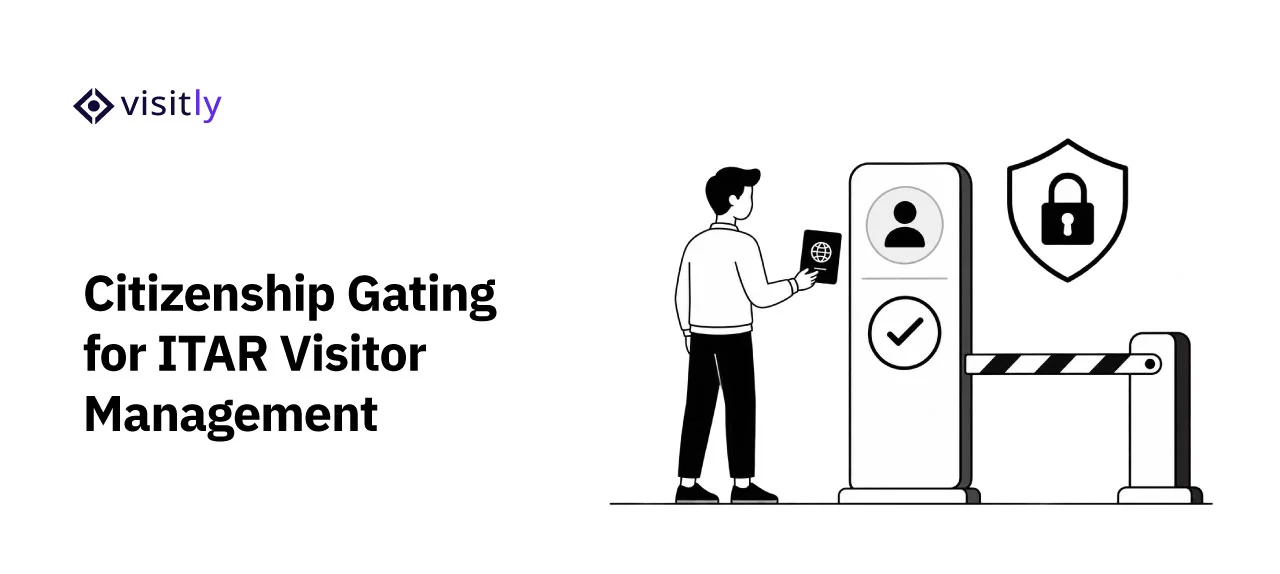
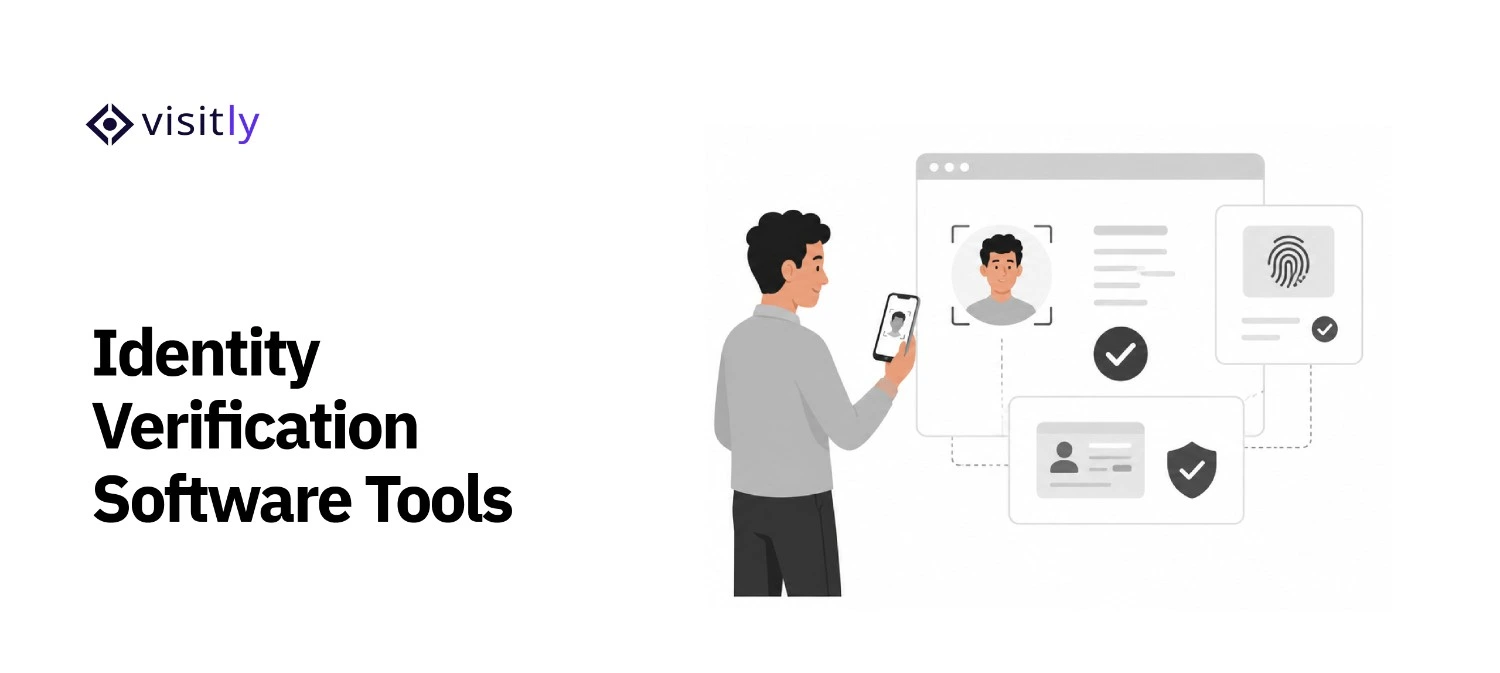
- Security: Digital IDs, biometric scans, and facial recognition systems verify identity, minimizing the risk of fraud and unauthorized access.
- Compliance: Instant record generation streamlines regulatory compliance by automatically capturing visitor information for future audits.
2. Customize Visitor Screening Questions
One key visitor management guideline is to tailor screening questions to your facility’s specific needs.
- Safety and Compliance: Ask questions that ensure visitors comply with your site’s protocols, such as whether they’ve completed workplace safety training or hold required certifications.
- Industry-Specific Questions: Customize questions for different areas (e.g., construction sites, medical labs, or offices) to meet industry-specific regulations in the visitor management system for the office.
- Risk Management: Customize queries by high-risk zones or activities in your facility to reduce incident risk.
3. Utilize Visitor Management Software
Visitor management software simplifies check-ins and connects with existing security protocols.
- Automated Data Entry: Reduces human error by automating the capture of visitor details, including name, contact information, and visit time.
- Integration: Integrates with existing platforms, such as access control systems and CRM software, to deliver a unified security and visitor-tracking experience.
- Streamlined Compliance: Automates regulatory documentation, making it easier to stay compliant with laws like GDPR, HIPAA, or OSHA.
4. Enable Real-Time Notifications for Hosts
Real-time updates keep your staff informed and ensure smooth communication when visitors arrive.
- Instant Alerts: Hosts receive emergency notifications when visitors arrive, enabling them to prepare or greet promptly.
- Improved Coordination: Real-time notifications reduce confusion and ensure seamless coordination between the front desk kiosk , security, and hosts.
- Increased Efficiency: No more waiting for visitors to be located—everyone is in sync, making the check-in process more efficient.
5. Integrate Access Control Systems
Integrating your access control system with your touchless visitor management system is essential to restrict access to sensitive areas. Integration with access control entry systems ensures that only authorized personnel enter restricted areas.
- RFID Badges & Biometrics: Utilize RFID badges, facial recognition, or biometric scanning to control visitor access to specific zones.
- Role-Based Access: Allow access only to specific areas based on the visitor’s role or purpose of the visit.
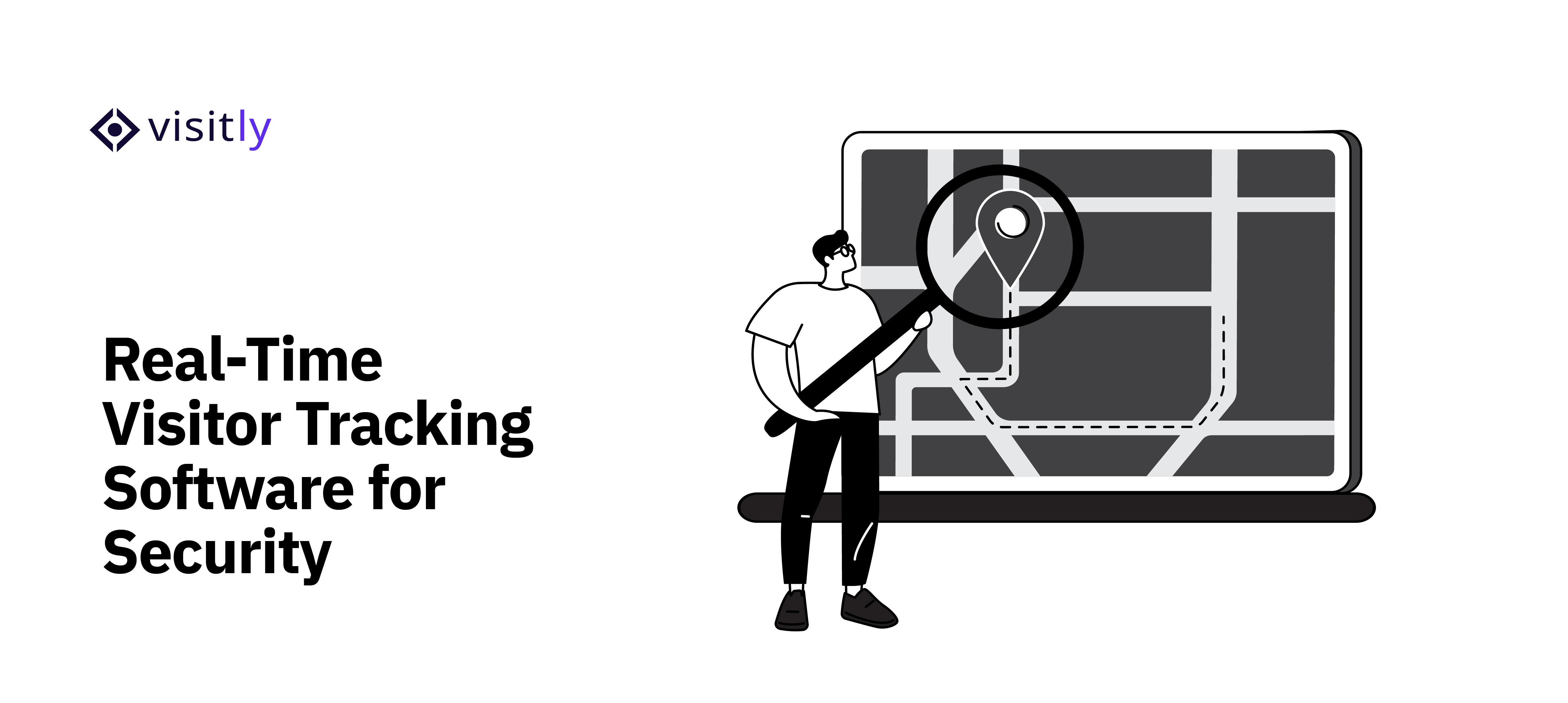
- Movement Tracking: Use the system to track visitors’ locations within your facility and ensure no unauthorized access.
6. Use Touchless Sign-In Options
In today’s post-pandemic world, an electronic visitor management system is crucial for minimizing physical contact and enhancing hygiene standards.
- QR Code Scanning: Visitors can simply scan a QR code with their mobile phone to sign in without touching a screen.
- Mobile-Based Check-ins: Enable visitors to check in via their smartphones for a fully contactless experience.
- Health Compliance: Touchless check-ins are particularly valuable for health and workplace security policies, especially during flu seasons or pandemics.
7. Maintain Comprehensive Visitor Logs
Comprehensive visitor check-in and check-out systems are vital for tracking visitor activity and ensuring that all information is recorded securely.
- Digital Logs: Keep digital logs of visitors to make past records easier to access for audits or emergencies.
- Audit-Ready Data: Digital records help businesses maintain audit trails to demonstrate compliance with regulatory requirements.
- Long-Term Access: Ensures the business can track visitor history, including visit frequency, access to specific areas, and duration of stay.
8. Provide Temporary Badges and Access Cards
Visitors should be easily identifiable to improve workplace security and minimize risks.
- Temporary Badges: Visitors should wear easily visible badges to verify their authorization.
- Secure Access Cards: Access cards or digital keys should be issued for visitors to limit their movement to specific areas.
- Clearly Marked Identification: Ensure visitor badge printing and access cards are clearly marked with visitor details to enhance security.
9. Offer Pre-Registration Options for Convenience
Pre-registration is a game-changer for both visitors and the front desk. It reduces wait times and ensures visitors are prepared for their scheduled appointments.
- Bulk Pre-Registration: Large teams or groups can be pre-registered to avoid lengthy security check-in systems.
- Automatic Approval: Visitors can be granted automatic entry approval when predefined access control entry settings are in place.
- Faster Check-In: Pre-registration expedites the check-in process and ensures the automated front desk system is ready for visitors’ arrival.
10. Ensure Data Security and Privacy Compliance
Security visitor management systems must prioritize data protection to protect visitor privacy and ensure regulatory compliance.
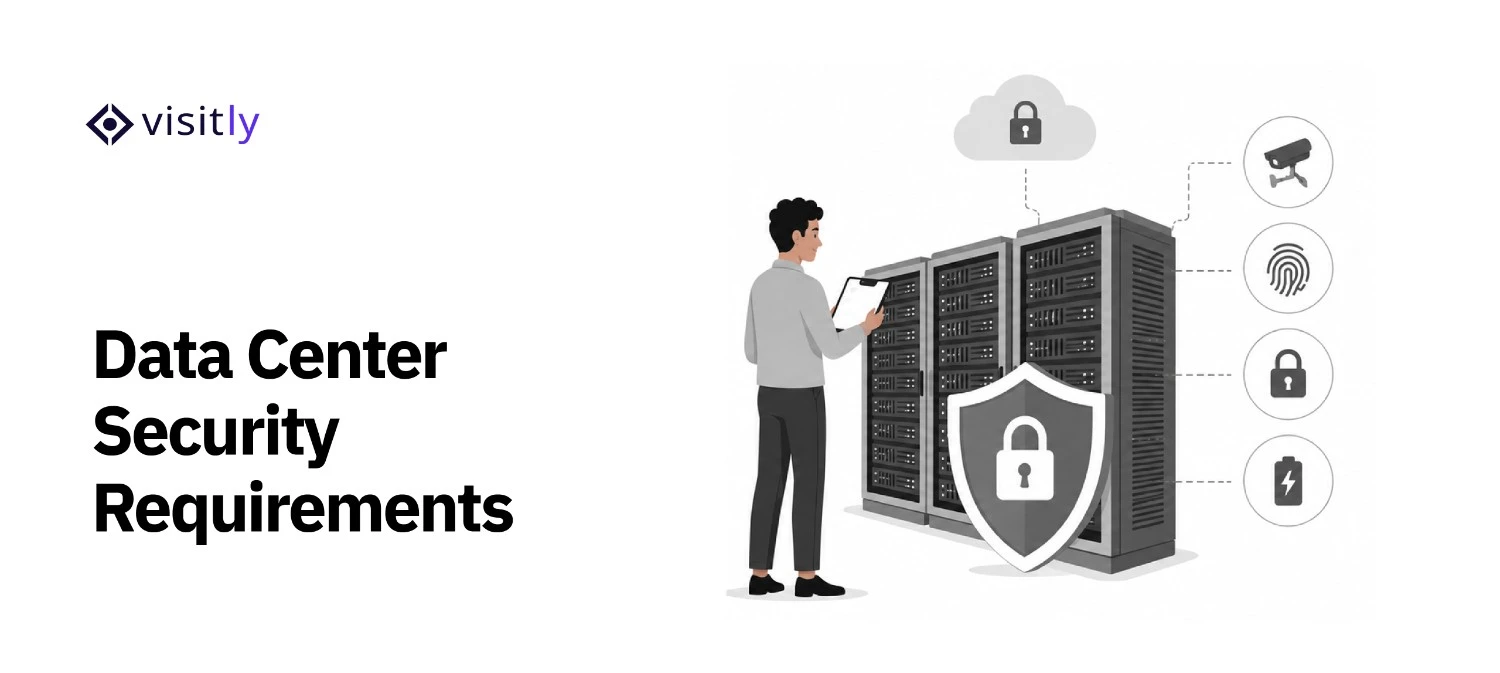
- Data Encryption: Ensure all visitor data is encrypted and stored securely to prevent data breaches.
- Compliance with Regulations: Ensure the system complies with GDPR, CCPA, and other applicable data protection laws.
- Automatic Data Deletion: Ensure visitor data is stored only for as long as needed and deleted when no longer required.
Visitly: A Modern Visitor Management Solution
Visitly offers a modern visitor management solution that significantly enhances front-desk operations and security regulations.
Visitly streamlines digital visitor management, letting businesses track and monitor guests from check-in to check-out. It improves efficiency, reduces human error, and supports compliance with data protection andsecurity standards.
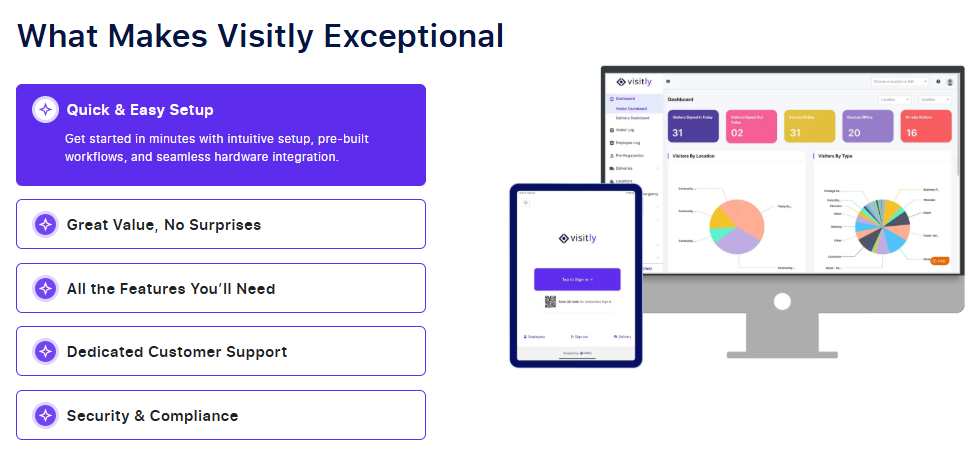
With Visitly, you can expect the following key features:
- Customizable Visitor Sign-In
Visitors can check in quickly and securely via a fully customizable digital interface, ensuring a smooth, professional experience. Tailored check-in forms make it easy to collect visitor information, which is securely stored for future reference.
- Real-Time Host Notifications
As soon as a visitor arrives, their host is instantly notified via email or SMS, eliminating delays and improving coordination between the front desk and staff.
- Pre-Registration and Bulk Check-Ins
Visitors can preregister before arrival, which expedites check-in. Bulk visitor registration is also available, ideal for events, meetings, or conferences.
- ID Scanning and Document Signing
Visitors can easily scan their IDs and digitally sign documents, providing an additional layer of security while ensuring compliance with organizational policies.
- Seamless Integration with Access Control
Visitly integrates seamlessly with existing physical access control systems, including RFID cards, biometrics, and security gates, ensuring only authorized personnel can access restricted areas.
- Visitor Tracking and Reporting
Track visitors in real time and maintain accurate logs for audit and compliance. This feature is crucial for ensuring security management systems and efficient operations during and after business hours.
- Touchless Check-In Options
Visitly offers touchless healthcare visitor management, providing an added layer of safety and convenience, particularly during health concerns such as flu seasons or pandemics.

Closing Thoughts
In today’s dynamic business environment, ensuring smooth and secure visitor management is no longer a luxury but a necessity. The visitor management process plays a critical role in streamlining operations, improving security, and maintaining compliance across industries.
By adopting the right visitor management software, businesses can unlock a range of advantages that enhance operational efficiency.
- Efficiency: A streamlined process ensures visitors are checked in quickly, reducing wait times.
- Security: Digital sign-ins and real-time notifications improve access control and enhance safety.
- Compliance: Automating record-keeping ensures businesses meet legal and regulatory requirements.
For businesses looking to improve visitor flow and ensure all guests are accounted for, a visitor management system kiosk can be a game-changer.
Don’t wait for issues to arise—embrace an efficient visitor management system today to enhance security, streamline operations, and stay compliant.
Start by exploring Visitly’s innovative visitor management system for office setups and see its advantages firsthand!
Get started with Visitly today!
FAQs
1. What is a visitor management process?
A visitor management process is a structured approach for registering, tracking, and managing visitors entering a facility. It replaces manual logs with digital records, improves security, and ensures compliance. Modern systems, such as visitor management software, streamline check‑ins, host notifications, and data storage for offices and enterprises.
2. Why is visitor management important for front desks?
Visitor management is important because it protects people and assets, improves operational efficiency, and ensures compliance with data and safety regulations. An effective visitor management system for office environments tracks arrivals, enhances security, and reduces manual errors, making front desk operations more reliable and secure.
3. What are the benefits of visitor management software?
Visitor management software offers faster check‑ins, automated record-keeping, real‑time host alerts, and improved compliance tracking. It reduces security risks, enhances the visitor experience, and integrates with access control, demonstrating the visitor management system’s advantages for offices, facilities, and high-traffic environments.
4. What features should a visitor management solution have?
A good visitor management solution should include touchless check‑in, ID scanning, digital document signing, pre‑registration, and support for visitor management system kiosks. These features improve security, streamline workflows, and enhance user experience for both visitors and staff.
5. How does a visitor management system help office security?
A visitor management system for office settings enhances security by tracking who enters and exits, verifying identities, and integrating with existing access control. It reduces unauthorized access, ensures data protection, and provides real‑time logs—making facilities safer and more compliant.