Overview
April’s release is one of Visitly’s most substantial updates. We’ve rebuilt the Host Application from the ground up, shipped a more powerful Integration Hub, and delivered a suite of experience improvements that make Visitly faster, smarter, and more secure for every stakeholder, from front desk admins to global security leaders.
This document covers every feature in detail, with guidance on how to access each update. All features are live now.
Brand-New Host Application
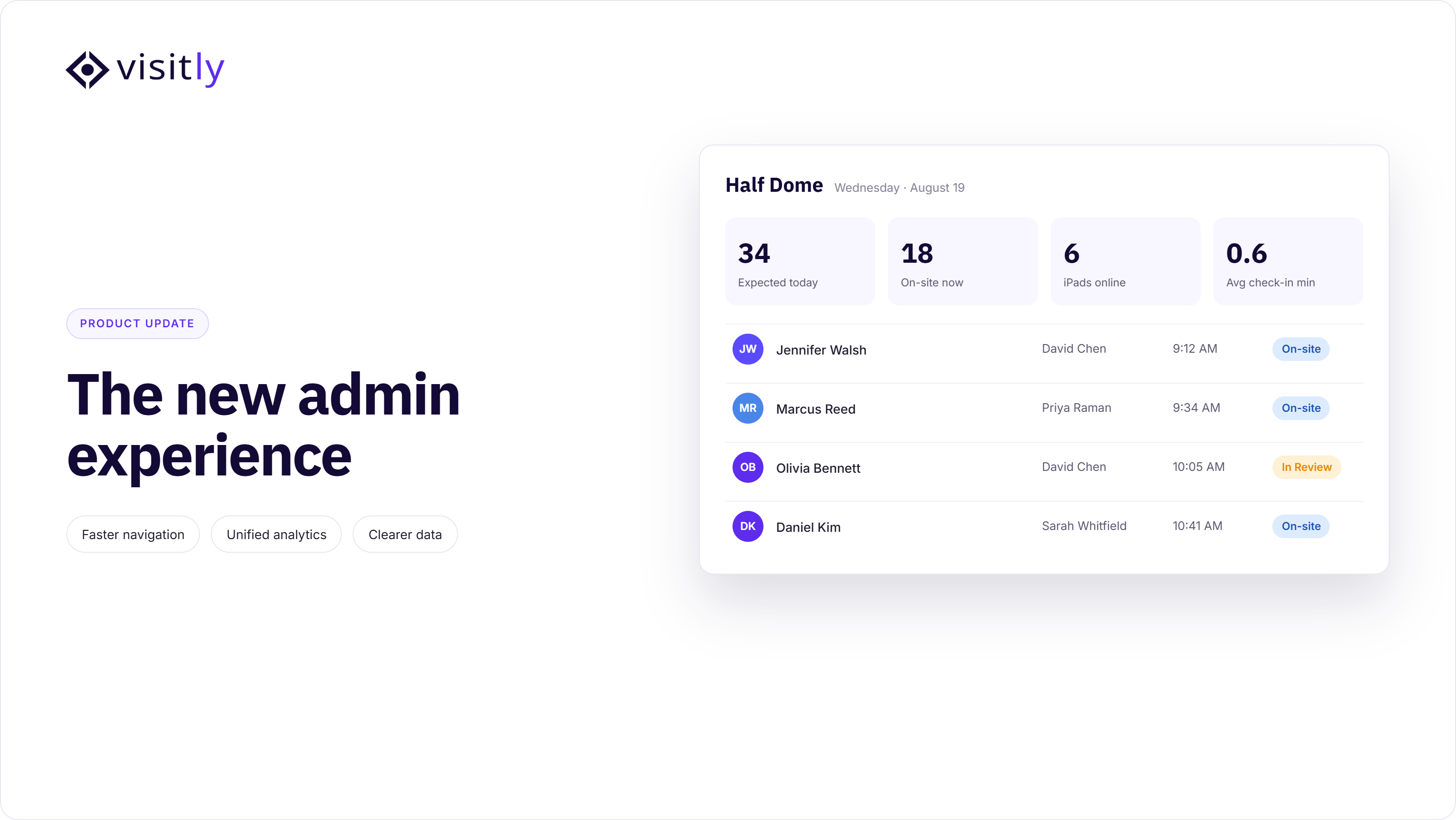
Managing visitor activity has historically meant switching between dashboards, reconciling different views for admins and hosts, and losing context at every step. That changes with this release. We’ve shipped a completely rebuilt Host Application; a unified interface that gives every role exactly the view they need, in one place.
What’s new
- Single dashboard: A single dashboard for all roles: admins, hosts, and delegates each get a personalized view of current and upcoming visitors, packages, and invitations; no more role-switching or tab juggling.
- Delegate clarity: Quickly filter your visitor list as a delegate and immediately see who your host and delegate assignments are, eliminating confusion in high-traffic environments.
- Invite with an enhanced experience: Sending invitations and managing pre-registrations is now faster and more intuitive from the same dashboard view.
HOW TO ACCESS Admin: Admin Dashboard → Launch My Visitly
Hosts & Employees: Logged in automatically by default. Read help article → All About Host Dashboard
Integration Hub: Expanded Capabilities
Your visitor management platform is most powerful when it’s connected to your entire tech stack. This month, we’ve overhauled the Integration Hub to make connecting Visitly to the tools you already use faster, more flexible, and significantly more capable.
60+ ENTERPRISE INTEGRATIONS: One Platform; Everything Connected; The refreshed Integration Hub brings an improved, more intuitive interface with expanded integration categories so your security, IT, and facilities teams can connect Visitly to your existing stack without custom development. Contact Sales to activate enterprise integrations.
What’s new
- Expanded integration categories: Browse and activate integrations by category: notifications, SSO, employee directory, access control, and more, all from a single, organized hub.
- Simpler webhook management: Setting up and managing webhooks is now streamlined, enabling you to configure custom event triggers in minutes.
Available Integration Categories
- Notifications
- Single Sign On
- Employee Directory
- Access Control
- Guest Wifi
- Document Storage
- HR & Recruiting
- Emergency Systems
- Calendar
- CRM
- Customer Support
HOW TO ACCESS: Admin Dashboard → Integration Hub → Categories → Available Integrations → Integrate | Read help article → Integrations & Apps
Auto Sign-Out: Configurable for Every Location
Compliance audit trails are only as accurate as your visitor sign-out records. Manual sign-outs get missed. Overnight visitors get forgotten. This month, we’ve extended Visitly’s automatic sign-out feature with per-location duration controls so your records stay clean and accurate without any manual intervention.
What’s new
- Configurable durations: Choose 8, 16, or 24-hour sign-out windows per location — matching day shifts, extended operations, or round-the-clock facilities.
- Multi-location flexibility: Full flexibility for organizations managing dozens of sites across time zones and operational models.
- Automated accuracy: Keeps your compliance audit trail current automatically — no admin overhead required.
WHY THIS MATTERS: For regulated industries like manufacturing, healthcare, defense, an accurate on-site visitor log isn’t optional. It’s an audit requirement. Auto sign-out removes human error from this critical compliance step.
HOW TO ACCESS: Admin Dashboard → Location → Select a location → Edit → Enable Auto sign-out visitors → Choose an option → Save | Read help article → Visitor Sign-Outs
Evacuation Feature for Front Desk Admins
Emergency preparedness shouldn’t depend on a single person in your organization. During emergencies, every relevant admin needs the ability to act immediately. This update brings full evacuation control directly to Front Desk Admins with no escalation required ensuring no delays.
EMERGENCY RESPONSE: Real-Time Evacuation; Instant Visibility; Front Desk Admins can now trigger and manage the complete evacuation flow directly from their dashboard — delivering instant notifications and providing accurate on-site headcounts through real-time reports.
HOW TO ACCESs: Admin Dashboard → Evacuation & Emergency → Select a location → Start Evacuation | Read help article → Evacuation & Emergency
Pre-Arrival Registration: A Smoother First Step
The first impression your visitors have of your organization starts before they walk through the door. Pre-arrival registration (formerly called pre-fill) has been completely revamped to be faster, simpler, and more intuitive from start to finish.
Visitors and guests can now complete their details more easily ahead of arrival, reducing lobby wait times, eliminating kiosk bottlenecks, and creating a more professional, frictionless first impression for your organization.
BUSINESS IMPACT: Faster pre-arrival completion means shorter lobby queues, more accurate visitor records, and a better first impression, especially for high-volume days with multiple concurrent arrivals.
Contactless Sign-In: Hassle-Free by Design
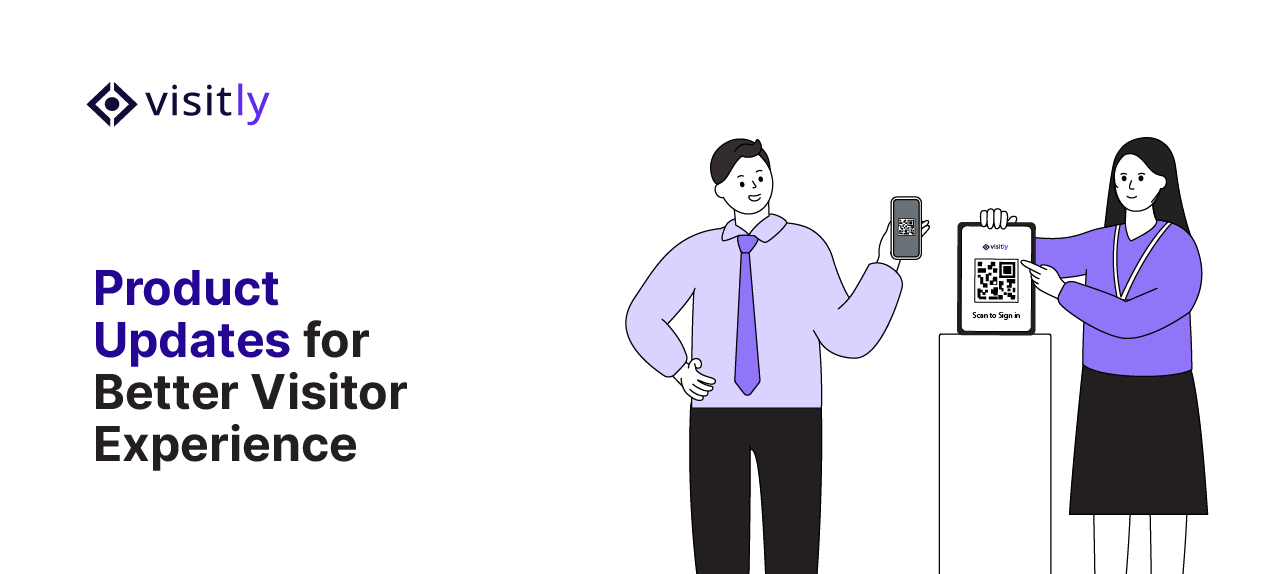
Contactless check-in received a major refresh this month. The entire flow from QR scan to welcome confirmation is now faster, cleaner, and easier to navigate than ever.
What’s improved
- Faster from scan to welcome: The rebuilt flow removes unnecessary steps, getting visitors checked in and notifying hosts in seconds.
- Cleaner, more intuitive UI: Every screen in the contactless flow has been redesigned for clarity, making it easy for first-time visitors and regulars alike.
That’s a Wrap on April
From a rebuilt Host Application to emergency evacuation controls now in the hands of front desk admins, April’s release reflects our ongoing commitment to making visitor management more secure, more reliable, and easier to operate at scale. Whether you manage one office or fifty locations across multiple countries, every feature in this update was designed to reduce friction and give your team more control.
Update your Visitly platform today to access everything covered in this post. If you have questions or want a walkthrough of any feature, your account manager is ready to help or book a demo here.
FAQs
What did Visitly release in April?
The April release rebuilt the Host Application, reorganized the Integration Hub, added per-location auto sign-out windows, gave Front Desk Admins evacuation control, and reworked pre-arrival registration and contactless sign-in. All of it is live. The common thread is fewer manual steps for hosts and front-desk teams and a more accurate on-site record.
How does auto sign-out work?
Each location chooses an 8, 16 or 24 hour window, and any visitor still signed in when it ends is signed out automatically. That matches day shifts, extended operations or round-the-clock sites. It keeps the on-site roster and the audit trail accurate when a visitor leaves without signing out. Set it in the location's settings.
Who can start an evacuation after this release?
Front Desk Admins can now start and manage an evacuation from their own dashboard, without escalating to a senior admin. They select the location and choose Start Evacuation, which sends notifications and produces a live headcount report. This removes a delay when the person with the higher role is not on site.
Which Visitly integrations are included as standard?
SSO and Slack or Microsoft Teams notifications are included as standard, from $1,000 per location per year. Access control, Guest Wi-Fi, HRIS, CRM and emergency-system integrations are set up through sales, which is why the Integration Hub asks you to talk to sales to activate them. The Hub lists integrations by category so you can see what applies.
What is the new Host Application?
It is one dashboard for admins, hosts and delegates, each with their own view of current and upcoming visitors and invitations. Delegates can filter the list to see whose visitors they are handling. Admins open it from the Admin Dashboard by choosing Launch My Visitly, and hosts are logged in by default.
What is the difference between pre-arrival registration and contactless sign-in?
Pre-arrival registration happens before the visit: the guest completes their details from the invitation, so the record is ready when they arrive. Contactless sign-in happens at the door: the visitor scans a QR code and checks in on their own phone. Used together they shorten lobby queues on days with many arrivals.