Here’s something to think about: Is your organization ready to handle an emergency evacuation? Many businesses struggle with this. During emergencies, confusion and poor planning can put lives at risk.
For example, 72% of organizations face problems during evacuation drills. These problems cause delays and make it hard to track everyone. Imagine a fire breaks out in your building, and you have no idea how many visitors are inside.
That’s a recipe for disaster. But there’s good news.
Visitor management software offers a game-changing solution to improve workplace safety importance during emergencies. It tracks everyone on-site, ensures smooth communication, and helps you account for every individual during an evacuation. In this blog, we’ll explore how this software transforms emergency preparedness and keeps your people safe.
Importance of Emergency Preparedness in Organizations
Let me ask: Would you trust a pilot who doesn’t know how to handle turbulence? The same goes for organizations unprepared for emergencies – it’s risky business!
Emergencies don’t announce themselves, yet they carry immense risks. Here’s why being prepared matters:
Safety: The first priority is saving lives. Without a clear plan, confusion can turn a manageable situation into chaos. Imagine employees running in all directions without knowing where to go.
Compliance: Safety rules require evacuation plans to ensure security and compliance. If you don’t follow them, your company can get big fines or legal problems, which can hurt its reputation.
Liability: If something goes wrong and people get hurt, the company usually gets the blame. That could mean lawsuits, financial losses, or even closure.
Uh-oh! Forgetting emergency preparedness could ruin your day and your business. Missing headcounts, unclear messages, or untracked visitors can make an evacuation very confusing. When things aren’t clear, chaos can take over.
The four phases of emergency management
Emergency planners work from four phases, the model FEMA teaches. An evacuation is one part of the third.
- Mitigation: reduce risk before anything happens. Fix known hazards and control who can enter the building.
- Preparedness: write the plan, assign wardens and assembly points, and run drills. This is also where the visitor list is built, because every visitor and contractor is recorded as they check in.
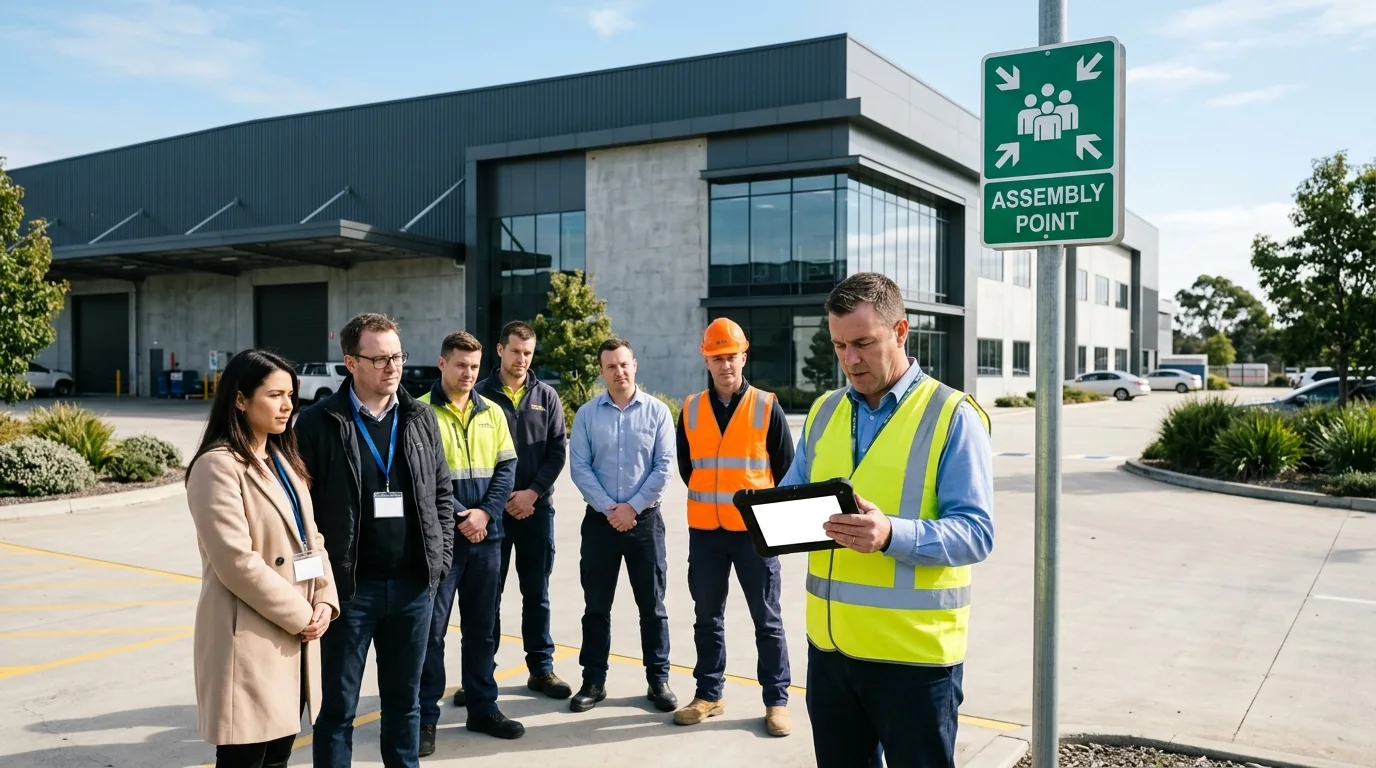
- Response: act on the plan when the alarm sounds. Evacuate, take the roll at the assembly point and tell first responders who is unaccounted for.
- Recovery: restore operations, then review what went wrong and update the plan. The visit records show who was on site and when.
Visitors and contractors belong in all four phases. A plan that covers employees only leaves gaps in the roll on the day.
How Does Visitor Management Software Help in Emergencies?
Emergencies are stressful, but visitor management software makes managing them much easier. It combines technology and simplicity to ensure safety during chaotic moments. IImagine this: you have a system that tracks visitors, sends alerts automatically, and creates reports in seconds. Sounds great, right?
Let’s look at how visitor management software improves evacuation processes:
- Real-Time Visitor Tracking
Visitor management software tracks who comes in and out of your building, like workers, visitors, and guests. It shows their photos, check-in info, and who they’re visiting, making it easy to find them if needed.
- Evacuation Alerts and Notifications
During an evacuation, automated alerts are sent to all devices, ensuring no one is left unaware. The software also prevents new check-ins, reducing confusion and potential security risks.
- Confirming Visitor Safety
The software notifies hosts about unaccounted visitors, enabling them to confirm their guests’ safety. Clear instructions help ensure everyone evacuates safely and efficiently.
- Physical and Digital Backup Solutions
Print the visitor list at set times each day, so wardens have a paper copy for manual headcounts if the power or network fails. After the evacuation, detailed reports help organizations analyze gaps and improve processes.
Want to see Visitly against your current system? Talk to sales.
Challenges of Managing Emergency Evacuations (Without Visitor Management Software)
Emergencies can happen anytime, but being ready helps a lot.
Visitor management software like Visitly makes things easier during evacuations and keeps everyone safe. Now, imagine trying to find all the visitors, employees, and contractors during an evacuation.
Sounds really hard, right? That’s because it is.
Here are some big problems businesses face when they use old or manual evacuation systems:
- Missing Headcounts
In the heat of the moment, keeping track of everyone is nearly impossible. Visitors might not be on the employee roster, and without a proper log, you’re left guessing who’s still inside. Missing headcounts can delay rescue operations and put lives at risk.
- Poor Communication
Manual systems often rely on paper logs or verbal instructions. In an emergency, communication must be quick and clear. Any mistakes or delays can cause confusion, waste time, and make things more dangerous for everyone.
- Unaccounted Visitors and Contractors
While you might have a solid headcount for employees, what about visitors and contractors? Relying on sign-in sheets or outdated logs leaves room for error. You could end up leaving someone behind or worse, sending emergency responders on a wild goose chase.
- Lack of Real-Time Data
Emergencies evolve quickly. Without knowing who is on-site and where they are, making decisions becomes hard. You waste time trying to gather missing information.
- Limited Compliance and Reporting
After the dust settles, authorities will demand answers. How many people were evacuated? Were safety protocols followed? Manual processes rarely have the detailed data needed to prove compliance, leaving your organization exposed to liability.
But Visitly is Here to Save the Day!
Wondering how? Here you go!
How Visitly Enhances Emergency & Safety Management
Visitly is an advanced visitor management software designed to simplify check-ins, improve workplace security, and support compliance. During emergencies, it becomes a vital tool for managing evacuations with ease and accuracy.
Let’s look at how Visitly’s enterprise-grade features are tailored for evacuation scenarios:
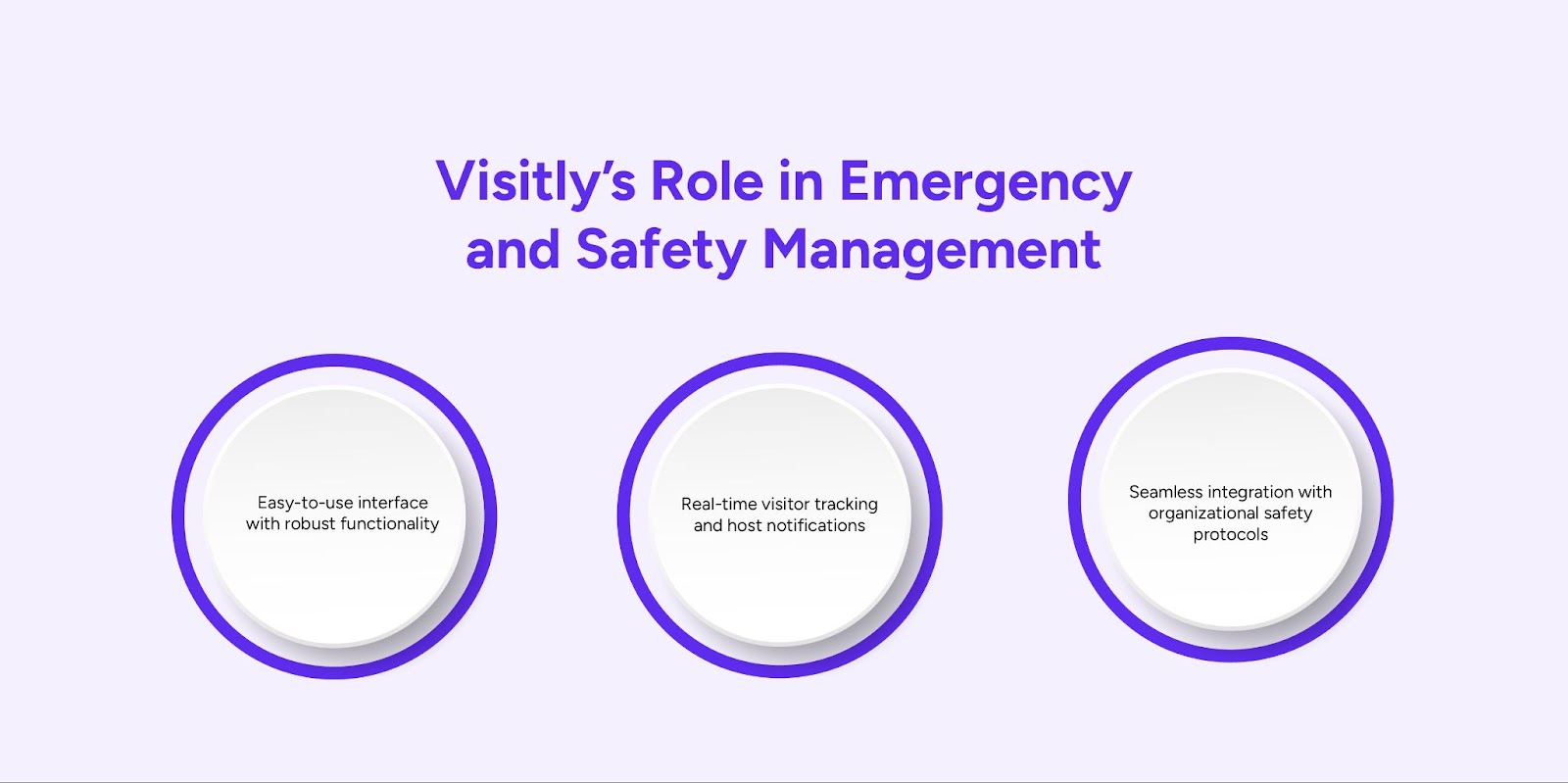
- Easy-to-use interface with robust functionality:
Visitly’s intuitive dashboard ensures quick access to visitor data, even in high-pressure situations. For instance, managers can instantly generate evacuation reports with just a click.
- Real-time visitor tracking and host notifications:
Whether someone checked in five minutes ago or two hours ago, Visitly shows them on the live list of who is checked in, at which location and for which host. Imagine an HR manager receiving instant alerts about unaccounted employees – no more guessing games.
- Seamless integration with organizational safety protocols:
When an evacuation is started in Visitly, the kiosk stops new check-ins and alerts go out. Visitly does not trigger from fire alarm systems automatically.
Benefits of Using Visitly for Emergency Evacuations
Emergencies are unpredictable, but being prepared can make all the difference.
Visitor management software like Visitly offers peace of mind by simplifying evacuation processes and prioritizing safety. Let’s look at the benefits of using Visitly during emergencies:
- Better safety and accountability:
Visitly helps make sure everyone is safe during evacuations. It tracks employees, contractors, and visitors, so no one gets left behind.
- Faster evacuations and less confusion:
Clear alerts, real-time tracking, and automatic reports make evacuations faster and less confusing.
- Meets safety rules with easy reports:
Visitly creates reports that help your business follow safety rules and find ways to improve.
- More trust from employees, visitors, and contractors:
When people see you care about safety, they trust your company more.
Two planning mistakes to fix before the next drill
Two gaps are worth checking for in any evacuation plan. Both can be closed on paper.
- Visitors are left out of the plan. The plan names employees and wardens but says nothing about guests, contractors or temporary staff. Write down who brings a visitor to the assembly point and who confirms them on the roll.
- The plan is not reviewed. Sites change: a new entrance, a new tenant, a new shift pattern. Review the plan at least once a year and after every drill or incident, and check that the assembly points and the roll still match how the site runs.
Conclusion
Emergencies are tough, but they don’t have to be messy. Visitly’s software helps during evacuations by showing real-time updates, sending automatic alerts, and keeping track of safety rules. Hence, prioritizing workplace safety through advanced tools like Visitly ensures your organization is always prepared for the unexpected.
Ready to make safety a priority? Book a demo with Visitly today and see how it transforms your emergency preparedness strategy.
FAQs
How does visitor management software help in an emergency evacuation?
It gives the safety team a current list of every visitor and contractor on site, which a paper sign-in sheet cannot do once the lobby is evacuated. The same record shows each person's host, photo and check-in time, so wardens can confirm who is out and tell first responders who is missing.
Who is responsible for visitors during an evacuation?
The host and the site's wardens share the task: the host brings the visitor to the assembly point, and the warden confirms them on the roll. Write this into the evacuation plan and the visitor sign-in briefing. The employer remains accountable for having the procedure, so check the wording with your safety lead.
Can visitor management software send evacuation alerts?
Yes, many platforms alert signed-in visitors and their hosts. Visitly sends emergency and evacuation alerts by SMS, email and voice call, and shows the alert on the kiosk, which stops new check-ins while the evacuation is active. Employees can also get broadcasts through the MyVisitly app. None of this replaces the building's fire alarm.
What happens to the visitor list if the power or network fails?
Plan for it, because a cloud roster depends on connectivity. Wardens should be able to open the roll on a phone over mobile data, and the plan should name a fallback such as a list printed at set times each day. Ask each vendor how the roll is reached when the site network is down.
What are the four phases of emergency management?
The four phases are mitigation, preparedness, response and recovery, the model FEMA teaches for emergency management. Mitigation reduces risk before an event, preparedness covers plans and drills, response is what you do during the event, and recovery restores operations and reviews what went wrong. An evacuation belongs to response, and the visitor list it depends on is built during preparedness.
How long does it take to deploy visitor management for evacuation readiness?
A basic setup at a single site can be done in under an hour. Integrations and more complex setups take a couple of days, and a multi-site rollout takes one week to one month depending on how ready your sites are. Schedule an evacuation drill in the first month to check the roll against a real headcount.