A fire alarm goes off. The building starts to evacuate. Then comes the question every safety, security, and compliance team fears: Who is still inside?
Many organizations still rely on paper visitor logs, spreadsheets, or manual roll calls during emergency management. The problem is that these methods rarely provide an accurate, real-time view of employees, visitors, and contractors on-site. As hybrid work grows and workplaces welcome more third-party vendors and contractors, maintaining workplace safety and compliance becomes even more challenging.
This is where a modern visitor management system, combined with emergency evacuation software, can make a significant difference in 2027. These platforms provide real-time occupancy visibility, emergency communication tools, and digital mustering capabilities, helping organizations respond faster to incidents.
In this guide, we'll compare five leading emergency evacuation software tools and explore which solutions offer the strongest capabilities in workplace security, safety, and compliance, visitor management, and emergency preparedness.
What are the 5 Emergency Evacuation Software Tools for Workplaces in 2027?
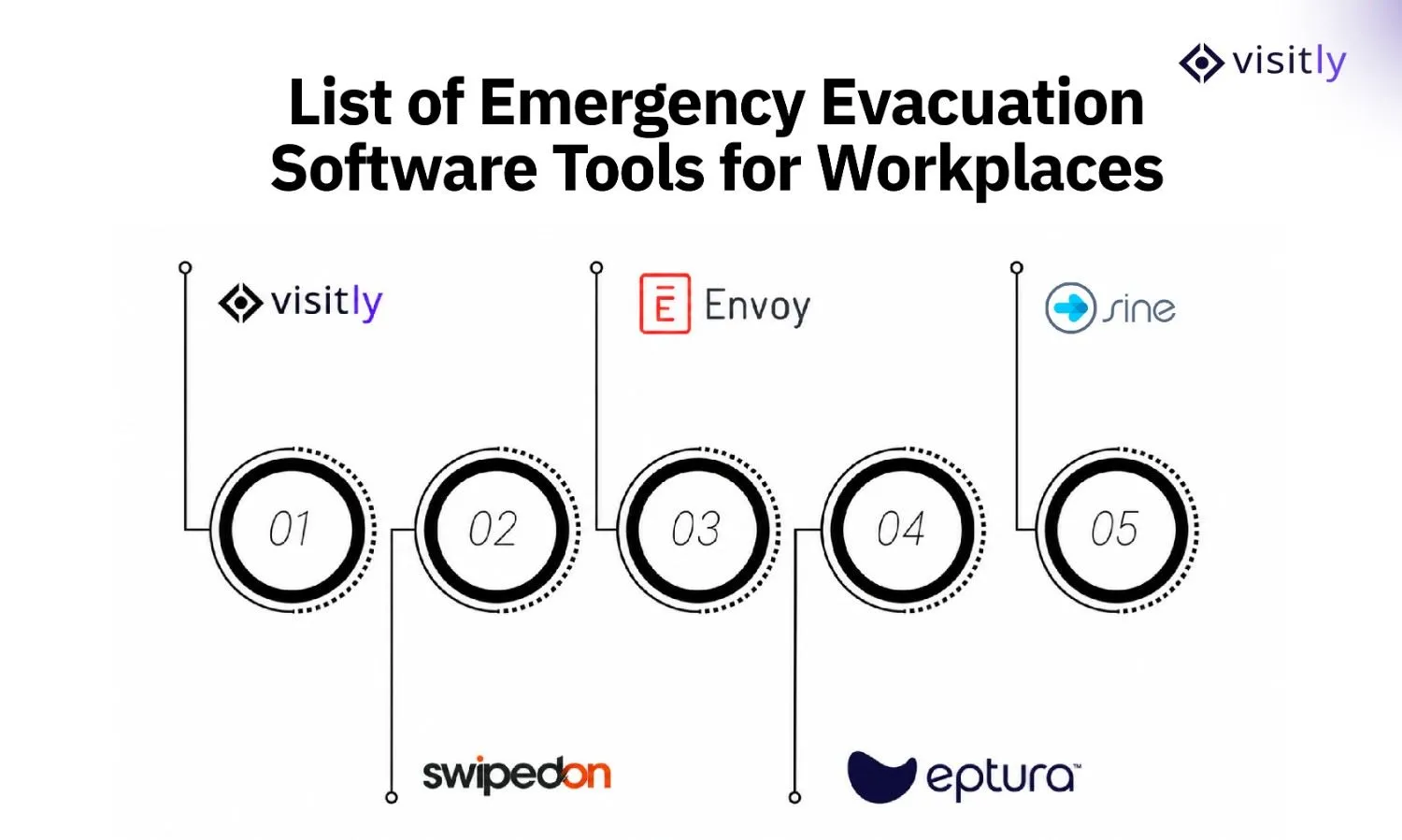
The 5 emergency evacuation software tools for workplaces are:
- Visitly
- SwipedOn
- Facility OS
- Envoy
- Sine
The right evacuation software greatly improves safety, response times, and accountability. Some platforms track visitor roll calls, while others support broader emergency management and safety.
Here's a comparison of the leading emergency evacuation software tools for workplaces for 2027.
1. Visitly
Overview
Visitly combines visitor management, contractor tracking, workplace safety, and emergency evacuation readiness in a single platform. Instead of relying on paper visitor logs or manual headcounts during an emergency, organizations can instantly access real-time occupancy records and identify who is on-site.
The platform is particularly valuable for businesses that need visibility into employees, visitors, contractors, and vendors across one or multiple locations. With digital check-ins, visitor pre-registration, and evacuation reporting, Visitly helps safety teams respond faster when every minute matters.
Best For
Organizations need visitor management, contractor tracking, and evacuation readiness on one platform.
Standout Features
- Emergency evacuation reporting and digital mustering
- Mass alerts when something goes off.
- Visitor, employee, and contractor accountability
- Bulk pre-registration for visitors and contractors
- Digital check-ins through an iPad-based visitor management system
- Workplace safety checklist, workflows, and screening questions
- Audit-ready records for security and compliance software
What It Lacks
Visitly is not built as a full-scale mass notification platform.
Ideal For
- Offices
- Healthcare facilities
- Educational institutions
- Manufacturing sites
- Multi-site organizations

2. SwipedOn
Overview
SwipedOn is a visitor management platform with basic evacuation features, best suited for organizations seeking to improve emergency accountability but not requiring advanced facility or incident management. Compared to Visitly, SwipedOn focuses more on simple visitor tracking and less on multi-role site visibility.
Simple and easy to use, SwipedOn helps businesses move from paper logs and improve safety.
Best For
Organizations that use visitor management and need basic evacuation tools.
Standout Features
- Visitor tracking and digital sign-in records
- Emergency evacuation lists generated in real time
- Roll-call support during emergency events
- Visitor notifications and communication tools
- Digital visitor logs for accountability
- Simple cloud-based deployment
What It Lacks
SwipedOn offers limited enterprise-grade evacuation workflows and advanced emergency response capabilities.
Ideal For
- Small businesses
- Mid-sized workplaces
- Corporate offices
- Reception-driven environments
3. FacilityOS
Overview
EmergencyOS by FacilityOS targets large organizations that need comprehensive facility emergency management, not just visitor tracking. It provides building-wide visibility and response coordination, going beyond the narrower visitor- or contractor-focused tools like Visitly or SwipedOn.
Its strength lies in helping facilities teams manage emergencies across large campuses, multiple buildings, and complex operational environments where occupant visibility is critical.
Best For
Facilities and operations teams manage complex building environments.
Standout Features
- Building-wide emergency response workflows
- Occupancy intelligence and space visibility
- Incident management and escalation processes
- Emergency response coordination tools
- Facility-wide reporting dashboards
- Centralized management across multiple locations
What It Lacks
The platform is more facility-focused than visitor-focused, which may be excessive for organizations seeking simple evacuation management.
Ideal For
- Corporate campuses
- Enterprise facilities
- Government buildings
- Multi-building operations
4. Envoy
Overview
Envoy adds emergency notification capabilities to its workplace platform, prioritizing hybrid-office needs. Unlike platforms like Visitly, Envoy places more focus on employee attendance and flexible work environments than on comprehensive visitor or contractor management.
Its occupancy insights are particularly useful for organizations where employee attendance changes daily due to flexible work arrangements.
Best For
Organizations managing employee presence across flexible workplaces.
Standout Features
- Workplace occupancy tracking
- Emergency messaging and notifications
- Visitor management capabilities
- Employee location visibility
- Workplace analytics and reporting
- Hybrid workplace management tools
What It Lacks
Envoy places less emphasis on contractor management and emergency evacuation workflows than dedicated safety platforms do.
Ideal For
- Corporate offices
- Hybrid workplaces
- Technology companies
- Flexible work environments
5. Sine
Overview
Sine by Honeywell combines visitor and contractor management with emergency communication and digital roll-call capabilities. Organizations can provide evacuation information during check-in, contact people currently signed into a site, and conduct a digital roll call from a mobile device during an emergency.
This makes Sine particularly useful for workplaces where visitors, contractors, and other non-employees need to be included in evacuation procedures alongside staff.
Best For
Organizations that need visitor and contractor management with mobile evacuation accountability.
Standout Features
- Emergency information provided during visitor and contractor check-in
- Mass and individual messaging for people currently on-site
- Mobile digital roll calls during evacuations
- Real-time visitor and contractor accountability
- Integration with other workplace and security systems
What It Lacks
Its emergency capabilities are primarily focused on communicating with and accounting for people on-site. Organizations looking for broader incident-command or enterprise crisis-management functionality may need additional emergency management tools.
Ideal For
- Manufacturing facilities
- Logistics and warehouse operations
- Healthcare organizations
- Corporate offices
- Contractor-heavy workplaces
Emergency Evacuation Software vs. Emergency Notification Systems: What’s the Difference?
Emergency evacuation software and emergency notification systems support different parts of an emergency response.
An emergency evacuation system focuses on helping safety teams understand who is on-site and account for people during an evacuation. Emergency notification software focuses more on quickly communicating warnings and instructions to employees, visitors, and other occupants.
Emergency Evacuation Software Typically Supports:
- Real-time occupancy visibility
- Digital roll calls and mustering
- Employee, visitor, and contractor accountability
- Identification of unaccounted-for occupants
- Evacuation records and reporting
Emergency Notification Systems Typically Support:
- SMS and email alerts
- Mobile app notifications
- Workplace messaging alerts
- Multi-channel emergency communication
- Two-way communication during incidents
Visitor management platforms can connect these functions by maintaining current employee, visitor, and contractor records that safety teams can use during an evacuation.
Some platforms combine evacuation tracking and emergency communication in one system. If accountability is the main priority, look for strong occupancy tracking and digital mustering. If rapid communication is more important, prioritize multi-channel alerts and two-way messaging.
How Does Emergency Response Management Software Improve Workplace Safety?
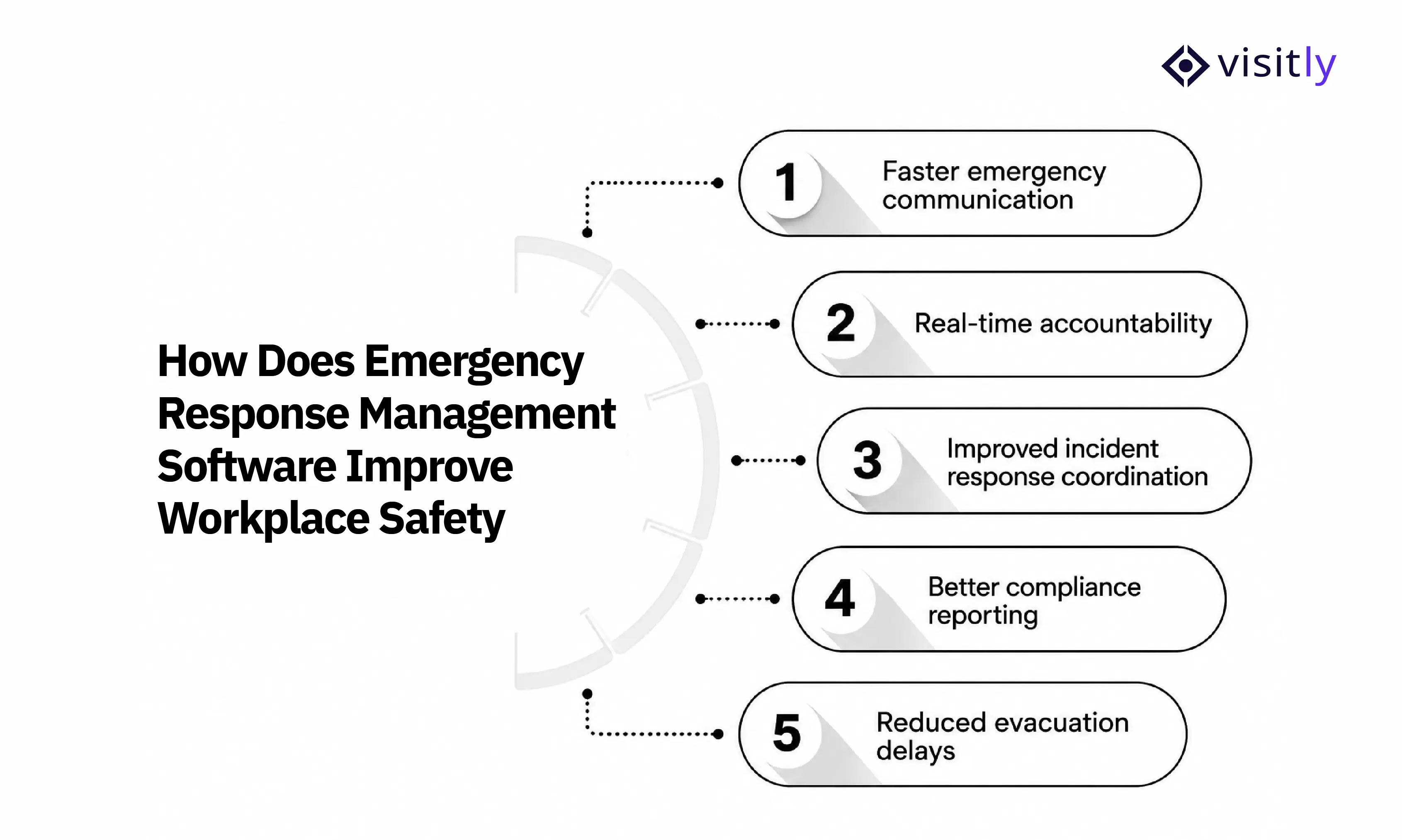
An emergency response management software improves workplace safety through the following:
- Faster emergency communication
- Real-time accountability
- Improved incident response coordination
- Better compliance reporting
- Reduced evacuation delays
Emergency response management software prepares organizations for incidents, enables rapid communication, tracks all occupants, and maintains records when needed most.
Here’s how it improves workplace security policies.
1. Faster Emergency Communication
During an emergency, delays in communication can create confusion and increase compliance risk. Emergency response management software enables organizations to instantly send alerts to employees, visitors, contractors, and emergency response teams.
Key benefits include:
- Immediate emergency notifications
- Multi-channel communication through SMS, email, and mobile alerts
- Faster dissemination of evacuation instructions
- Reduced confusion during critical incidents
2. Real-Time Accountability
One of the biggest challenges during an evacuation is knowing who is inside the building. Emergency response management software provides real-time occupancy visibility, helping safety teams quickly identify who has evacuated and who may still be on-site.
Key benefits include the following:
- Real-time employee, visitor, and contractor tracking
- Accurate occupancy records
- Digital roll calls and mustering
- Faster headcount verification
3. Improved Incident Response Coordination
Managing an emergency often involves multiple stakeholders, including security teams, facility managers, HR teams, and emergency responders. A centralized platform helps coordinate actions and provides everyone with access to the same information.
Key benefits include the following:
- Centralized incident management
- Clear evacuation status updates
- Better coordination across departments
- Faster decision-making during emergencies
4. Better Compliance Reporting
Many industries require organizations to maintain workplace safety records and demonstrate emergency preparedness. Emergency response management software automatically records evacuation activities, incident logs, and occupancy data to support compliance requirements.
Key benefits include the following:
- Audit-ready evacuation records
- Incident reporting documentation
- Workplace safety compliance support
- Easier regulatory reporting
5. Reduced Evacuation Delays
Manual processes, such as paper visitor logs and physical roll calls, can slow evacuations. Emergency response software automates these tasks, helping organizations account for people more quickly and move occupants to safety faster.
Key benefits include:
- Faster evacuation procedures
- Automated mustering processes
- Reduced reliance on manual headcounts
- Improved emergency preparedness across locations
How Do You Choose the Right Emergency Evacuation Software in 2027?
Not every emergency evacuation software platform is built for the same type of workplace. A solution that works well for a small office may struggle in a manufacturing facility, hospital, or multi-site enterprise.
Before making a decision, consider the following questions.
1. How Many People Do You Need to Account For?
The size of your workforce directly impacts the type of evacuation solution you need. Managing a few dozen employees is very different from accounting for thousands of employees, visitors, contractors, and vendors across multiple facilities.
Consider:
- Daily employee occupancy
- Visitor traffic volume
- Number of contractors on-site
- Peak occupancy periods
- Growth plans and future workforce expansion
2. Do You Manage Visitors and Contractors?
Many emergency plans focus only on employees. However, visitors, vendors, and contractors are often the most difficult people to account for during an emergency because they may not be included in employee systems.
Look for software that can:
- Track visitors and contractors in real time.
- Support digital check-ins and pre-registration
- Maintain accurate occupancy records.
- Generate evacuation lists instantly.
- Verify who has safely exited the building.
3. Are You Operating Multiple Locations?
Managing emergency evacuations across multiple offices, warehouses, campuses, or facilities adds complexity. Safety teams need centralized visibility while still maintaining location-specific procedures.
Evaluate whether the platform supports:
- Multi-site management
- Centralized reporting
- Site-specific evacuation workflows
- Location-based alerts
- Enterprise-wide visibility
4. What Compliance Requirements Must You Meet?
Workplace safety regulations vary by industry and location. The right software should help your organization maintain records, support audits, and demonstrate emergency preparedness when required.
Consider whether the platform supports:
- Workplace safety compliance initiatives
- OSHA-related recordkeeping requirements
- Incident reporting
- Audit trails and evacuation records
- Visitor and contractor accountability
5. How Important Is Real-Time Occupancy Visibility?
During an emergency, the most critical piece of information is knowing exactly who is on-site. Real-time occupancy visibility helps emergency coordinators identify missing individuals, support first responders, and conduct faster evacuations.
Look for capabilities such as:
- Live occupancy dashboards
- Visitor tracking
- Contractor accountability
- Employee presence monitoring
- Digital mustering and roll calls
How Does Emergency Evacuation Software Support an Emergency Action Plan?
Emergency evacuation software supports an organization’s emergency action plan by making evacuation procedures easier to manage, track, and document. It does not replace the plan itself.
Under OSHA’s 29 CFR 1910.38, covered emergency action plans must include procedures for reporting emergencies, evacuating employees, assigning responsibilities, and accounting for employees after evacuation.
Emergency evacuation plan software can support these requirements by helping organizations:
- Maintain up-to-date employee, visitor, and contractor occupancy records
- Generate digital evacuation lists
- Conduct roll calls at designated assembly points
- Share emergency instructions and alerts
- Track who has evacuated and who remains unaccounted for
- Maintain evacuation and accountability records for later review
However, software alone does not make an emergency action plan compliant. Organizations still need clearly defined evacuation routes, assembly areas, trained personnel, assigned responsibilities, and regular reviews of their emergency procedures.
When combined with a well-prepared emergency action plan, evacuation software gives safety teams better visibility and helps them account for people more efficiently during an incident.
Closing Thoughts
The right emergency evacuation software does more than help people exit a building. It improves accountability, provides real-time occupancy visibility, supports faster evacuations, and creates audit-ready records that strengthen workplace safety and compliance.
As workplaces become more complex with visitors, contractors, hybrid employees, and multiple locations, manual evacuation processes are no longer enough in 2027. Organizations need accurate, real-time information to respond quickly and confidently during emergencies.
While each platform in this guide offers valuable capabilities, Visitly stands out by combining visitor management, contractor management, workplace safety, and emergency evacuation readiness in a single platform. This gives organizations a complete view of who is on-site before, during, and after an emergency, making it one of the best emergency evacuation software solutions for modern workplaces.
See how Visitly improves workplace safety, emergency preparedness, and evacuation accountability.
Book a Demo! Start Your Free Trial.
FAQs
1. What is emergency evacuation software?
Emergency evacuation software helps organizations account for employees, visitors, and contractors during emergencies through occupancy tracking, emergency alerts, digital mustering, and evacuation reporting.
2. Why is real-time occupancy tracking important during an emergency?
Real-time occupancy tracking helps safety teams identify who is on-site, verify evacuations, support first responders, and reduce delays during emergency situations.
3. What features should an emergency evacuation system include?
Key features include occupancy visibility, emergency alerts, digital roll calls, visitor management, contractor accountability, compliance reporting, and multi-site management.
4. Can emergency evacuation software help with workplace compliance?
Yes. Many platforms provide audit-ready records, evacuation reports, incident logs, and accountability records that support workplace safety and compliance requirements.
5. Which industries benefit most from emergency evacuation software?
Corporate offices, healthcare facilities, schools, manufacturing sites, warehouses, government buildings, and multi-location organizations benefit significantly from evacuation management software.