Efficient front desk operations are critical for modern workplaces.
Here are two strong, recent statistics to support the importance of efficient front desk operations in modern workplaces:
- According to a study, more than 80% of employees and visitors say a fast and seamless front desk experience impacts their first impression of a company.
- A report illustrated that poor front desk management contributes to 38% of lost productivity during daily workplace operations.
They set the tone for every visitor interaction and impact everything from safety to compliance. Traditional sign-in books or unmonitored entry points are outdated because:
- No real-time security or identity verification
- Slow and inefficient check-in process
- No audit trail or compliance support
That’s where iPad check-in kiosk software comes in.
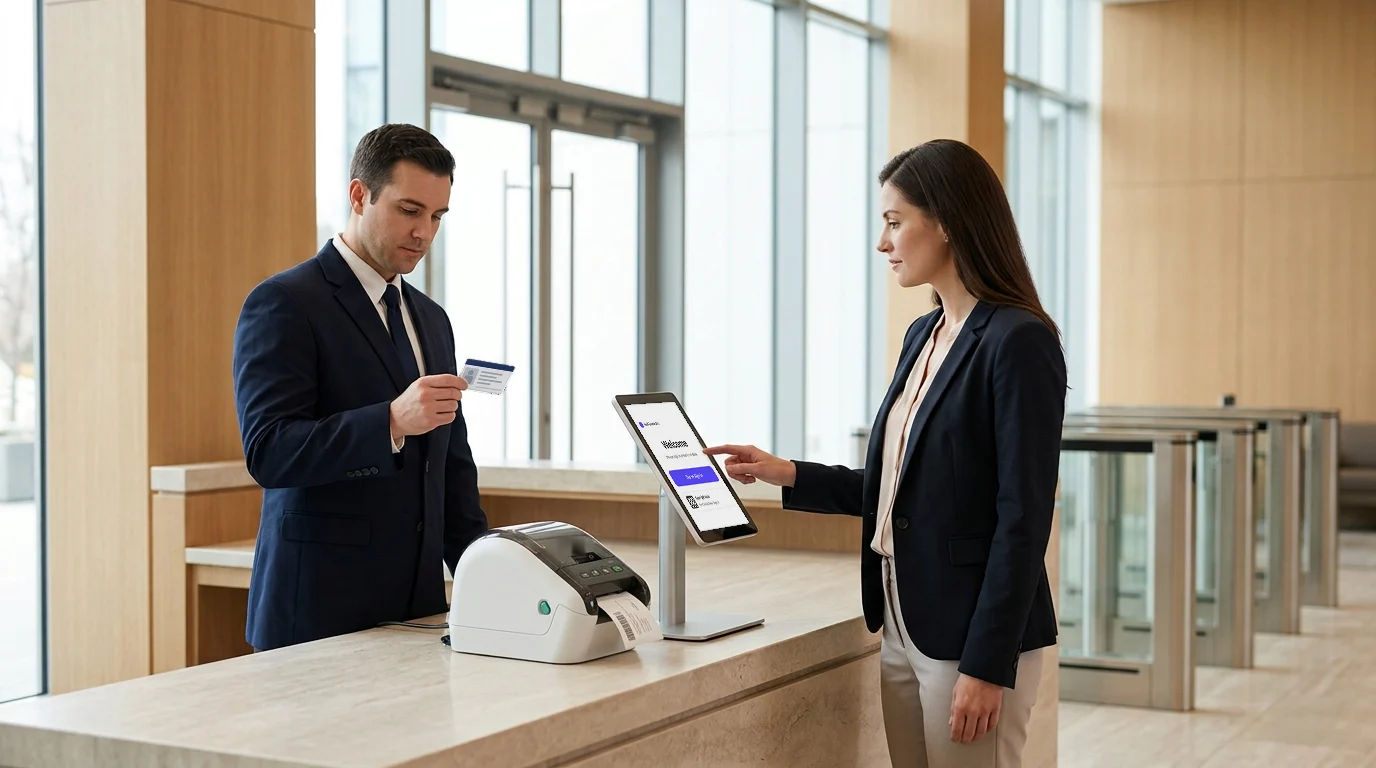
iPads offer a sleek, secure, and intuitive interface for guests, while visitor management platforms handle the rest by automating check-ins, capturing signatures, printing badges, and sending real-time host notifications. In this blog, we review the 4 best iPad check-in kiosk software platforms for 2026, and help you choose the one that fits your front desk operations best.
How check-in works on an iPad kiosk
The products below differ in depth, but the steps at the kiosk are the same.
- Registration: the visitor enters their name, company, host and reason for the visit on the iPad. A pre-registered visitor scans a QR code instead.
- Host notification: the host gets an alert by email, SMS or chat as soon as the visitor checks in.
- Documents: the visitor reads and signs an NDA or safety acknowledgment on screen, and the signed copy is stored with the visit.
- Badge: the kiosk takes a photo and sends a badge to the printer, showing the visitor's name, host and date.
- Sign-out: the visitor signs out when they leave. Entry and exit times go into a searchable log used for audits and evacuation lists.
The Ultimate Guide to iPad Check-In Kiosk Software
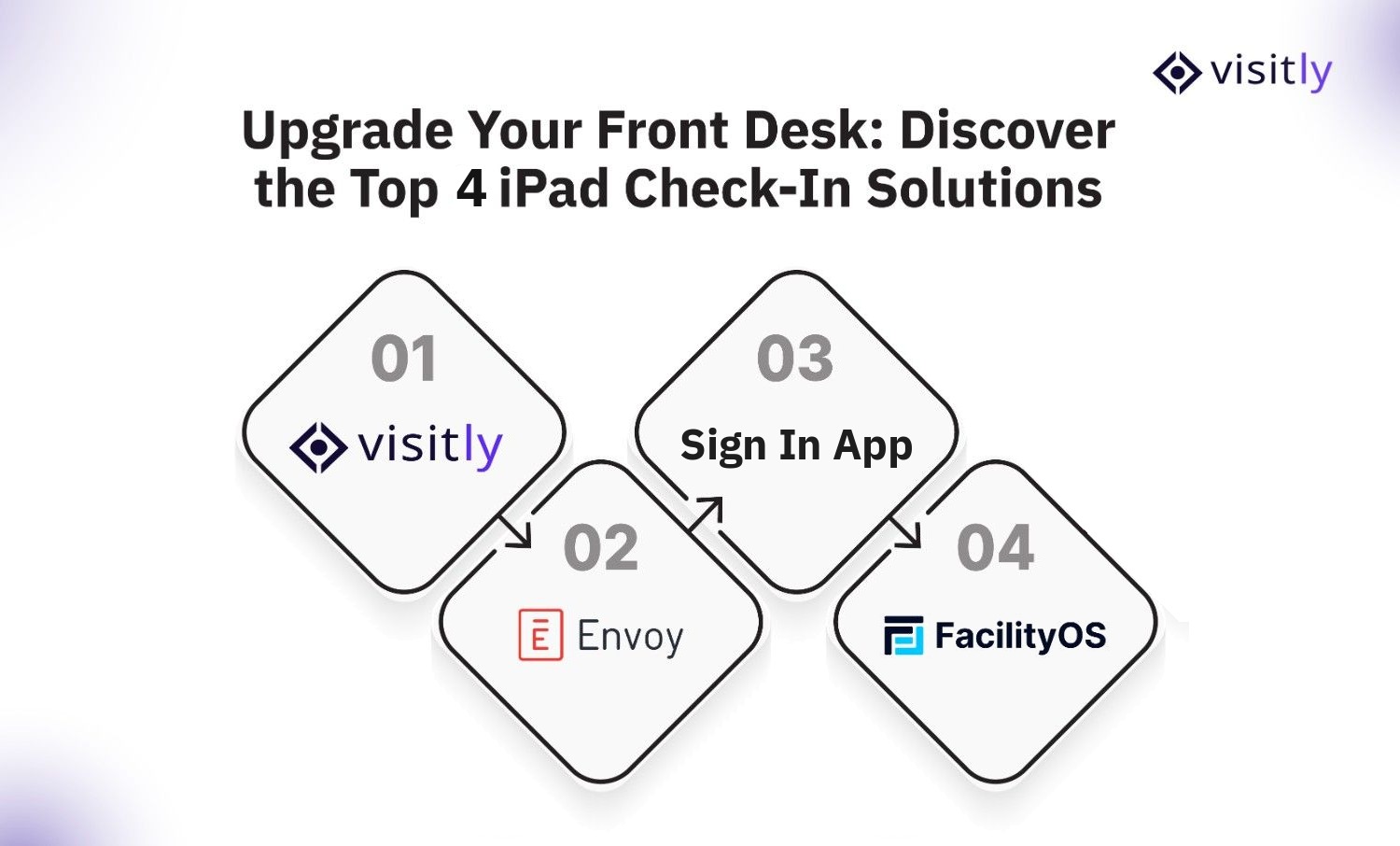
The best iPad check-in kiosk software for 2027 includes:
- Visitly
- Envoy
- Sign In App
- FacilityOS (formerly iLobby)
These platforms offer features like touchless check-ins, badge printing, visitor logs, host notifications, and compliance tools. Each is designed to improve front desk efficiency, enhance security, and create a professional visitor experience.
1. Visitly – Best All-Around iPad Check-In Software
Best for: Businesses of all sizes looking for a secure, scalable, and easy-to-deploy visitor management solution.
Visitly transforms an iPad into a fully featured self-service visitor kiosk, helping organizations replace paper sign-in sheets with a secure, automated check-in experience.
Designed for corporate offices, healthcare facilities, schools, manufacturing sites, and government organizations, it combines visitor registration, workplace security, and compliance in a single cloud-based platform.
Visitors can check in using QR codes, government ID scans, or facial recognition, while hosts receive instant notifications through Slack, Microsoft Teams, email, SMS, or the MyVisitly app.
Beyond visitor registration, Visitly supports customizable workflows for contractors, interview candidates, vendors, employees, deliveries, and guests. This allows organizations to tailor every check-in experience to their operational requirements.
| Feature | Details |
|---|---|
| Contactless Check-in | Yes (QR, iPad, kiosk) |
| Badge Printing | Custom visitor badges |
| Compliance | GDPR, touchless NDAs |
| Integrations | Slack, Teams, Outlook |
| Languages | More than 150 |
| Best For | SMBs and Enterprises |
Why it stands out
Visitly offers all the essentials (and more) without adding complexity. A basic setup takes under an hour, and admins can deploy the iPad kiosk without IT help. For companies that want fast check-ins and strong compliance coverage, Visitly delivers.
- More than visitor check-ins: Visitly goes beyond digital sign-ins by combining visitor management, workplace security, compliance, and front desk automation in a single platform.
- Advanced security features: Supports Smart ID Validation, visitor watchlists, Offender Check, facial recognition watchlists, and real-time visitor screening to help organizations strengthen access control.
- Built for compliance: Helps organizations meet security and regulatory requirements with digital audit trails, visitor logs, document acknowledgements, and emergency evacuation management.
- Highly customizable: Create tailored check-in workflows for visitors, contractors, employees, vendors, deliveries, and interview candidates based on your organization's needs.
- Fast deployment and easy adoption: The intuitive iPad interface requires minimal training, allowing organizations to replace manual sign-in processes quickly without extensive IT support.
- Scales with your business: Centralized multi-location management, visitor analytics, and integrations with Microsoft Teams, Slack, Outlook, Google Workspace, Active Directory, and other workplace tools make Visitly suitable for both growing businesses and large enterprises.
2. Envoy Visitors – Best for Enterprise-Grade Integration
Best for: Mid-size to large companies using modern office software stacks.
Envoy is one of the most popular and mature iPad check-in kiosk solutions. It’s trusted by thousands of companies globally, especially those with multiple offices, layered visitor policies, and a heavy reliance on third-party tools like Microsoft 365, Slack, Okta, and access control systems.
| Feature | Details |
|---|---|
| Pre-registration | Calendar sync, guest invites |
| Notifications | Email, SMS, Slack, Teams |
| Security | Photo capture, ID scanning |
| Integrations | Active Directory, Zoom, Salesforce |
| Best For | Modern offices needing flexibility |
Why it stands out
Envoy is deeply customizable and built for companies that live inside SaaS ecosystems. It’s also ideal for workplaces with high visitor traffic or strict security policies.
Pricing
Envoy Premium is $362 per location per month, billed annually ($4,344 per year); watchlist and ID scanning need a custom Enterprise quote, as of Q4 2026.
3. Sign In App: Best for Published Per-Site Pricing
Best for: Single offices and mid-market teams that want a published price per site.
Sign In App is the visitor management product of Sign In Solutions, a group backed by the investor PSG. SwipedOn, which Sign In Solutions bought in 2024, is now sold as Sign In App, and The Receptionist for iPad, also part of the group, is moving its customers onto Sign In App. That is why neither is listed separately here.
| Feature | Details |
|---|---|
| Entry price | $630 per site per year |
| Evacuation | Included at the entry price |
| ID scanning | From $1,260 per site per year |
| Single sign-on and SCIM | $1,890 per site per year |
| Security certifications | SOC 2 Type II and ISO 27001, stated by the vendor |
| Best For | Offices that want a published per-site price |
Why it stands out
Sign In App publishes its prices, and the entry price includes evacuation lists. Single sign-on and SCIM provisioning come only at the top published price, so a multi-site team should price the level that has the controls IT needs.
Pricing
Sign In App is $630, $1,260 or $1,890 per site per year, with custom pricing above that. If you are on The Receptionist today, see how teams switch from The Receptionist.
4. FacilityOS – Best for High-Security and Compliance Facilities
Best for: Government, manufacturing, logistics, and secure corporate campuses.
FacilityOS (formerly iLobby) is a full-featured visitor management and access control platform. While it supports iPads, its real strength lies in compliance management and hardware integrations with turnstiles, RFID, and other security systems.
| Feature | Details |
|---|---|
| Access Control Integration | Seamlessly connects with door systems |
| Visitor Pre-registration | Send QR invites and appointment links |
| Real-Time Alerts | Instant host and security notifications |
| Compliance | Supports ITAR, FSMA, CTPAT, and GDPR |
| Best For | Enterprises and high-security facilities |
Why it stands out
FacilityOS is not just for check-in, it’s built for regulated industries. If compliance, training, or credential tracking is a must, this is your tool.
Pricing
FacilityOS visitor management starts at $225 per month; the emergency, security and contractor modules are priced separately.
Why iPads Are the Preferred Hardware for Visitor Check-In
iPads are now the go-to device for digital reception systems because of the following reasons:
- Touchscreen makes it easy for anyone to use
- Portable and fits into any reception setup
- Battery-powered for uninterrupted use
- Looks professional and matches modern office spaces
Let’s look at the table below for a clearer breakdown of features and benefits:
| Feature | Benefit |
|---|---|
| Touchscreen Interface | Intuitive and easy to use for all visitor types |
| Portability | Can be mounted or handheld, fits any front desk layout |
| Battery Powered | Continues to work during power outages |
| Professional Design | Modern and sleek appearance that fits any setting |
Your front desk is the first impression. An iPad check-in kiosk feels modern, secure, and efficient. It replaces cluttered sign-in sheets and inconsistent receptionist handling with a sleek, automated experience that runs 24/7 without downtime.
iPad Check-In Software Comparison at a Glance
See how the top iPad-based contractor and visitor management tools stack up in features, pricing, and use cases. Whether you need fast QR sign-ins, badge printing, or compliance tracking, this 2027 comparison helps you choose the right fit instantly.
| Feature | Visitly | Envoy | Sign In App | FacilityOS |
|---|---|---|---|---|
| iPad App Support | Yes | Yes | Yes | Yes |
| Contactless Check-In | Yes | Yes | Yes | Yes |
| Badge Printing | Yes | Yes | Yes | Yes |
| Workflow Customization | High | Medium | Low | High |
| Security / Watchlist | Yes | Yes | No | Yes |
| Host Notifications | Yes | Yes | Yes | Yes |
| Integrations | Medium | Extensive | Basic | Moderate |
| Best For | General Use | Enterprise | Published pricing | Compliance |
What Makes the Best Check-In Kiosk Software?
Modern check-in kiosk software does much more than digitize visitor sign-ins. It helps organizations strengthen workplace security, reduce manual front desk tasks, and create a faster, more professional arrival experience for every visitor.
Whether you're managing a corporate office, healthcare facility, school, or manufacturing site, the right solution should simplify operations while supporting compliance and future growth.
When evaluating kiosk-based check-in software, look beyond the basic visitor check-in process. The most capable platforms combine automation, security, and seamless integrations to improve both visitor experience and administrative efficiency.
The best digital check-in kiosk software for the front desk in 2027 should include the following:
- Self-service iPad or tablet kiosk mode
- QR code and contactless visitor check-in
- Visitor pre-registration and appointment management
- Instant emergency notifications via email, SMS, Microsoft Teams, or Slack
- Visitor badge printing
- Digital NDA, policy, and safety acknowledgement forms
- Visitor watchlists and identity verification
- Multi-location management from a centralized dashboard
- Real-time visitor analytics and reporting
- Integrations with Microsoft 365, Google Workspace, access control systems, and workplace productivity tools
The best solutions are also easy to deploy, highly customizable, and scalable as your organization grows. Choosing the right check-in kiosk software ensures your front desk operates more efficiently while delivering a secure, consistent, and professional visitor experience across every location.
How to Choose the Right iPad Kiosk Software
Choosing the best iPad kiosk software comes down to matching features with your specific business needs. Thus, choose iPad kiosk software that:
- Sets up easily on iPads
- Supports custom visitor workflows
- Sends instant host notifications
- Offers security and compliance tools
- Prints visitor badges
- Handles multiple locations
- Tracks visitor data and reports
- Integrates with tools like Google and Slack
- Fits your budget with flexible pricing
Let’s look at the table below for more details.
| Factor | Why It Matters |
|---|---|
| Ease of Setup | Quick to configure with iPad compatibility |
| Custom Workflows | Create branded experiences for visitor types |
| Host Notifications | Instant alerts via email, SMS, or Slack |
| Security & Compliance | Support for ID scanning, NDA capture, and data privacy |
| Badge Printing | Helps enforce visible visitor identification |
| Multi-location Support | Ideal for businesses with multiple offices |
| Analytics & Reporting | Track visitor trends and security logs |
| Integration Options | Connects with Google, Outlook, Slack, and more |
| Pricing Flexibility | Plans that fit team size and features needed |
Choosing the right solution depends on more than just budget. Ask:
- Do you need compliance support like NDAs, HIPAA, or SOC2?
- Will visitors check in via iPad or their own phone?
- Do you need badge printing or ID scanning?
- Should your system integrate with access control, calendars, or internal messaging?
- How many locations do you manage?
- Do you have multiple visitor types with unique check-in needs?
Pro tip: Start with a demo. It’s the fastest way to evaluate fit.
Conclusion
The front desk has evolved into a strategic hub serving as a first line of security, a compliance checkpoint, and a key element of brand experience. The right iPad check-in kiosk software makes a measurable difference in how efficiently and securely your organization operates.
Here’s the final recommendation:
- Choose Visitly for a fast, flexible, and secure all-in-one solution.
- Go with Envoy if integrations and global scale matter.
- Use Sign In App if a published per-site price matters most.
- Select FacilityOS when compliance and access control are critical.
Whichever solution you choose, ensure it meets both your current needs and future growth plans.
Looking to transform your front desk into a seamless, secure, and professional experience?
See Visitly in action. Book a demo today and discover how effortless check-ins can be.
FAQs
What is iPad check-in kiosk software?
iPad check-in kiosk software turns an iPad at the entrance into a self-service sign-in point. A visitor enters their details, signs any required document, has a photo taken and gets a printed badge, while the host is notified automatically. Every visit lands in a searchable digital record that replaces the paper logbook.
Does an iPad check-in kiosk need Wi-Fi?
Yes, a cloud kiosk needs a network connection to sync visits, notify hosts and print badges. Offline behavior differs by vendor, so ask each one what the kiosk does when the connection drops and test it during a pilot. Put the iPad on a stable network and agree on a manual fallback for outages.
What hardware do I need besides an iPad?
You need a secure stand or mount, power at the entrance and usually a badge printer. Visitly runs on any iPad model on the current iPadOS and supports Zebra and Epson badge printers, with no per-printer fee. Ask each vendor for its supported printer list before you buy hardware, because support varies by model.
Should we use our own iPads or a vendor-supplied kiosk?
Use your own iPads if IT already manages Apple devices, and a supplied kiosk if you want the vendor to manage it. FacilityOS includes an MDM-enrolled 10.9 inch iPad in VisitorOS, from $225 per month. Visitly runs on iPads you already own, or sells hardware bundles. Prices as of Q4 2026.
How secure is visitor data on an iPad kiosk?
It is as secure as the vendor's controls and your kiosk setup. Ask for a SOC 2 Type II report, encryption in transit and at rest, and configurable retention. On the device, lock the iPad to the check-in screen with Apple's Guided Access or your MDM so a visitor cannot leave the check-in flow or open other apps.
How much does iPad check-in kiosk software cost?
Expect a per-location subscription plus the iPad, stand and printer. Visitly is $1,000 or $2,000 per location per year. Envoy Premium is $362 per location per month, billed annually. Sign In App lists $630 to $1,890 per site per year.