



A visitor log is the record of everyone who enters a site and is not on the staff list: guests, contractors, vendors, interviewees and delivery drivers. For many offices it is still a book or a clipboard at reception. This guide covers what a visitor log should record, gives you a free printable visitor sign-in sheet, and explains when a digital visitor log is worth the switch.
What is a visitor log?
A visitor log, also called a visitor sign-in sheet, guest log or visitor book, is a time-stamped list of who visited, who they came to see, and when they arrived and left. It answers three questions: who is on site right now, who was on site on a given day, and who let them in.
Security teams use it to control access, safety teams use it to count people in an evacuation, and compliance teams use it as evidence for audits. A log that cannot answer those questions quickly is only a list of names.
What should a visitor log record?
At minimum, each entry should hold:
- Visitor name and company. Printed clearly, so the entry can be read later.
- Host. The employee the visitor came to see, who is accountable for them while they are on site.
- Purpose of visit. Meeting, interview, contractor work, delivery or inspection.
- Date and time in. Written at arrival, not filled in later.
- Badge number. If you issue badges, so a lost badge can be traced to a visit.
- Time out. The entry most often left blank, and the one an evacuation roll call depends on.
- Signature. The visitor's confirmation, and their acceptance of any site rules.
Regulated sites usually add an ID check, signed documents such as an NDA or safety briefing, and for ITAR or export-controlled areas, citizenship or U.S. person status.
Free visitor sign-in sheet template

Download the free visitor sign-in sheet (PDF)
The sheet is a printable visitor log for one day at one entrance, with columns for every field above. If you use a paper log, a few habits make it more useful:
- Cover earlier entries, or use one sheet per visitor, so the next person cannot read who visited before them.
- Ask every visitor to write their time out, and check the sheet for open entries before you lock up.
- Take the current sheet with you in an evacuation, since it is the only record of who is inside.
- File completed sheets by date in a locked drawer, and decide how long you keep them.
The problems with a paper visitor log
Paper works for a small office with a few visitors a week. As visitor numbers grow, its weaknesses show:
- Security. A paper log records who signed in; it does not stop anyone from entering. Entries can be altered, and anyone at the desk can read the names of earlier visitors.
- Efficiency. Visitors queue to write, and staff spend time reading handwriting and calling hosts.
- Accuracy. Handwriting is hard to read, times are rounded, and time out is often left blank.
- Integration. A paper log does not connect to access control, security cameras or HR systems, so nothing else knows a visitor arrived.
Businesses have been moving away from paper for years. IDC predicted in 2021 that 70% of businesses would implement digital solutions to improve operational efficiency within two years, and visitor management has followed.
What a digital visitor log adds
A digital visitor log is created at check-in, with no handwriting and no blank columns. It adds:
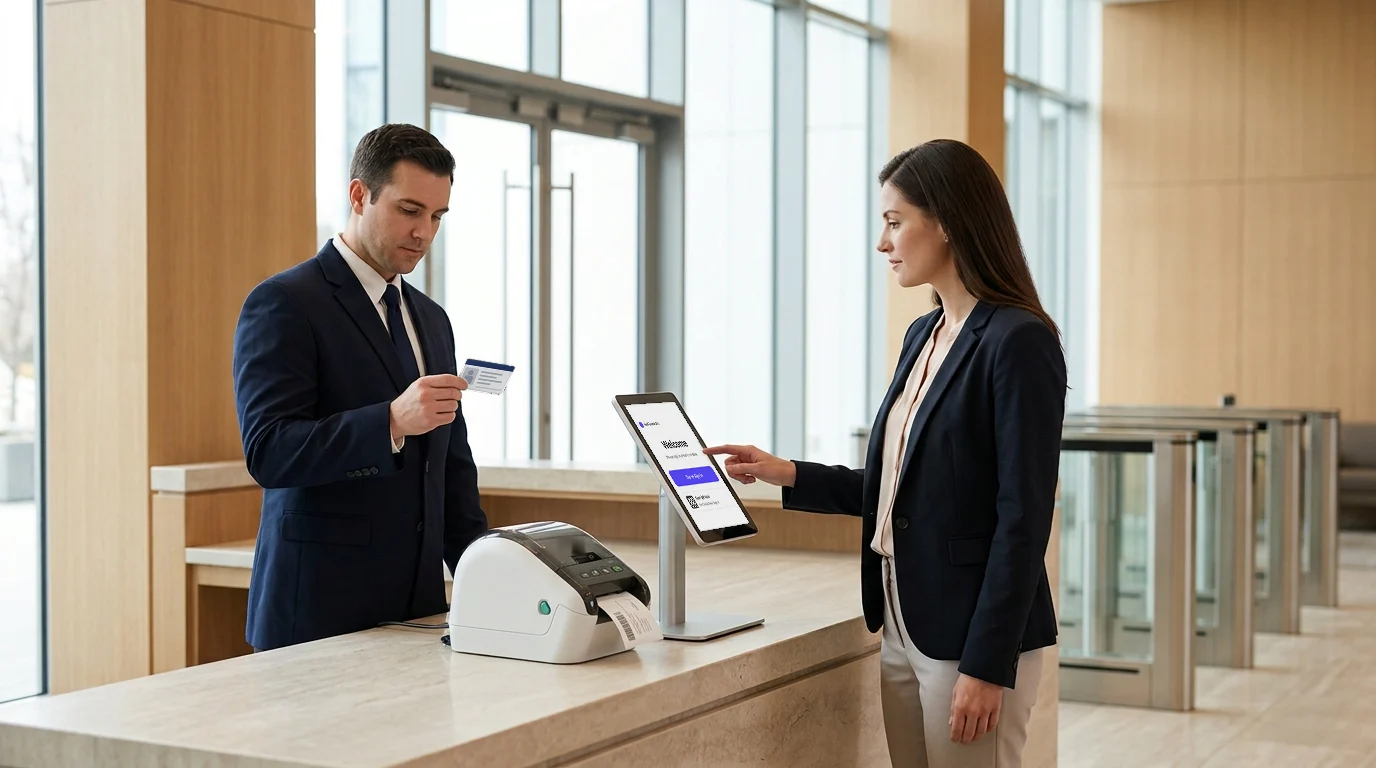
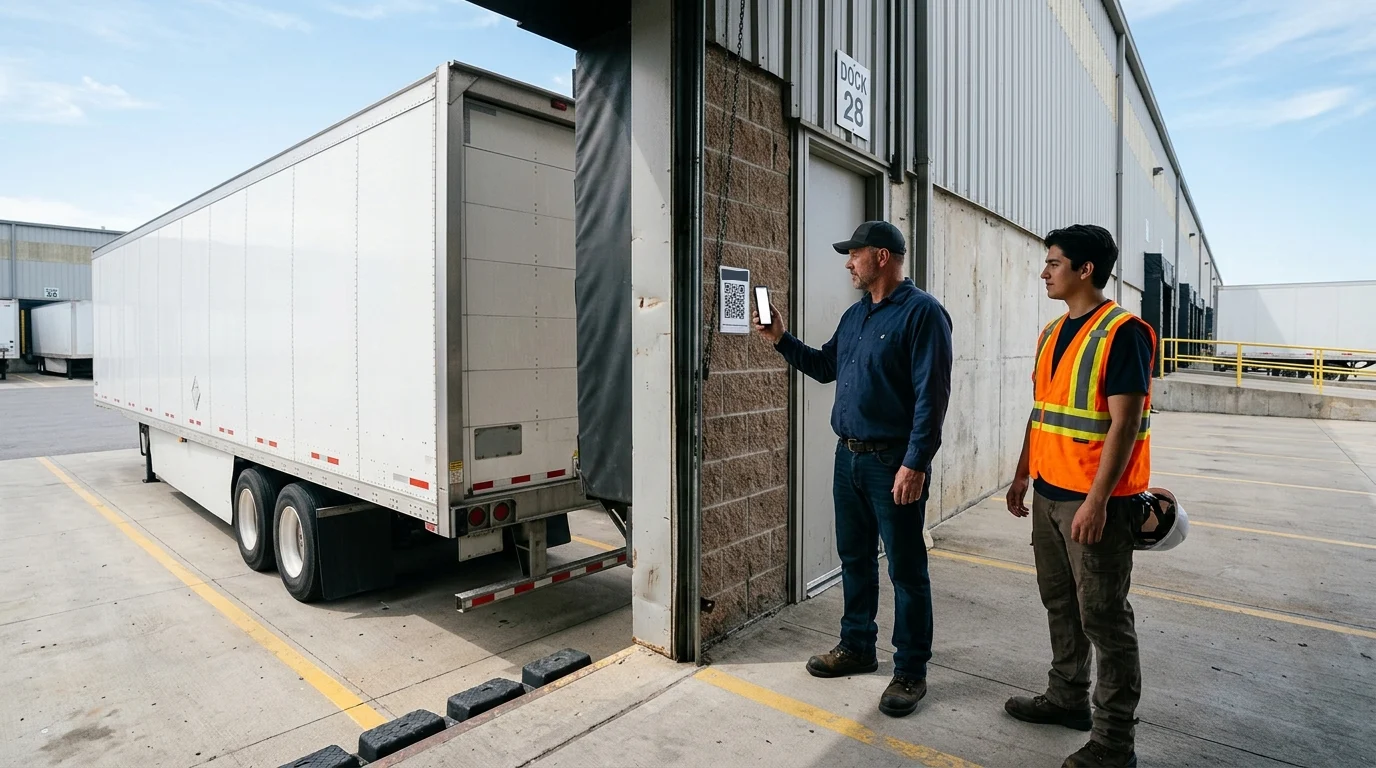
- Faster check-in. Visitors check in at a self-service kiosk or iPad, or by QR code on their own phone. Facial recognition lets returning visitors check in without retyping their details.
- Pre-registration. Hosts invite visitors in advance, so details are entered before arrival and the wait at the desk is shorter.
- Host notifications. The host is told the moment their visitor arrives, by email, text or the mobile app.
- Screening. Visitors are checked against a watchlist before a badge prints, and flagged visitors are held for security.
- Complete records. Every entry has a photo, exact times in and out, the host, and the documents signed. Records can be searched and exported in seconds.
- Secure storage. Records are kept in one place, with access limited to authorized staff and retention set to your policy.
- Integrations. The log can connect to access control systems, security cameras and analytics, so a visitor's badge and the door system work from the same record.
If you are comparing platforms that replace the paper logbook, our review of five visitor log monitoring systems sets them side by side.
How long should you keep visitor logs?
There is no single rule. Retention depends on your industry and the frameworks you answer to: security standards, export-control programs, health and safety rules and privacy law all bear on it, and some pull in opposite directions. Privacy law asks you to keep personal data no longer than you need it; audit programs ask you to keep evidence long enough to show it.
Set a retention period with your compliance lead or counsel, write it into your visitor policy, and apply it to paper and digital logs alike. A digital system can delete records automatically when the period ends, which paper cannot.
How Visitly keeps your visitor log
Visitly replaces the paper sign-in sheet with a digital visitor log that is complete at check-in:
- Visitor watchlist. Visitors are screened against your watchlist at check-in, and security is alerted to a match before a badge prints.
- Facial recognition. Returning visitors are recognized for a faster check-in, and faces can be matched against the watchlist.
- iPad check-in. A self-service iPad kiosk records every entry and exit, with a photo and badge.
- Emergency evacuation. The live list of who is on site becomes the evacuation roster, so you can manage an emergency evacuation with an accurate count of visitors.
- Audit log. Every check-in, check-out, host and signed document is kept in an immutable audit log that you can search and export for an auditor.
- Integrations. Visitly connects to access control and security cameras, so visitor records and door events line up.
See how Visitly supports security teams and workplace safety, read our guide to workplace visitor management, or see the Visitly visitor management platform.
Talk to our team about moving your visitor log off paper.
FAQs
How has visitor management changed from paper logs to digital systems?
It moved from recording visits after the fact to controlling them as they happen. A paper log captured a name and a time. Digital check-in added host notifications, photos and searchable records. Current systems also screen visitors against watchlists, collect signed documents, issue expiring badges and feed a live roster for evacuations and audits.
What is a digital visitor log?
A digital visitor log is an electronic record of every visit to a site, created automatically at check-in. Each entry holds who came, who they saw, when they arrived and left, and what they signed. Unlike a paper book it can be searched, exported and restricted to authorized staff, and earlier entries are not visible to the next visitor.
What makes a visitor management system smart?
A system is smart when it applies your rules without a person deciding each time. It recognizes a pre-registered guest, checks the watchlist, picks the right documents for the visitor type, alerts the host and sets badge expiry. Staff step in only for exceptions. The useful test is how many decisions the front desk no longer makes by hand.
When should a company replace its paper visitor log?
Replace it when someone asks a question the paper book cannot answer. Common triggers are an auditor requesting visit records, a second site opening, a need for signed NDAs, or an evacuation drill with no reliable roster. For scale, Visitly starts at $1,000 per location per year and a basic setup can be done in under an hour.
Do auditors accept a paper visitor log?
Sometimes, but it is hard to defend. An auditor wants evidence that every visit was recorded and that records were not altered, and a paper book cannot show either. Illegible or missing entries become findings. A digital audit log with timestamps answers both points. Your auditor or compliance lead decides what evidence your framework needs.
What data does a smart visitor management system capture that a paper log cannot?
It captures evidence of each check-in step. Beyond name and time, a digital system stores a photo, the ID check result, signed documents, the host's approval, the badge issued, and exact sign-in and sign-out times. Visitly also records watchlist screening outcomes and keeps every event in an immutable audit log, so a visit record can be exported for an auditor.