Contractor management systems have always been a critical component of operations across industries such as construction, facilities management, and manufacturing.
But as projects become more complex, how can businesses efficiently track contractors and ensure safety, seamless execution, security and compliance?
The answer lies in contractor tracking software.
In fact, a news report highlighted that 90% of businesses still rely on outdated methods like spreadsheets and paper records to manage contractors, leading to inefficiencies, errors, and compliance risks. As projects scale, these traditional systems fall short—leading to missed deadlines, cost overruns, and safety concerns.
This blog explores top contractor tracking software tools that streamline contractor management, improve compliance, enhance workplace security, and provide real-time visibility. Thereby, it ultimately saves time and reduces costs.
If you’re looking for modern contractor management software that can scale with your business, this guide will help you navigate the best tools in the market today.
Let’s dive into contractor management system tools that transform how businesses track and manage contractors efficiently.
What is Contractor Management System Software?
Contractor Management System Software is a comprehensive tool that helps businesses track, manage, and engage contractors efficiently, securely, and in compliance.
By centralizing key contractor information, such as certifications, availability, and work progress, contractor management systems enable seamless coordination and oversight. This eliminates errors and inefficiencies associated with spreadsheets and paper logs.
As businesses grow and projects become more complex, it becomes critical to have a centralized system to manage contractor-related tasks. Contractor tracking software makes this process seamless by offering a user-friendly platform that enhances efficiency and reduces risks.
Choosing the right contractor-tracking software is crucial for streamlining your operations and improving efficiency. So, let us get into understanding the top 5 contractor tracking software tools.
What are the Top 5 Contractor Tracking Software Tools?
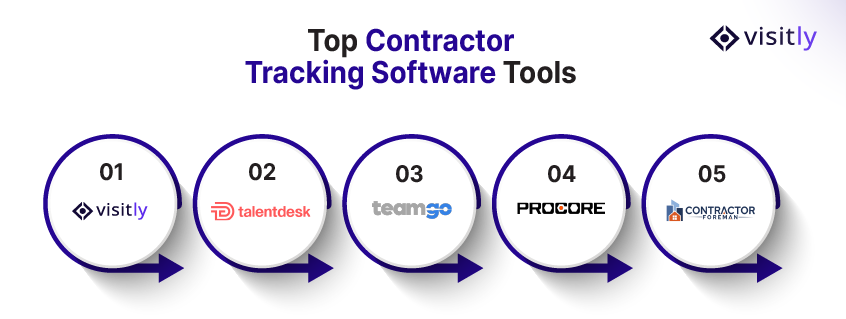
The top 5 contractor tracking software tools are:
- Tool 1: Visitly
- Tool 2: TalentDesk.io
- Tool 3: Teamgo
- Tool 4: Procore
- Tool 5: Contractor Foreman
Now that we’ve covered the basics of contractor tracking software, let’s dive into the top 5 tools leading the market.
We’ll compare their features, benefits, and potential drawbacks to help you make an informed decision.
1. Visitly
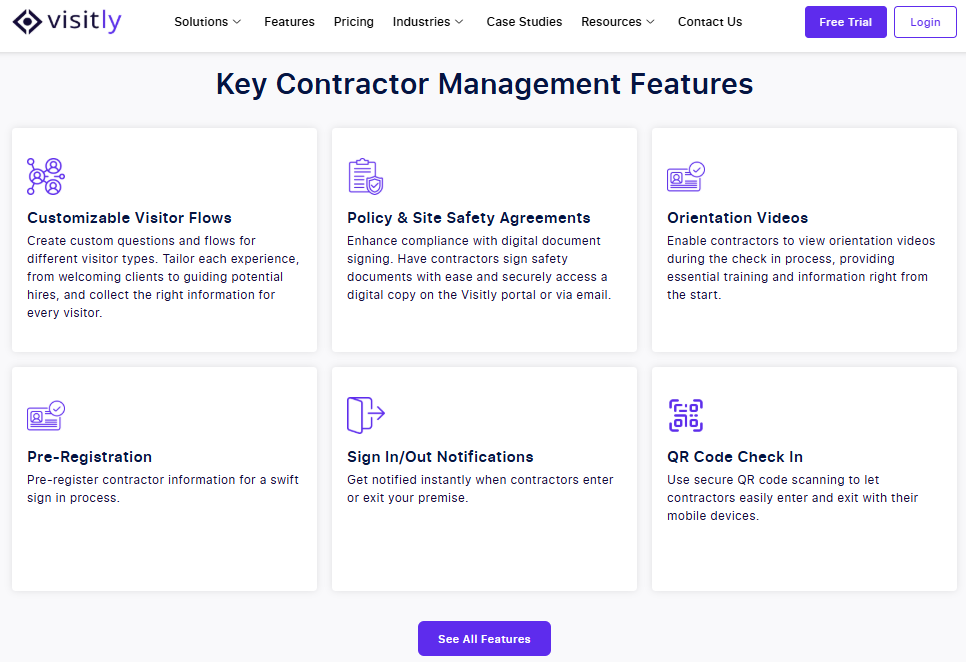
Visitly is a modern contractor and visitor management system that streamlines check-ins, records safety inductions and signed documents, and delivers real-time notifications. Its user-friendly interface makes it ideal for businesses that need to efficiently manage contractors without the complexity and expense of traditional systems.
Features:
- Bulk pre-registration for contractors
- Real-time notifications for project updates in construction fields.
- Customizable workflows for contractor management
- Digital document signing and ID scanning for enhanced security standards
Pros:
- Compliance records for contractors: safety induction acknowledged and documents signed at check-in
- Priced from $1,000 per location per year
- Seamless integration with other systems
- Shows in real time which contractors are checked in at each site
- Supports workplace compliance with safety and regulatory standards
Cons:
- It may not be as feature-rich for large enterprises or highly specialized industries.
Best for: Small- to mid-sized companies seeking a user-friendly contractor-tracking solution.
2. TalentDesk.io
TalentDesk.io offers a more robust contract management system (CMS) that is scalable and ideal for businesses with large teams of contractors. It provides powerful tools for compliance tracking, scheduling, and reporting.
Features:
- Advanced compliance tracking for certifications and insurance
- Contractor scheduling and time tracking tools
- Reporting and analytics for contractor performance
- Seamless integration with other HR and payroll systems
Pros:
- Highly scalable, suitable for large businesses
- Comprehensive analytics and reporting features
- Strong compliance management tools
Cons:
- Steeper learning curve for new users
- More expensive compared to entry-level solutions
Best for: Medium- to large-sized enterprises seeking a scalable contractor management system with advanced features.
3. Teamgo
Teamgo is a comprehensive contractor management tool that provides real-time tracking, document management, and automated billing. It’s designed for businesses that need strong security measures and a customizable dashboard to track contractor progress.
Features:
- Real-time contractor tracking
- Automated billing and invoicing for contractors
- Customizable dashboards for contractor performance
- Document management and storage for compliance and contracts
Pros:
- High security features for managing sensitive contractor data
- Customizable dashboards to match business needs
- Integrated invoicing and payment processing
Cons:
- Higher price point; may not be cost-effective for smaller businesses
Best for: Large companies requiring strong security and real-time contractor tracking.
4. Procore
Procore is an industry-leading project management tool tailored specifically for construction and field-based businesses. It excels at compliance and contractor tracking software, making it ideal for companies with complex contractor needs.
Features:
- Subcontractor management and scheduling tools
- Real-time safety and performance tracking
- Compliance-focused features, including safety protocols and certifications
- Contractor management tools for large teams
Pros:
- Excellent for construction and field-based businesses
- Comprehensive project and contractor management tools
- Strong compliance and safety features
Cons:
- Not suitable for small businesses or companies outside of the construction industry
Best for: Construction businesses managing multiple subcontractors across large projects.
5. Contractor Foreman
Contractor Foreman is a highly affordable contractor management tool that focuses on simplicity and ease of use. It offers basic features such as time tracking, budgeting, and safety compliance for small- to mid-sized businesses.
Features:
- Time tracking and work hours management
- Budget management for contractors and projects
- Safety compliance tracking and reporting
- Mobile-friendly and easy-to-use interface
Pros:
- Affordable solution for smaller businesses
- Easy-to-use interface
- Suitable for small construction or facility management teams
Cons:
- Limited integrations with other software
- Fewer advanced features compared to larger systems
Best for: Small businesses or independent contractors looking for an easy, affordable solution for contractor tracking.
Contractor Tracking Software: Comparison of 5 Tools
| Feature / Tool | Visitly | TalentDesk.io | Teamgo | Procore | Contractor Foreman |
|---|---|---|---|---|---|
| Core Purpose | Contractor & visitor check-in, on-site records | Scalable contractor tracking + analytics | Secure check-in and real-time tracking | Enterprise project + contractor management | Budget-friendly time, cost & contractor logging |
| Real-Time Contractor Tracking | Real-time alerts & visibility | Live dashboards & analytics | Live check-in & contractor movement | Field tracking & task updates | Manual/periodic updates |
| Contractor Compliance | ID scanning + document capture | Insurance & certification tracking | Basic document support | Safety protocols & regulation checks | Limited compliance tools |
| Security & Safety Monitoring | Real-time alerts, role-based access | Standard security | Access controls + notifications | Safety workflows + incident tracking | Basic |
| Workflow Automation | Pre-registration, custom flows | Scheduling, reminders | Limited automation | Project workflows + approvals | Minimal |
| Best For | Mid-size businesses focusing on compliance & contractor visibility | Large enterprises needing deep analytics | Teams requiring secure real-time tracking | Construction & engineering enterprises | Small teams focused on core tracking |
| Typical Use Cases | Contractor sign-ins + safety inductions | Multi-location contractor analytics | Safety-critical contractor monitoring | Full project + contractor management | Basic time & cost tracking |
| Strengths | Strong compliance, real-time on-site visibility, and scalability | Deep insights, detailed reporting | Strong security features, flexible dashboards | Robust enterprise project tools | Affordable, intuitive |
| Weaknesses | Not a complete project management suite | Steeper learning curve | Higher pricing tier | Complex and expensive for small businesses | Fewer advanced features |
| Ease of Implementation | ⭐⭐⭐⭐ | ⭐⭐⭐ | ⭐⭐⭐⭐ | ⭐⭐ | ⭐⭐⭐⭐ |
How to Choose the Best Contractor Management Software?
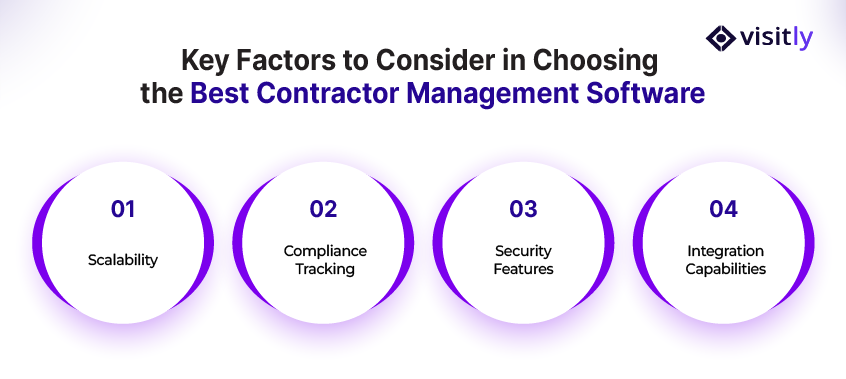
To choose the best contractor management software, consider these key factors:
- Scalability
- Compliance tracking
- Security features
- Integration capabilities
When managing contractors, having the best contractor management software can transform how you streamline workflows, improve compliance, and enhance operational efficiency.
But with so many options on the market, how do you ensure you’re choosing the best contractor management systems?
Below are key factors to consider when selecting the best contractor management system for your business.
Key Factors to Consider:
1. Scalability
As your business grows, so does the need to scale your contractor management system. The ideal CMS should grow with your company and handle an increasing volume of contractors, projects, and locations seamlessly. Choose software that can accommodate your future needs without complex system overhauls.
2. Compliance Tracking
Compliance is critical in contractor management, especially when working with contractors from multiple industries. Look for contractor management software that helps track certifications, licenses, insurance, and safety training. That tracking usually sits in a contractor prequalification system, separate from visitor management. This ensures that your contractors meet industry-specific requirements and keeps you audit-ready.
3. Security Features
Given the sensitive nature of contractor data, security is paramount. Ensure the contractor tracking software includes strong data protection features, such as encrypted storage, secure access control entry, and safety protocols. This protects both your contractors’ data and your business’s reputation.
4. Integration Capabilities
A contractor management system should integrate with your existing business systems, such as project management tools, accounting software, and payroll systems. This ensures seamless data flow between platforms, reducing manual data entry and minimizing the risk of errors.

Closing Thoughts
Choosing the right contractor management system (CMS) is crucial for businesses striving to enhance productivity, compliance, and security. Investing in the right contractor-tracking software not only improves efficiency but also helps companies meet regulatory requirements and manage contractors effectively.
Key Takeaways:
- Efficiency: Centralized contractor tracking reduces errors and delays caused by manual processes.
- Compliance: Contractor management systems ensure that businesses stay compliant with industry regulations by keeping dated records of inductions, signed documents and time on site.
- Real-Time Visibility: Access to real-time data allows businesses to make timely decisions, improving project outcomes and timelines.
- Scalability: A good CMS grows with your business, enabling you to manage multiple contractors and projects seamlessly.
Positioning Visitly as the Solution
Visitly, a modern visitor management tool, is ideal for businesses looking to streamline contractor tracking.
With features such as bulk pre-registration, real-time notifications, and documents signed at check-in, Visitly keeps a dated record of every contractor on site.
Whether you’re managing contractors across various sites or handling sensitive data, Visitly offers an easy-to-use, scalable solution to meet your needs.
For more information on how Visitly can help transform your contractor management, contact us today.
FAQs
What is contractor tracking software?
Contractor tracking software records which contractors are on your sites, who approved them, what they signed and when they left. It replaces paper sign-in sheets and spreadsheets with a searchable record per location. Some products also track documents such as insurance and licenses, which is a different job from tracking presence.
How does contractor tracking software work on site?
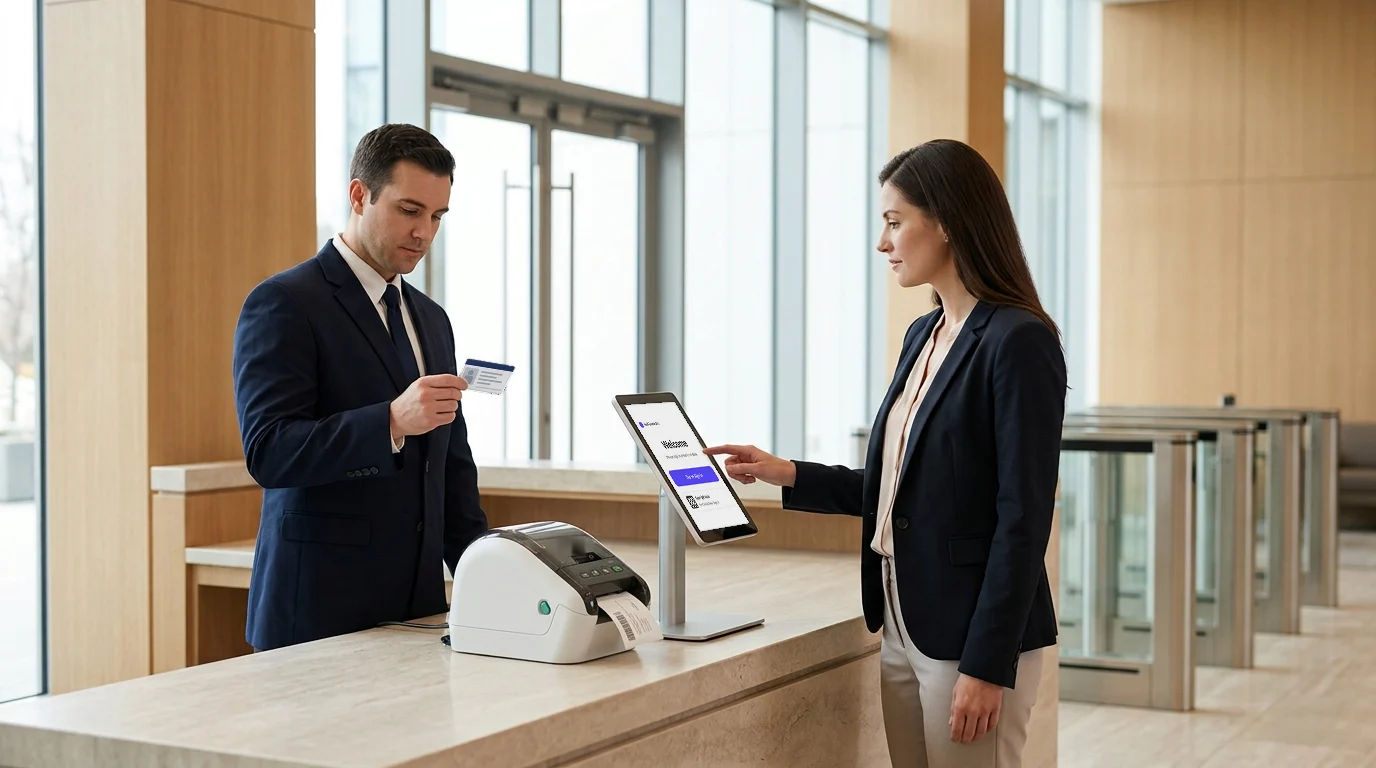
A contractor is pre-registered by a host, receives a QR code, and scans it at a kiosk or gate on arrival. The system captures a photo and ID, shows the site induction, prints a badge and notifies the host. Check-out closes the visit, so the live roster shows only the people who are still inside.
What features should I look for in contractor tracking software?
Prioritize a live roster by location, bulk pre-registration, identity checks, a logged safety induction and an exportable audit trail. For multi-location companies, add single sign-on and central policy with per-site settings. If you need insurance or certification expiry alerts, confirm the product has them, because sign-in platforms often do not.
Is contractor tracking software the same as construction project management software?
No. Project management software plans and costs the work: schedules, bids, drawings and budgets. Contractor tracking software controls and records the people: who is on site, who approved them and what they acknowledged. Decide which problem you are solving before comparing prices, because the two kinds of product are rarely substitutes for each other.
How does contractor tracking help with compliance?
It helps by producing dated evidence that site rules were applied to every contractor: an induction acknowledgment, signed documents, entry and exit times and the approving host. Visitly supports OSHA programs with hazard acknowledgment, evacuation rolls and incident records kept with the visit history. It does not track contractor certifications or insurance.
What does contractor tracking software cost for multiple sites?
Sign-in platforms usually price per location per year, so cost scales with sites and not with contractor numbers. Visitly starts at $1,000 per location per year, or $2,000 with watchlist and photo ID screening. Sign In App lists $630, $1,260 and $1,890 per site per year. Compare what each price includes, such as single sign-on. Prices as of Q4 2026.