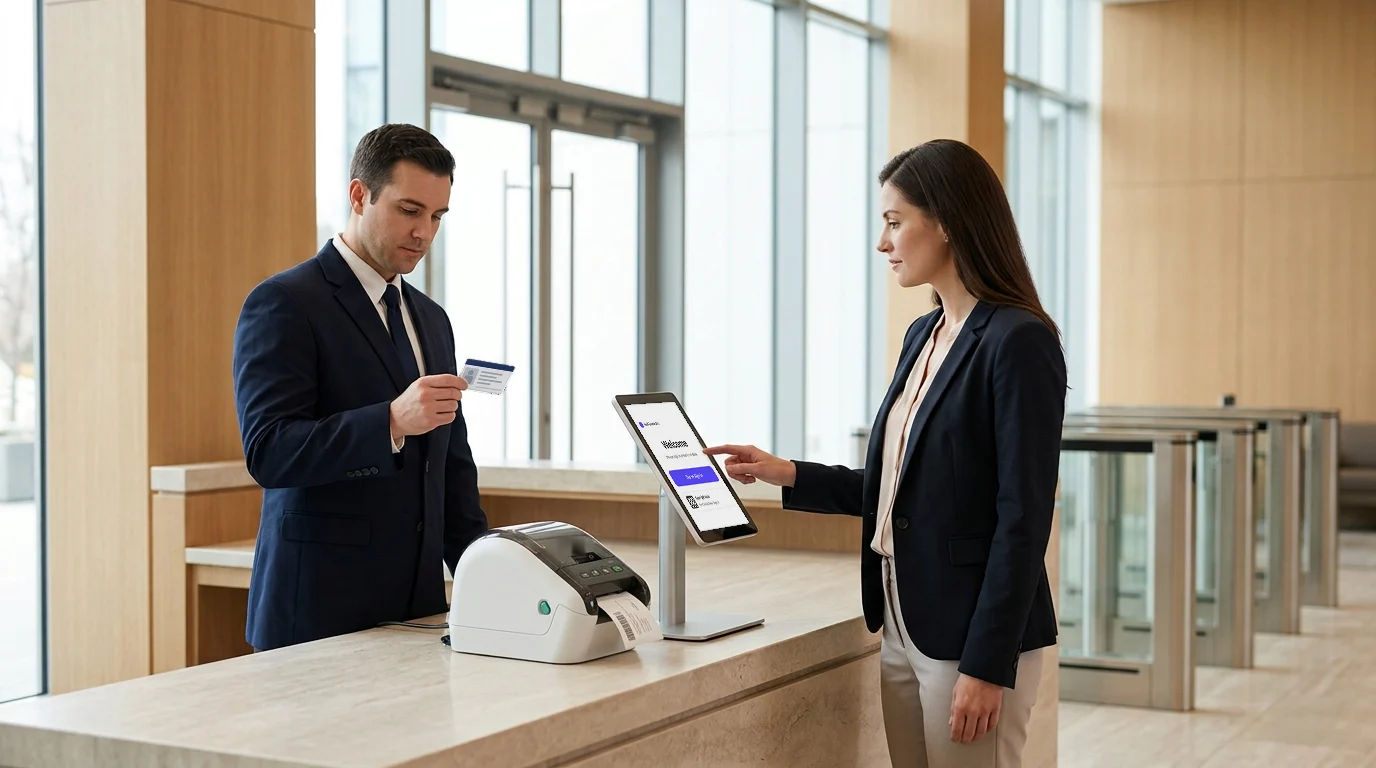
Did you know that the average visitor spends nearly 20 minutes waiting to check in at the front desk?
In today’s fast-paced world, such delays are unacceptable, especially when businesses are increasingly focused on improving efficiency and workplace security.
Automated reception systems are not just a trend but a necessity, transforming the traditional visitor check-in process. These systems enable zero-wait check-ins, offering visitors a seamless, touchless experience.
In fact, 60% of businesses report improved visitor satisfaction and operational efficiency after adopting automated solutions.
Gone are the days of manual logs and long queues; it’s time for smarter, faster, and more secure visitor management.
This blog will introduce you to the top 5 automated reception systems that promise zero-wait check-ins, boosting security, workplace compliance, and productivity.
Say goodbye to inefficiency and hello to a futuristic visitor management system and experience!
So, let us get started!
How an automated reception system works
The five products below differ on price and depth, but check-in follows the same four stages.
- Before arrival: the host pre-registers the visitor, who receives an invitation with a QR code and can complete forms ahead of time.
- On arrival: the visitor scans the QR code or enters their details at a kiosk. The system can check the name against a watchlist, take a photo and collect a signed NDA before a badge prints.
- During the visit: the host is notified by email, SMS or a chat tool such as Slack or Microsoft Teams. Where the system connects to access control, it can grant temporary door access for the visit. The visitor appears on the live on-site list.
- After the visit: check-out closes the record. The log keeps arrival and departure times, the host and the documents signed, and can be exported for an audit.
Front desk staff step in when a check-in is flagged or a visitor needs help.
What are the Top 5 Automated Reception System for Zero-Wait Visitor Check-Ins?
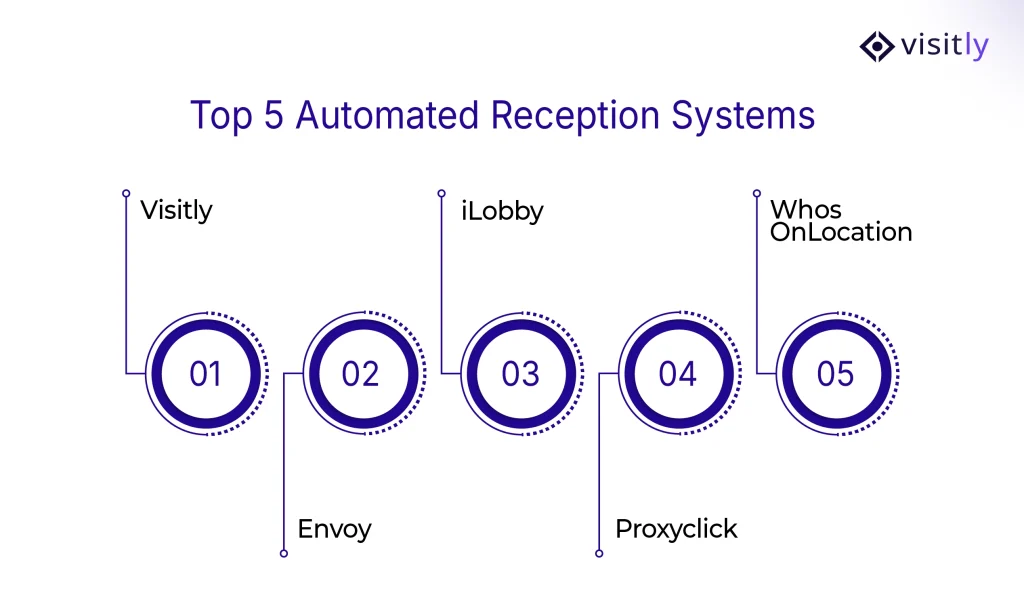
The top 5 automated receptionist systems for zero-wait visitor check-ins are:
1. Visitly
2. Envoy
3. iLobby
4. Proxyclick
5. WhosOnLocation
1. Visitly
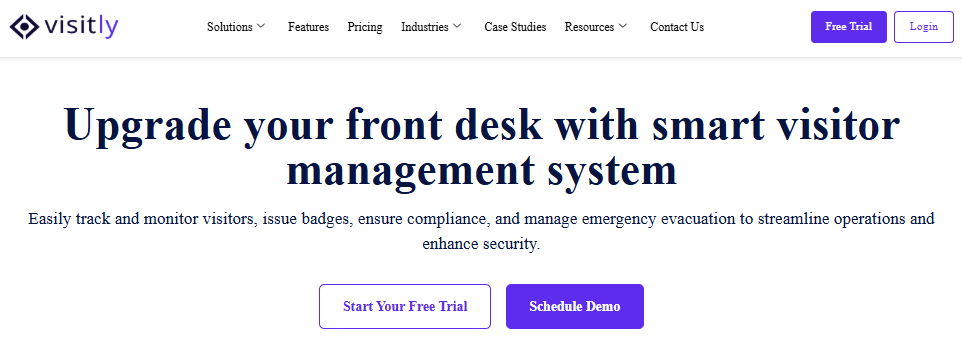
Visitly offers an advanced automated reception system designed to streamline visitor check-ins while ensuring high security and operational efficiency.
For the checks a front desk should run on every visitor, from ID validation to watchlist screening, see our guide to front desk security.
Ideal for businesses with multiple locations, it provides a seamless check-in experience with a QR codes check-in system and facial recognition for a touchless, fast process.
Key Features:
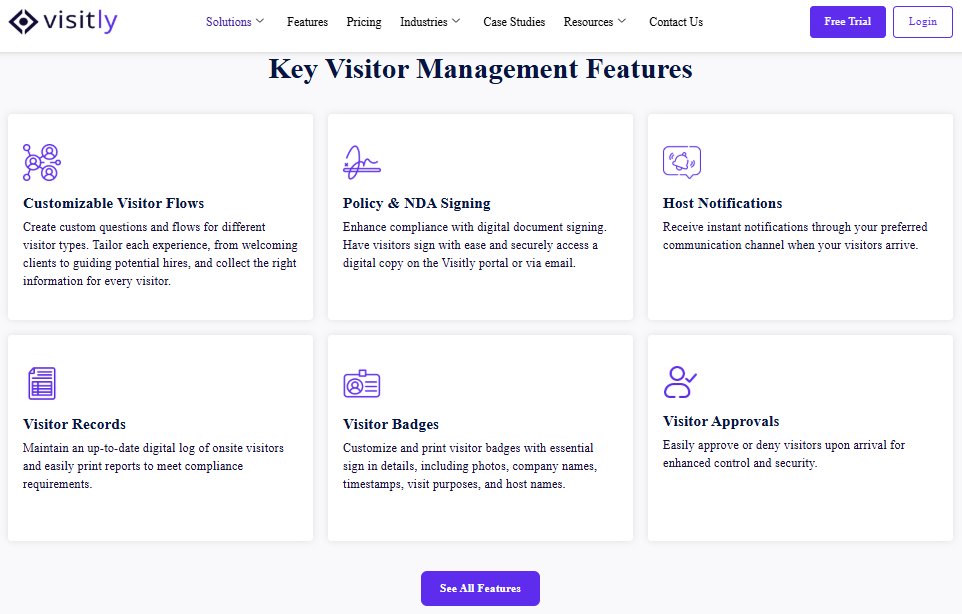
- Best visitor management system with policy and NDA signing.
- Cloud-based system with a real-time dashboard for tracking visitor data across locations with a visitor access management system.
- Visitor pre-registration for faster check-ins.
- QR code check-ins and facial recognition for a seamless, touchless experience.
- Real-time emergency notifications to hosts, ensuring smooth transitions.
- Automated front desk kiosk management system.
- Automated visitor management system.
- Check-in in more than 150 languages, integration with your access control system, and emergency evacuation support.
- Automatic visitor badge printing.
Pros:
- Touchless visitor management system and fast check-ins eliminate wait times.
- Advanced security with real-time tracking and integration with access control entry systems.
- Scalable for businesses of all sizes, from startups to large enterprises.
Cons:
- Initial setup may require tech infrastructure integration.
- Some users may need time to adapt to new technology.
Best Suited For:
- Companies with high visitor traffic, multi-location businesses, or those that prioritize security standards and operational efficiency.
2. Envoy
Envoy focuses on creating a frictionless, contactless visitor experience using self-service kiosks and smart integrations. It’s ideal for modern offices looking to enhance the visitor experience without compromising on security.
Key Features:
- AI-based identity verification for secure and seamless check-ins.
- Integration with CRM and security systems for streamlined operations.
- Pre-registration and host notifications for smooth visitor management.
- Automated receptionist system.
Pros:
- Simple, easy-to-use interface.
- Highly customizable to fit specific organizational needs.
- Integrates with a wide range of other enterprise systems.
Cons:
- May require customization for complex needs.
- Limited options for multinational visitor management.
Best Suited For:
- Corporate offices, tech companies, and businesses focused on streamlining their front-desk operations and enhancing guest experiences.
3. iLobby
iLobby is a cloud-based automated receptionist system that excels in security and compliance. It provides government-issued ID scanning and real-time data tracking, making it an excellent choice for regulated industries.
Key Features:
- Government-issued ID scanning for secure, reliable verification.
- Real-time visitor tracking for compliance reporting.
- Integration with building access control systems for added security.
Pros:
- Strong compliance features, including real-time data and detailed reports.
- Ideal for high-security environments.
- Best visitor access management system
- Seamless integration with existing access control systems.
Cons:
- High-level security features may make the system more complex to implement.
- Not as customizable for companies without high security or compliance requirements.
Best Suited For:
- High-security industries such as healthcare, government, or finance, where compliance and stringent access control are critical.
4. Proxyclick
Proxyclick is an all-in-one electronic reception system that combines visitor management with workflow automation, making it perfect for companies looking for flexibility and scalability.
Key Features:
- Multilingual support for global businesses.
- Visitor watchlist and security alerts for real-time monitoring.
- Analytics and reporting tools to optimize visitor experience.
Pros:
- User-friendly interface that’s easy to scale.
- Strong analytics and data insights for operations.
- Can handle multiple sites and different visitor types.
Cons:
- Limited customization for specific use cases.
- May require third-party integrations for some advanced features.
Best Suited For:
- Multinational companies and enterprises that require multilingual support, flexible solutions, and detailed visitor analytics.
5. WhosOnLocation
WhosOnLocation is an electronic reception system designed to simplify safety and compliance. With features like live reporting and customizable security protocols, it’s ideal for organizations needing to meet stringent compliance requirements.
Key Features:
- Live reporting and real-time data tracking for compliance audits.
- Instant alerts and check-in status updates.
- Customizable security protocols for restricted areas.
Pros:
- Comprehensive reporting for compliance audits.
- Real-time alerts to improve security response times.
- Customizable to fit the unique needs of businesses.
Cons:
- May not offer as many user-friendly features for smaller businesses.
- Some features require additional setup for full functionality.
Best Suited For:
- Companies in regulated industries such as healthcare or education, where safety and compliance are critical.
- Also great for businesses with restricted areas that require enhanced visitor monitoring.
What to look for in an automated reception system
Use this list when you compare vendors, and ask which plan includes each item.
- Check-in on the visitor's own phone by QR code, with a kiosk for walk-ins
- Pre-registration, with invitations the host sends ahead of the visit
- Photo ID verification and watchlist screening, with an alert to security on a match
- Facial recognition for returning visitors, where your policy allows it
- Host notifications in the tools your teams already use, such as Slack or Microsoft Teams
- Badge printing and access control integration
- Configurable data retention and an audit log you can export
- One dashboard that reports across locations
- A current SOC 2 Type II report from the vendor, and GDPR terms your legal team has reviewed

Closing Thoughts
Zero-wait check-ins have evolved from a mere convenience to an essential tool for businesses seeking efficiency, security, and operational excellence. By integrating automated reception systems, companies can ensure smooth workflows, enhance compliance, and boost visitor satisfaction.
The future of visitor management lies in automation, and with solutions like Visitly, businesses can make check-in processes faster, safer, and more streamlined.
As organizations face increasing pressure to enhance security and operational efficiency, investing in automated reception systems is no longer optional but a necessity.
Key Takeaways:
- Automated check-ins improve visitor experience by reducing wait times.
- Real-time tracking enhances security and compliance management.
- Integration with existing systems simplifies workflows and boosts operational efficiency.
- Scalable solutions cater to businesses of all sizes, ensuring future growth.
The future of visitor management is here. Get started with Visitly today and transform your reception process into a seamless, efficient experience.
FAQs
What is an automated reception system?
An automated reception system is software that checks visitors in without a receptionist entering their details. Vendors also call it a digital receptionist, an automated front desk or an automated lobby. Visitors register at a kiosk or on their own phone, the host is notified, a badge prints, and the visit is logged with arrival and departure times in place of the paper sign-in book.
How does an automated reception system improve security?
It applies the same checks to every visitor, which a busy front desk can't guarantee. The system records identity, host and time for each visit, can screen visitors against a watchlist, and can require an NDA before a badge prints. Security gets an accurate view of who is on-site, and every visit leaves a record for audits.
Do automated reception systems replace front desk staff?
No. An automated reception system takes over the repetitive steps: capturing details, notifying hosts and printing badges. Front desk staff still greet visitors, handle exceptions and respond when a check-in is flagged. At unstaffed entrances, the kiosk covers check-in and routes anything unusual to security or the host.
How much does an automated reception system cost?
It depends on the vendor and plan, and most publish a per-location price. Visitly is $1,000 or $2,000 per location per year. FacilityOS, formerly iLobby, lists VisitorOS from $225 per month. Envoy Premium is $362 per location per month billed annually. Eptura Visitor, formerly Proxyclick, is quote only. Prices as of Q4 2026.
Can an automated reception system integrate with other tools?
Yes. Automated reception systems commonly connect to messaging, calendar, identity and access control systems. Visitly sends host notifications in Slack and Microsoft Teams, supports single sign-on through Okta and Entra ID, and connects to access control systems such as Genetec and Brivo; talk to sales about access control. Ask each vendor which integrations sit on which plan.
What hardware does an automated reception system need?
Most run on a tablet kiosk and a badge printer. Visitly runs on any iPad on the current iPadOS with Zebra or Epson badge printers, and you can use devices you already own or buy a hardware bundle. Visitors can also check in on their own phone by scanning a QR code, which needs no kiosk.