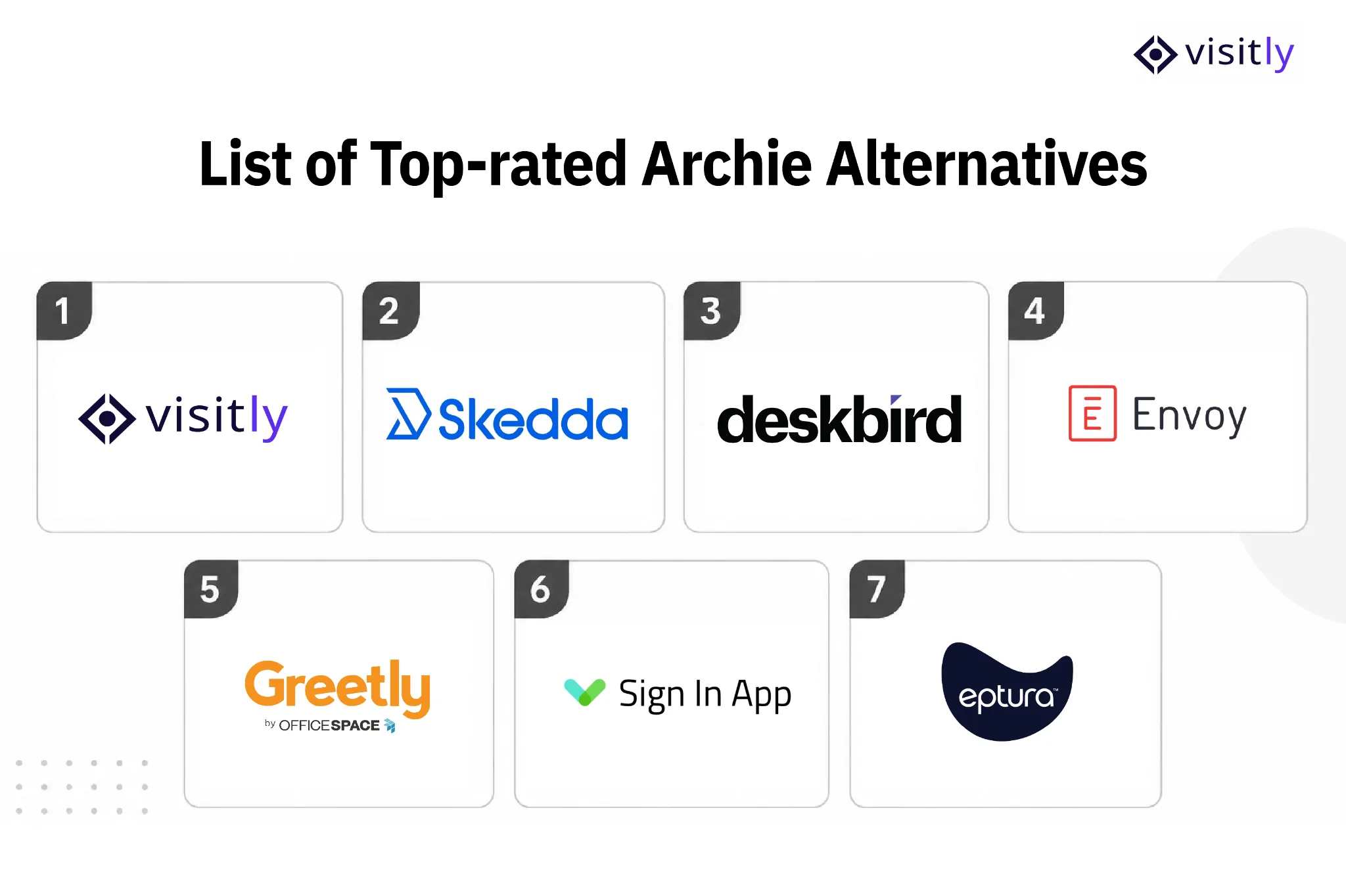
Looking for an alternative to Archie? This guide compares seven visitor management platforms across pricing, visitor workflows, security features, integrations, and use cases. The options include Visitly, Skedda, Deskbird, Envoy, Greetly, Sign In App, and Eptura Visitor.
According to reports, 45% of EHS professionals reported a safety incident or compliance issue involving a visitor, contractor, or other non-employee in the past year. Yet 40% of organizations still rely on paper sign-in sheets to track them.
That gap matters when your front desk is responsible for knowing who is on-site, why they're there, whether they've completed required steps, and where they are during an emergency.
Modern visitor management systems bring these workflows into one system, from pre-registration and ID checks to contractor compliance, badge printing, access control, and real-time occupancy records.
Archie is primarily a workplace management platform that combines visitor management with desk booking, room scheduling, and coworking workflows. For teams evaluating it specifically for visitor and contractor security, the important question is how its capabilities compare with platforms built around visitor management, compliance, access control systems, and site security.
This guide compares 7 Archie alternatives across features, pricing, and use cases so you can see how each platform approaches visitor and contractor management.
What Archie Actually Is, and What to Compare
Archie combines visitor management with workplace tools such as desk booking and room scheduling. Its visitor platform covers check-in, badges, custom forms, e-signatures, visitor screening, access control, and emergency workflows.
The key differences appear when you compare how deeply each platform handles visitor security, contractor workflows, compliance, and multi-site management.
- Security & screening: Compare visitor screening, access restrictions, watchlists, ID verification, and access-control integrations.
- Compliance: Look at audit trails, document signing, data retention, SSO/SCIM, and controls for regulated environments.
- Contractor management: Check whether the platform supports contractor onboarding, documents, credentials, approvals, and recurring site access.
- Platform focus: Archie combines visitor management with broader workplace management. Other platforms focus primarily on visitor security and front-desk operations.
What are the 7 Best Archie Alternatives: Features, Pricing, and Use Cases
The 7 best Archie alternatives are highlighted below:
1. Visitly
2. Skedda
3. Deskbird
4. Envoy
5. Greetly
6. Sign In App
7. Eptura
1. Visitly
If security, compliance, and contractor oversight are non-negotiable for your organization, Visitly belongs at the very top of your shortlist.
Unlike platforms that treat visitor management as a secondary feature, Visitly was purpose-built to handle the full complexity of modern workplace entry, from the front lobby to regulated contractor zones.
It's not just a visitor check-in tool; it's your first line of defense.
Key Features:
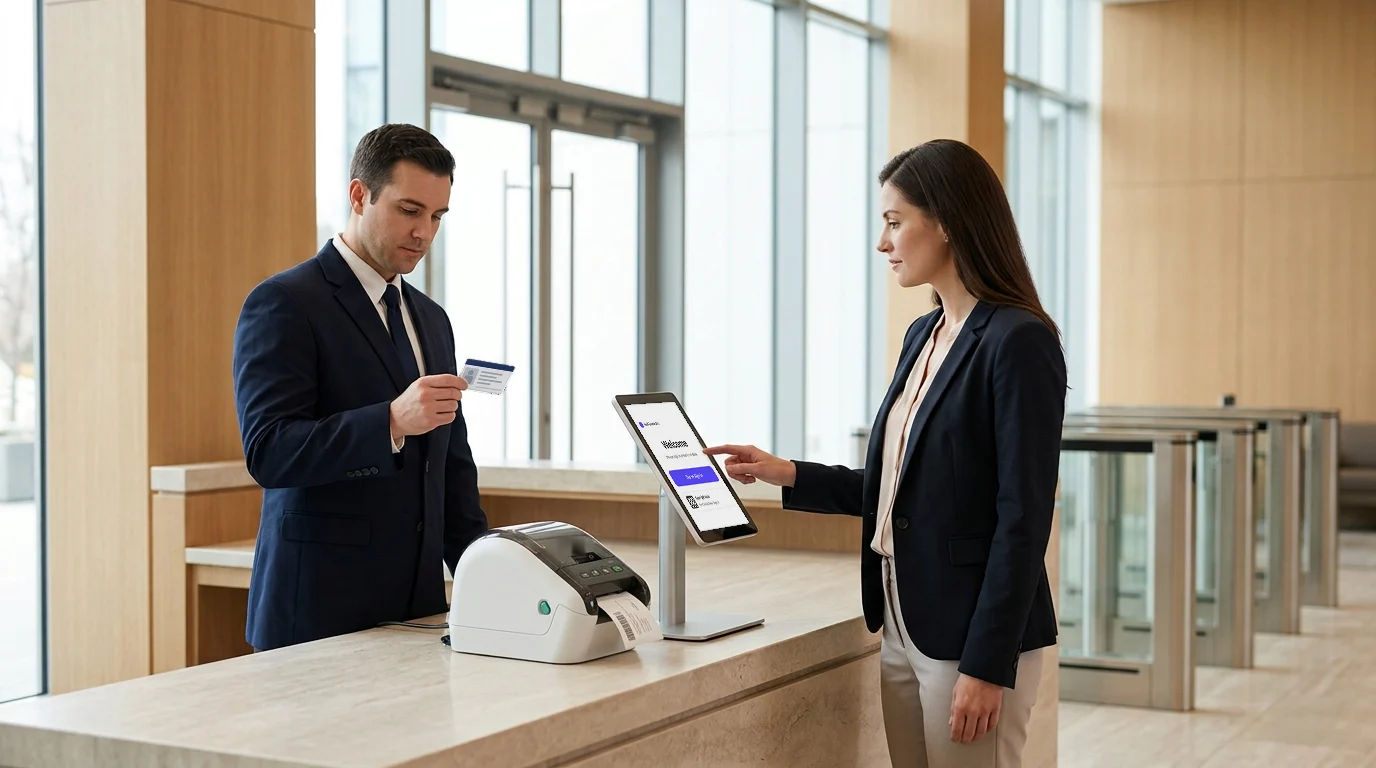
- Fully customizable iPad-based check-in: iPad visitor sign-in helps create a branded kiosk experience with no app download required for visitors, supporting touchless and contactless flows. Check-in supports more than 150 languages.
- Bulk pre-registration: Visitor preregistration enables large groups of visitors or contractors to register in advance, eliminating front-desk bottlenecks.
- Watchlist screening: Automatically flag restricted or unauthorized visitors before they enter your facility.
- Photo ID capture and scanning: Verify visitor identities at the point of entry with digital ID scanning.
- NDA and document e-signing: Capture legally binding digital signatures during check-in, no paper required.
- Real-time host notifications: Emergency notifications via email, SMS, or integrated communication tools as soon as a visitor arrives.
- Dedicated contractor management: Custom sign-in flows, safety induction acknowledgment, and documents signed at check-in, built for contractor workflows.
- SOC 2 Type II audit trails: Comprehensive, tamper-proof visitor logs built for regulatory audits and security standards.
- Supports ITAR and C-TPAT programs: Built for regulated environments, including defense, manufacturing, and government.
- Emergency evacuation tools: Real-time on-site presence tracking and roll-call functionality for safety incidents.
- Employee check-in and mailroom management: One unified platform covering visitors, contractors, staff, and mailroom management.
- 60+ integrations: SSO, SCIM provisioning, access entry control systems, Slack, Microsoft Teams, and more.
Pricing:
Visitly offers flexible, transparent plans that scale from growing startups to multi-location enterprises. Visit the pricing page for Visitly to view current plan details.
Visitly currently publishes these prices:
- $1,000/location/year on annual billing
- $2,000/location/year on annual billing
- Custom deployments: our team will put the pricing together with you
| Vendor | Published price | What that price includes |
|---|---|---|
| Visitly Starter | $1,000 per location per year | Visitor check-in, single sign-on, audit log |
| Visitly Business | $2,000 per location per year | Adds watchlist and photo ID screening |
| Envoy Premium | $362 per location per month, billed annually ($4,344 per year) | Single sign-on and badge printing; watchlist and ID scanning need a custom Enterprise quote |
| Sign In App | $630 to $1,890 per site per year | Single sign-on only at the $1,890 level |
| Eptura Visitor | No published price | Quote only |
Prices from each vendor's pricing page, Q4 2026. See Visitly pricing and the full comparison.
Best Use Case:
- Manufacturing, defense, and government facilities requiring ITAR or C-TPAT compliance
- Healthcare and finance organizations needing SOC 2 Type II audit-ready visitor logs
- Multi-location enterprises needing centralized visitor and contractor oversight
- Security management systems and teams that need watchlist screening and ID verification at every entry point
- IT and operations teams looking for a platform with SSO, SCIM, and 60+ integrations out of the box
- Any organization replacing paper sign-in sheets with a fully branded, contactless iPad experience
Pros
- Highly secure and customizable
- Ideal for businesses focused on safety and compliance
- User-friendly with no app download required
Visitly is the only platform on this list combining a best-in-class visitor management system, dedicated contractor management, and compliance-grade security in a single iPad-native experience.

2. Skedda
Skedda is a well-established workspace scheduling platform trusted by over 12,000 organizations, including IBM, Siemens, Mercedes-Benz, and Harvard University. Its core strength is desk and room booking. For teams that primarily need space scheduling with light visitor functionality layered on top, it's a polished and reliable option.
Key Features:
- Interactive floor plans with drag-and-drop desk and room booking
- Automated booking rules, quotas, and policies by department or user group
- Two-way calendar sync with Microsoft 365 and Google Workspace
- Visitor self-check-in via tablet and real-time host arrival notifications
- SAML SSO, space utilization analytics, and Slack/Teams integration
Pricing:
- Visitor Management Add-on: Premium tier only
See Skedda's pricing page for current plans.
Best Use Case:
- Universities, non-profits, and hybrid offices primarily need desk and room scheduling.
- Teams where visitor check-in is a low-volume, secondary requirement
- Organizations that don't require compliance workflows, contractor management, or watchlist screening
Pros
- Affordable and easy to implement
- Ideal for businesses needing simple booking solutions
- Customizable for different industries
3. Deskbird
Deskbird is a people-first hybrid work platform with strong traction in Europe. It excels at helping teams coordinate office attendance, book desks and resources, and manage hybrid work policies through integrations with the tools employees already use every day.
Key Features:
- Desk, room, and resource booking with real-time availability views
- Workforce planning — see who's in the office, coordinate team schedules, and manage hybrid policies
- deskbird Visitors—self-check-in, host notifications via Teams or email, receptionist dashboard, and pre-registration
- 200+ integrations, including MS Teams, Outlook, Google Calendar, Slack, and major HR and identity platforms
- Workforce engagement analytics and attendance tracking
Pricing:
- Deskbird moved to a modular, multi-product pricing model in 2025: Desk Booking, Room Booking, Workforce Engagement, and Visitor Management are each priced separately by user or room.
- Exact pricing is available on request via Deskbird's sales team.
See Deskbird's pricing page for current plans.
Best Use Case:
- Hybrid-first organizations in Europe are managing flexible office attendance
- Teams wanting a single app for desk booking, room scheduling, and basic visitor coordination
- Companies already embedded in the Microsoft 365 or Google Workspace ecosystem
Pros
- Seamless integration with HR and employee systems
- Ideal for companies embracing hybrid work models
- Easy-to-use interface and flexible features
4. Envoy Visitor
Envoy is one of the most recognized names in visitor management. It started as a clean iPad sign-in tool and evolved into a full workplace platform. For enterprises seeking a polished, brand-forward lobby experience with deep integrations and strong security, Envoy is a serious contender, but it comes with a high price to match.
Key Features:
- Branded, customizable iPad check-in flows by visitor type (guests, contractors, candidates)
- Visitor badge printing, photo capture, and digital document signing
- ID scanning, watchlist/blocklist screening, and visitor approval workflows
- Access control integrations: Kisi, Brivo, Lenel, and Salto
- Virtual Front Desk; remote receptionist via video directly at the kiosk
- Multi-location management, emergency notifications, and visitor analytics
- SSO, SCIM provisioning, and Slack/Teams/Outlook integrations
Pricing:
Envoy currently lists:
- Basic: Free
- Premium: $362/location/month billed annually
- Enterprise: Custom pricing
Envoy Premium is $362 per location per month, billed annually ($4,344 per year); watchlist and ID scanning need a custom Enterprise quote.
Best Use Case:
- Mid-to-large enterprises wanting a premium, visually polished lobby check-in experience
- Organizations already invested in Envoy's broader workplace suite (desks, rooms, deliveries)
- Enterprise security teams need ID scanning, blocklists, and access controls in a single platform.
Pros
- Robust security and compliance features
- Scalable for large businesses
- Comprehensive reporting and analytics
5. Greetly
Greetly, by OfficeSpace, has built a strong reputation among small- and mid-sized businesses seeking a polished, highly customizable virtual receptionist experience without the enterprise price tag. It delivers on simplicity, branding control, and core compliance at a genuinely accessible cost.
Key Features:
- Unlimited check-ins on every plan; no per-visitor charges, ever
- Touchless visitor and employee sign-in via iPad or Android
- Multi-channel notifications; email, SMS, Slack, Teams, and phone
- NDA and document signing, visitor photos, watchlist alerts, and multilingual support
- Pre-registration, multiple admin roles, and QR code check-in
Pricing:
Greetly is $99 per month (Essential) or $159 per month (Pro), billed yearly.
Best Use Case:
- Startups and SMBs wanting a branded, professional visitor experience on a lean budget
- Multi-location setups needing a consistent check-in experience without enterprise pricing
- Businesses replacing paper logbooks with a simple, fast digital solution
- Teams that need NDA signing and watchlist alerts without paying enterprise rates
Pros
- Highly customizable and flexible
- Easy-to-use interface
- Ideal for businesses with a customer-focused approach
6. Sign In App
Sign In App is a visitor management and workplace platform that combines visitor sign-in with employee and contractor management, safety, compliance, and workplace features. Its visitor management offering covers pre-registration, identity checks, kiosk and mobile sign-in, badges, visitor approvals, and real-time visibility across sites.
Key Features:
- Visitor pre-registration, invitations, approvals, and custom sign-in flows
- Mobile and kiosk check-in with branded and multilingual experiences
- ID scanning and identity matching for visitor verification
- Visitor badges with automatic badge printing
- Visitor approvals, risk insights, watchlist monitoring, and identity checks
- Employee and contractor sign-in alongside visitor management
- Real-time activity dashboards, visitor records, and multi-site visibility
- Emergency notifications, evacuation management, and live presence reporting
- Integrations with Microsoft Entra ID, Google Workspace, Microsoft Teams, Slack, APIs, webhooks, and access-control systems
Pricing:
- Core: $630 per site/year
- Enhanced: $1,260 per site/year, adding features such as pre-visit registration, ID scanning, Spaces, and time & attendance
- Pro: $1,890 per site/year, adding SSO, SCIM, unlimited SMS, dedicated account management, and additional support
- Executive: Custom pricing for organizations with more complex integration, compliance, and scalability requirements
- A 15-day free trial is available with no credit card required. Each site subscription supports unlimited employees, portal users, monthly sign-ins, Companion app users, and connected iPads.
Sign In App is $630, $1,260 or $1,890 per site per year; single sign-on comes at the $1,890 level.
Best Use Case:
- Organizations that need visitor management alongside employee and contractor sign-in
- Multi-site businesses that want consistent visitor, safety, and compliance workflows across locations
- Security and facilities teams that need ID verification, visitor approvals, real-time visibility, and evacuation management
- Workplaces already using Microsoft 365, Google Workspace, Teams, Slack, or connected access-control systems
Pros
- Combines visitor, employee, contractor, safety, and workplace workflows in one platform
- Strong visitor verification capabilities, including ID scanning and identity matching
- Supports multi-site management with centralized visibility
- Offers integrations with workplace, identity, notification, and access-control systems
- Supports both kiosk and mobile visitor sign-in
7. Eptura Visitor
Eptura Visitor is an enterprise visitor management platform, formerly known as Proxyclick, that Eptura rebranded in 2025. It focuses on visitor registration, digital check-in, access control, security workflows, emergency management, and centralized visitor operations across multiple locations.
Key Features:
- Visitor pre-registration, invitations, and digital check-in through kiosks or mobile devices.
- QR code and touchless check-in options.
- Custom visitor and approval workflows by visitor type.
- Visitor watchlists and third-party watchlist integrations.
- Access control integrations and visitor access permissions.
- Visitor badge printing and customizable badge designs.
- Visitor photos, ID/document uploads, and eSignatures for NDAs and other documents.
- Emergency evacuation management, digital roll calls, and emergency reports.
- Multi-location administration with centralized visitor settings and workflows.
- GDPR compliance, configurable data retention, and user-based access to visitor information.
- 33+ language support on higher-tier plans.
- Facial recognition, RFID access cards, Wi-Fi credentials, APIs, and webhooks on higher-tier plans.
Pricing:
Eptura Visitor has no published price; quote only.
Best Use Case:
- Large organizations managing visitor operations across multiple locations
- Security and facilities teams that need visitor workflows connected to access-control systems
- Organizations that need centralized visitor policies, watchlists, approvals, and emergency management
- Enterprises that want visitor management as part of a broader workplace and facilities platform
Pros
- Strong access-control and workplace-system integration
- Centralized management for multi-location visitor operations
- Broad visitor security, emergency, and compliance capabilities
- Supports customizable workflows, badges, approvals, and watchlists
- Offers additional enterprise capabilities such as APIs, webhooks, facial recognition, and RFID access cards
Comparison Table
| Solution | Core Features | Starting Pricing | Best Use Case | Key Advantage |
|---|---|---|---|---|
| Visitly | iPad check-in, ID scanning, watchlists, contractor workflows | $1,000/location/year | Secure visitor + contractor management | Security and compliance |
| Skedda | Visitor check-in, visit types, desk & room booking | See pricing page | Offices needing space + visitor management | Combines booking and visitor workflows |
| Deskbird | Visitor check-in, pre-registration, desk & room booking | See pricing page | Hybrid workplaces | Strong workplace management |
| Envoy | Check-in, ID scanning, watchlists, badges, audit logs | Free; Premium $362/location/mo | Enterprise visitor management | Security and integrations |
| Greetly | Visitor check-in, notifications, watchlists, badges | $99/mo | SMBs and multi-location offices | Simple, customizable visitor management |
| Sign In App | Visitor, employee & contractor sign-in, ID scanning, safety | $630/site/year | Multi-site workplace management | Combines visitor, employee and safety workflows |
| Eptura Visitor | Pre-registration, check-in, badges, watchlists, access control | Custom pricing | Enterprise and multi-location workplaces | Centralized visitor and security management |
How to Choose the Right Archie Alternative for Your Business
Choosing the right Archie alternative is crucial for improving your business operations. Here are five key factors to consider:
- Business Size and Scalability
Ensure the system can grow with your business. Small businesses need simple solutions, while larger enterprises require more robust features.
- Security and Compliance Needs
Prioritize platforms that offer strong security measures and comply with industry-specific regulations, such as GDPR, HIPAA, or SOC 2.
- User-Friendliness
Choose a solution that's easy for employees to adopt, with minimal training or complex setup.
- Customization Options
Select a system that allows you to tailor the platform to your specific business needs, whether for branding or unique workflows.
- Integration Capabilities
Make sure the alternative integrates smoothly with your existing software, like CRM systems, calendars, or employee management tools, for seamless operations.

Closing Thoughts
Archie works well as a hybrid office tool, but when security, compliance, and contractor management come into play, it simply wasn't built for that. Of the seven alternatives covered here, each serves a distinct purpose: Skedda and Deskbird excel at space booking. Sign In App and Greetly deliver simplicity and affordability for SMBs, while Envoy and Eptura Visitor cater to enterprises with deep pockets.
But if you want one platform that genuinely covers visitor management, contractor check-in, watchlist screening, SOC 2 audit trails, and a seamless iPad check-in experience, Visitly stands alone. This is without stitching together add-ons or upgrading just to unlock basic security features.
If you’re looking for a flexible, secure, and user-friendly solution, Visitly is the ideal choice. Explore Visitly today to streamline your visitor and contractor management process and boost your business efficiency.
It's not just an Archie alternative. It's the upgrade your front desk has been waiting for.
Start your journey with Visitly today; book a demo and see how we can help optimize your visitor and contractor management system!
FAQs
What are the best Archie alternatives for visitor management?
This post compares seven: Visitly, Skedda, Deskbird, Envoy, Greetly, Sign In App and Eptura Visitor. They fall into two groups. Some are workplace platforms where visitors sit next to desk and room booking. Others are visitor-management-first and go deeper on screening, audit trails and contractor check-in.
Which Archie alternative fits a hybrid workplace that needs desk booking?
Pick a workplace platform if desk and room booking matter as much as visitors. Envoy's platform covers visitors and resource booking, and Eptura sells workplace and visitor products in one suite. A visitor-management-first product needs a separate booking tool beside it.
How much do Archie alternatives cost?
Published prices differ by unit, so compare per location per year. Visitly lists $1,000 and $2,000 per location per year. Greetly lists $99 and $159 per month billed yearly. Sign In App lists $630 to $1,890 per site per year. Eptura Visitor is quote only. Prices as of Q4 2026.
How does Visitly compare with Archie?
Visitly is visitor-management-first and does not sell desk or room booking, so a team that uses Archie for booking would keep a separate tool for that. On the visitor side, Visitly includes single sign-on and the audit log as standard, and watchlist with photo ID screening is included at $2,000 per location per year.
Do Archie alternatives integrate with identity and access control systems?
Most connect to an identity provider and to door access control, but the plan matters. Ask each vendor three things: which plan includes SAML single sign-on, which includes directory sync or SCIM, and whether your access control system is on its supported list. Get the answers in writing before you compare prices.
What should a security team check before choosing an Archie alternative?
Check the controls a booking-led product may treat as extras. Ask whether the system verifies government ID, screens visitors against a watchlist, records signed NDAs and exports a tamper-evident audit log. Then ask the vendor for its SOC 2 Type II report, and have your compliance lead confirm the records fit your program.