What if a visitor arrives at your office, and no one knows who they are or why they’re there?
Many businesses encounter this situation more often than they’d like to admit.
Visitors, contractors, vendors, and temporary workers enter workplaces every day, yet many organizations still rely on paper logbooks, manual sign-ins, or basic visitor badge printing systems to manage access. These outdated processes create security gaps, increase compliance risks, and make it difficult to track who is on-site at any given moment.
As workplaces become more connected and security requirements become stricter, businesses need more than a simple visitor check-in process.
They need visitor management access control software that verifies identities, controls entry permissions, maintains audit trails, and integrates with existing security systems.
In this guide, we compare five leading visitor management access control platforms to help you evaluate their features, strengths, and ideal use cases.
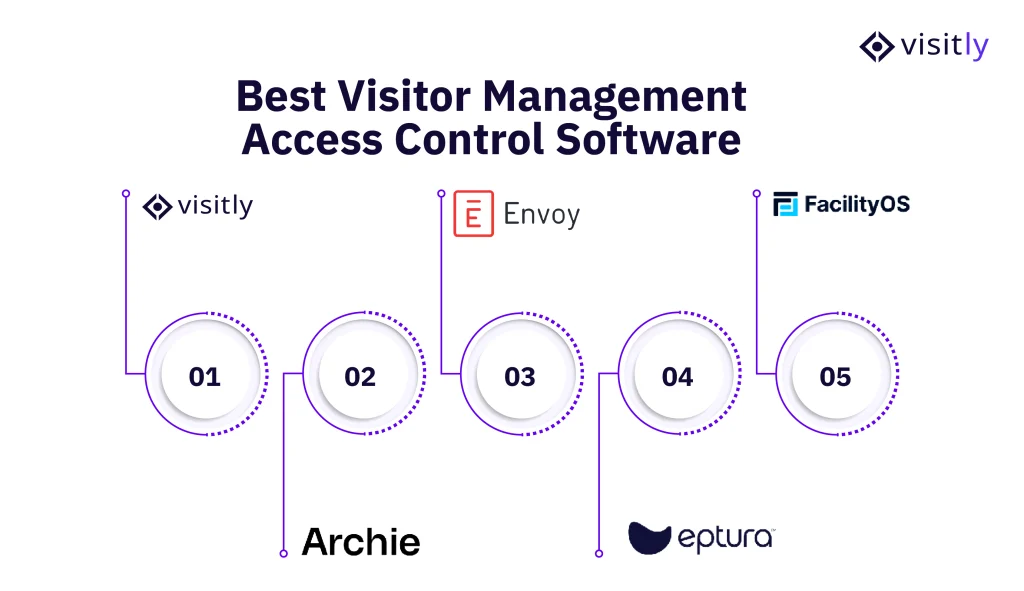
What are the 5 Best Visitor Management Access Control Software?
1. Visitly
2. Archie
3. Envoy
4. Eptura
5. FacilityOS
Not all visitor management systems offer the same level of access control. Some focus on workplace experience and desk booking, while others prioritize workplace security, compliance, identity verification, and integration with physical access control systems.
Choosing the right platform isn’t just about ticking feature boxes. It’s about finding a solution that fits your security posture, integrates with your existing stack, and scales as your business grows.
Here’s how the top five platforms stack up.
1. Visitly
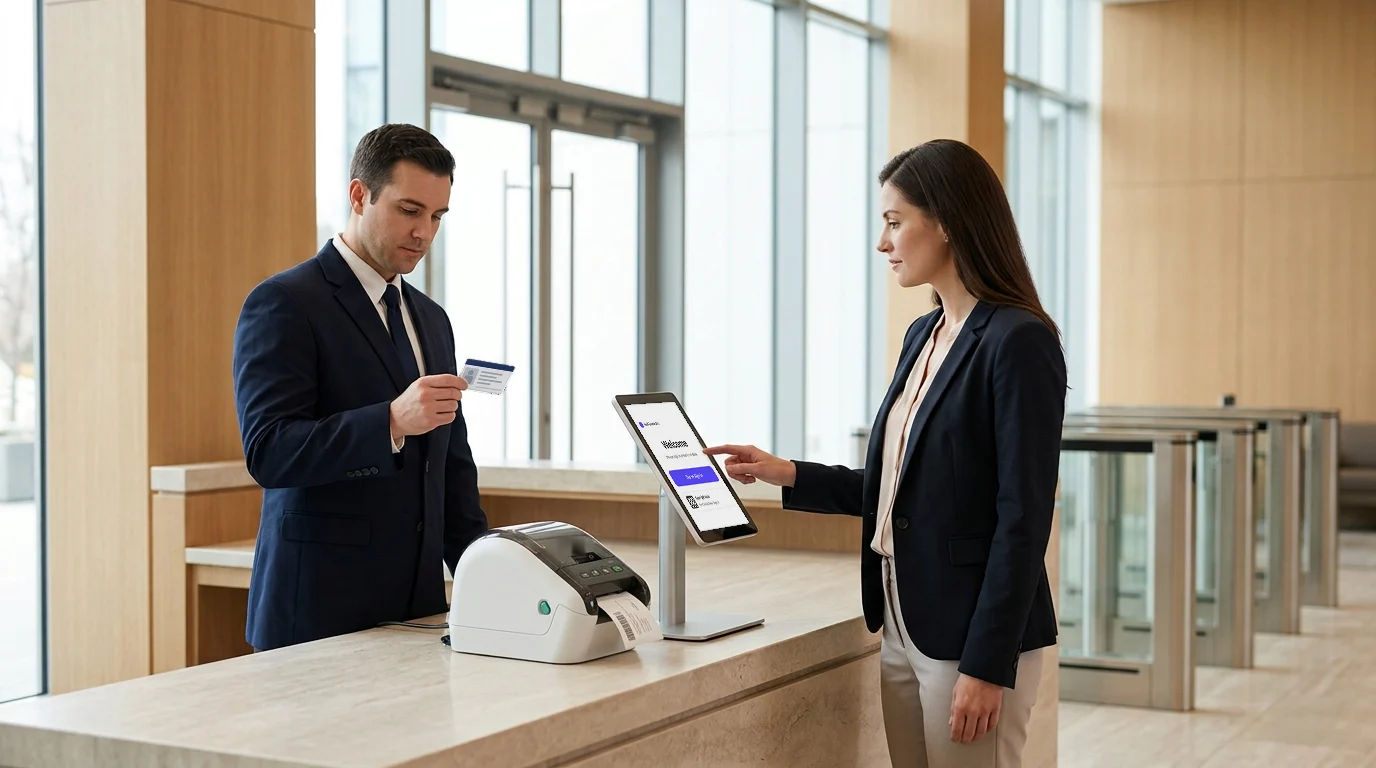
Visitly is a modern, iPad-based visitor management system designed for organizations that take security and compliance seriously.
Visitors can check in quickly and seamlessly, with no need to download an app. The process is managed entirely by your team, providing complete visibility and control from the moment someone enters the premises.
Overview
Visitly connects your front desk to your access control system and does not control doors itself. It handles visitors, contractors, and employees under one unified platform with customizable check-in flows, bulk visitor pre-registration, real-time host notifications, digital document signing, and ID scanning, all through a fully brandable iPad kiosk experience.
Access Control Features
This is where Visitly genuinely pulls ahead of the competition:
- Watchlist rules — Flag specific visitors or criteria and receive emergency notifications on rule violations
- Facial recognition — Facial recognition security helps identify repeat visitors instantly for faster, more secure sign-ins
- Offender check — Screen visitor IDs against the Sex Offender Registry in real time.
- Smart ID validation — Automatically extract ID details, and flag expired or invalid documents
- Off-business-hours access control — Define working hours and enforce access rules automatically outside them
- Facial recognition watchlist — Upload flagged individuals and get notified the moment a match is detected at sign-in
- Safelist overrides — Let trusted, recurring visitors bypass watchlist rules without manual intervention.
Access Control Strengths
- Facial recognition watchlists and safelists
- Smart ID validation and identity verification
- Registered offender screening
- Off-hours access control policies
- Visitor badge management
- Real-time visitor tracking
- Host notifications and approvals
- Complete visitor audit trails
Compliance Credentials
Visitly meets the most stringent global visitor management compliance standards:
- SOC 2 Type 2 Certified
- GDPR Compliant
- HIPAA Compliant, BAA signed at contract
- ISO 27001 Certified
Visitly now integrates seamlessly with Brivo Access, linking your visitor management system with your physical access control infrastructure. As soon a visitor completes check-in, Visitly automatically assigns a temporary door credential via Brivo. When they sign out, the credential is instantly and automatically revoked – no manual steps required.
Pricing
Visitly offers scalable plans designed to grow with your organization.
Standout Differentiator:
The combination of a facial recognition watchlist and safelist overrides gives security teams surgical precision, proactively blocking genuine workplace threats while ensuring trusted regulars, such as VIP clients and recurring contractors, move through without unnecessary friction.
2. Archie
Archie is a workspace and visitor management platform built around the needs of flexible, hybrid-first office environments. It combines visitor check-in with desk booking and room reservations into a single interface.
Overview
Archie integrates visitor flows with workspace scheduling, allowing hosts to manage room bookings and visitor registrations from a single platform. This makes it a practical solution for coworking operators and companies with shared office setups.
Access Control Features
- Visitor registration tied to desk and room bookings
- Real-time host notifications on visitor check-in
- Basic visitor log and reporting
Limitations
- No watchlist screening, ID validation, or offender check capabilities
- Access control depth is limited compared to security-focused platforms.
- Better suited to visitor experience management than frontline security enforcement
Best Suited For:
Coworking spaces, flexible offices, and hybrid-first organizations where workspace coordination takes priority over deep security controls.
3. Envoy
Envoy is one of the most recognized visitor management platforms globally, with a polished product and a strong enterprise pedigree.
Overview
Envoy offers a well-designed visitor experience with badge printing, document signing, delivery management, and a broad ecosystem of integrations. It’s especially strong for large enterprises with existing physical access control infrastructure.
Access Control Features
- Native integrations with Lenel, Honeywell, and CCURE access control hardware
- Visitor screening and watchlist capabilities
- Slack and Microsoft Teams notifications
- Badge printing with customizable formats
Limitations
- Advanced security and compliance features are locked behind higher-tier enterprise plans.
- It can be a significant investment for mid-sized businesses.
- Pricing may be inaccessible to growing organizations with limited IT budgets.
Best Suited For:
Large enterprises with existing physical access control hardware and the budget for a premium platform.
4. Eptura
Eptura is the result of a merger between iOFFICE and SpaceIQ, combining workplace management, asset tracking, and facilities operations in a single IWMS platform.
Overview
Visitor management in Eptura is one module within a much broader Integrated Workplace Management System. For teams that need to connect visitor check-ins with space utilization data, maintenance workflows, and asset management, Eptura offers a unified operational view.
Access Control Features
- Visitor check-in tied to space and resource management
- Basic audit logs and visitor records
- Space utilization and maintenance workflow integration
Limitations
- Visitor management is not Eptura’s core focus; the depth of its access control features lags behind dedicated VMS platforms.
- Not ideal for organizations whose primary requirement is frontline visitor security
Best Suited For:
Corporate real estate teams and facilities managers at large campuses who need visitor management embedded within a broader workplace operations strategy.
5. FacilityOS
FacilityOS offers VisitorOS, a dedicated visitor management module designed for enterprise-scale facilities with demanding compliance and security requirements.
Overview
VisitorOS integrates visitor management tightly into broader facilities workflows, making it a strong fit for government buildings, regulated industrial sites, and large commercial real estate operations where security and compliance are deeply intertwined.
Access Control Features
- Credential issuance and management
- Watchlist management and real-time alerts
- Detailed audit logs for regulatory compliance
Limitations
- Steeper implementation curve and longer onboarding compared to dedicated VMS platforms
- Requires more technical resources to deploy, which may not suit lean IT teams
- Less intuitive for front desk staff without dedicated training
Best Suited For:
Large facilities, government buildings, and compliance-heavy industries where visitor management must operate within a structured, enterprise-grade facilities management environment.
Comparing 5 Visitor Management Access Control Software
| Software | Visitor Screening | ID Verification | Watchlists and Restricted Visitor Checks | Access Control Integrations | Compliance and Audit Logs | Multi-Location Management | Best For |
|---|---|---|---|---|---|---|---|
| Visitly | Advanced | Smart ID Validation | Facial Recognition, Watchlists and Offender Checks | Microsoft Entra ID, Okta, Active Directory | SOC 2, GDPR, HIPAA, ISO 27001 | Yes | Security-conscious enterprises |
| Archie | Basic | Limited | No | Limited | Basic | Yes | Coworking and hybrid offices |
| Envoy | Yes | Limited | Limited | Lenel, Honeywell, CCURE | Yes | Yes | Large enterprises |
| Eptura | Basic | Limited | No | Limited | Yes | Yes | Corporate real estate teams |
| FacilityOS | Yes | Limited | Yes | Yes | Yes | Yes | Government and regulated industries |
How Does Visitor Management System Access Control Help With Compliance and Audits?
Most organizations don’t think about their visitor logs until an auditor asks for them. By then, scrambling through paper records or disconnected spreadsheets is already a problem.
A visitor’s log monitoring system with built-in access control doesn’t just make check-ins smoother; it quietly builds the compliance foundation your organization needs, every single day.
Why Compliance Teams Care About Visitor Logs
Regulatory frameworks like GDPR, HIPAA, and ISO 27001 don’t just govern your digital data; they also extend to your physical premises.
Compliance teams need to demonstrate that access to sensitive areas was controlled, documented, and auditable at all times. A robust digital visitor management system and access control system make that possible without the manual overhead.
Here’s what regulators and auditors typically look for:
- A complete, timestamped record of every person who entered your facility
- Evidence that visitor identity was verified at the point of entry
- Proof that NDAs, consent forms, or policy agreements were signed and stored
- Documented procedures for restricting access outside of business hours
- Clear data retention and deletion policies that align with privacy regulations
How to Choose the Right Visitor Management Access Control System for Your Organization
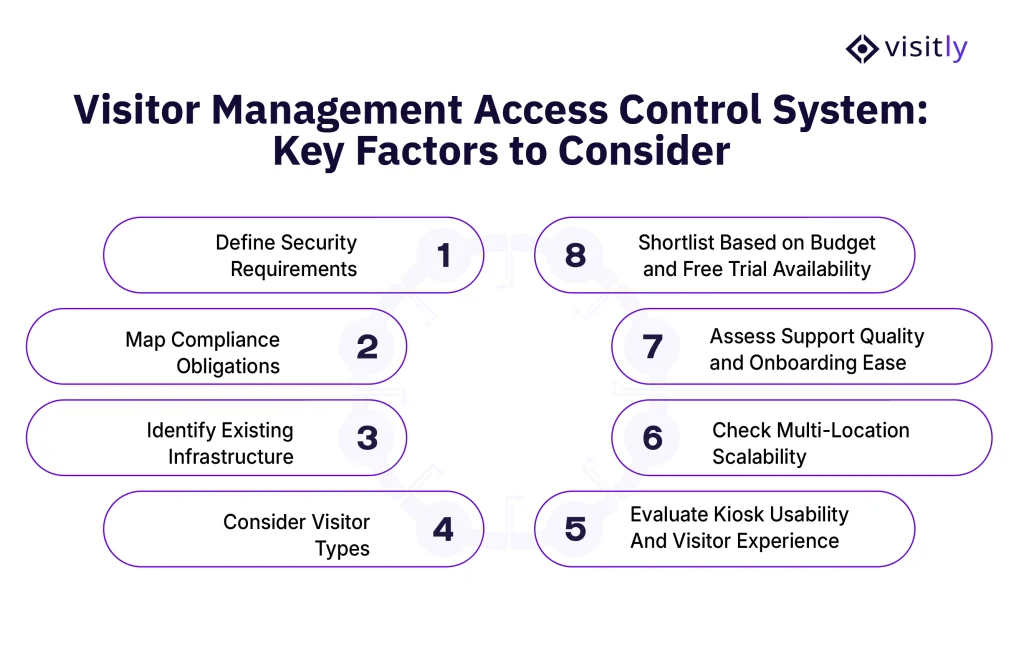
- Define your security requirements.
- Map your compliance obligations.
- Identify your existing infrastructure.
- Consider your visitor types.
- Evaluate kiosk usability and visitor experience.
- Check multi-location scalability
- Assess support quality and onboarding ease.
- Shortlist based on budget and free trial availability
With so many platforms on the market, the real challenge isn’t finding an electronic sign-in system; it’s finding the right one for your specific environment. The wrong choice means paying for features you don’t need, missing ones you do, and dealing with an integration headache you didn’t see coming.
Here’s a practical framework to help you evaluate your options and choose an automated visitor management system with clarity.
1. Define Your Security Requirements
Start here. Before you look at any platform, get specific about what your security team actually needs on the ground.
Ask yourself:
- Do you need watchlist screening to flag high-risk individuals at entry?
- Are ID scanning and smart validation requirements at your facility?
- Does your environment warrant facial recognition for repeat visitor identification?
- Do you need offender screening or after-hours access enforcement?
2. Map Your Compliance Obligations
Your industry dictates your compliance requirements, and your VMS integrations must align with them.
Before shortlisting any platform, confirm it holds the certifications relevant to your sector:
- GDPR — If you operate in or serve the EU or UK
- HIPAA — If you manage any health-related visitor data
- ISO 27001 — If information security governance is part of your audit requirements
- SOC 2 Type 2 — If enterprise clients or procurement teams will scrutinize your vendor stack
3. Identify Your Existing Infrastructure
A touchless visitor management system that doesn’t talk to your existing tools creates more work, not less.
Before evaluating platforms, map out what you’re already running:
- SSO providers — Microsoft Entra ID, Okta, OneLogin, Google Workspace?
- Staff directory — Active Directory or SCIM-based directory sync?
- Communication tools — Slack, Microsoft Teams, Google Chat, Webex?
- Physical access control hardware — Existing door access systems that need integration?
4. Consider Your Visitor Types
Not all visitors are the same, and your system should reflect that.
Think about the different categories of people entering your facility:
- Clients and guests who need a smooth, professional check-in experience
- Contractors and vendors who require NDA signing and compliance documentation
- Temporary staff who need time-bound access with automatic sign-out
- Employee check-in system across multiple locations or shifts
5. Evaluate Kiosk Usability and Visitor Experience
Your visitors are the end users of this system, too. A clunky, confusing iPad kiosk app reflects poorly on your brand and slows down your front desk.
Look for:
- A clean, intuitive iPad visitor sign-in interface that requires no technical knowledge to use
- Contactless technology and QR-code check-in options for faster entry
- No app download requirement for visitors, frictionless from the first step
- Multilingual support if you regularly host international visitors
6. Check Multi-Location Scalability
If your organization operates across multiple offices, buildings, or campuses, single-location thinking will hold you back.
Make sure your chosen platform can:
- Manage multiple locations from a single centralized admin dashboard.
- Customize security check-in system flows, branding, and access rules per location.
- Consolidate reporting and visitor registration systems across all sites into a single view.
- Scale up without requiring a completely new setup for each new location.
7. Assess Support Quality and Onboarding Ease
Even the best visitor management software creates friction if your team can’t get up and running quickly.
Before committing, evaluate:
- What onboarding support does the vendor provide?
- Is there 24/5 or round-the-clock customer support available?
- How steep is the learning curve for front desk staff and administrators?
- Are there self-serve resources like a help center, knowledge base, or setup guides?
8. Shortlist Based on Budget and Free Trial Availability
Finally, align your shortlist with your budget, but don’t let price alone drive the decision. A cheaper platform that requires expensive customization or misses key compliance features will cost more in the long run.
Look for:
- Transparent, scalable pricing that grows with your organization
- A free trial that lets your team test the platform in your real environment before committing
- Clear feature tiers so you know exactly what you’re getting at each plan level.

Closing Thoughts
The right visitor management access control solution depends on your organization’s security requirements, compliance obligations, visitor volume, and operational complexity. While all five platforms in this comparison offer valuable capabilities, some focus on workplace management, others on facilities operations, and others on enterprise integrations.
For organizations that need a balance of security, compliance, visitor experience, and scalability, Visitly stands out as a strong choice. Features such as facial recognition watchlists, offender screening, smart ID validation, multi-location management, and compliance support for SOC 2 Type 2, GDPR, HIPAA, and ISO 27001 help organizations maintain control without creating friction for visitors.
Talk to sales today and see how modern visitor management can improve security, compliance, and workplace operations without requiring visitors to download an app.
FAQs
What is visitor management access control software?
Visitor management access control software checks a visitor's identity at arrival and decides what that visitor may enter. It combines check-in, ID screening, watchlist checks, host approval and badge printing with a link to the building's access control system, so a temporary credential can be issued for the visit and withdrawn at sign-out. Every step is logged.
How does a visitor management system work with an access control system?
The two systems split the job: the visitor management system decides whether a visitor is approved, and the access control system opens the doors. When a visitor completes check-in, the integration passes the approval to the access control platform, which can issue a time-limited credential. A visitor management system does not replace door hardware or controllers.
What features should you look for in a visitor management access control system?
Start with the integration itself: confirm the vendor supports the access control platform your sites run. Then check for photo ID verification, watchlist screening, host approval, badges that show authorized areas and expiry, a searchable audit log, and one admin console for every location. Ask which plan each feature sits in before comparing prices.
Which access control systems does Visitly integrate with?
Visitly integrates with Genetec Security Center, Brivo, LenelS2 Netbox, Kisi and C CURE 9000. When a visitor checks in, the access control system can be notified, so there is no separate manual badge process. Visitly also connects to identity providers such as Okta and Microsoft Entra ID for single sign-on and directory sync.
How much does visitor management access control software cost?
List prices cover the visitor platform, and access control integration often sits in a higher tier. Visitly is $1,000 or $2,000 per location per year. Our team can show you how its access control integrations work at your sites. Envoy Premium is $362 per location per month billed annually, and its access control integration is in Enterprise. Prices as of Q4 2026.
How does visitor management access control software help with compliance audits?
It gives auditors a timestamped record of who entered, whose identity was verified, who approved the visit and which documents were signed. Frameworks such as SOC 2 and ISO 27001 include physical access controls, and auditors commonly ask for visitor records as evidence. Retention periods should follow your privacy obligations, which your compliance lead sets.